Tutorials
57 tutorials, each a few steps with a picture of every step. The workflows take a study across several structures. The others each cover one task, from building a structure to exporting the result.
Getting around
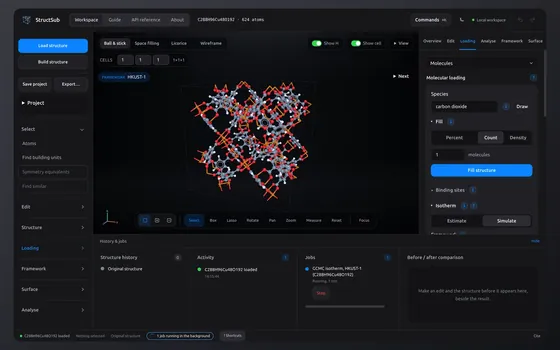
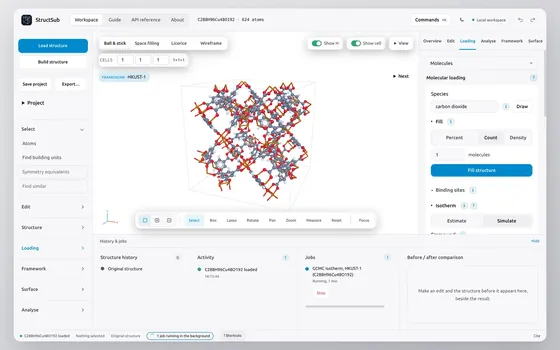
The window: how a structure is drawn, what to do next and finding any command.
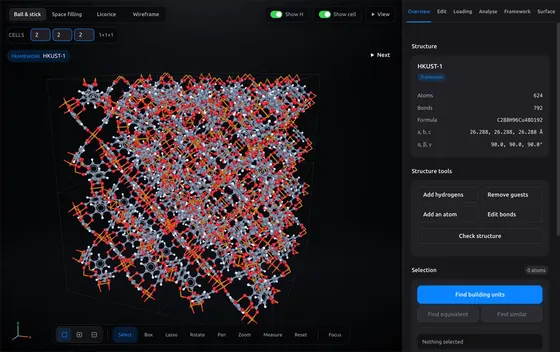
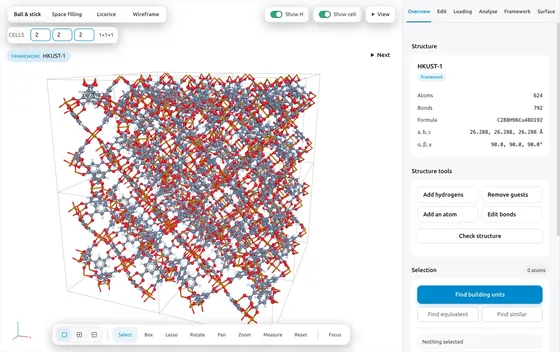
Ways to draw a structure
HKUST-1 four ways: atoms and bonds, filled space, coordination polyhedra and several cells.
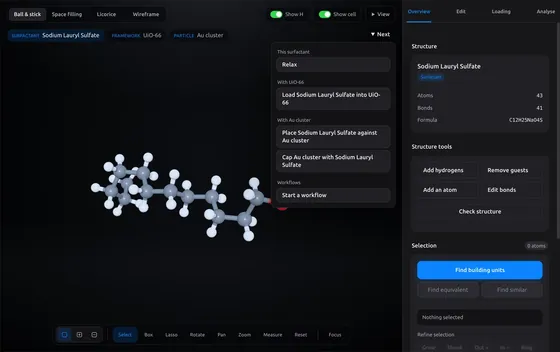
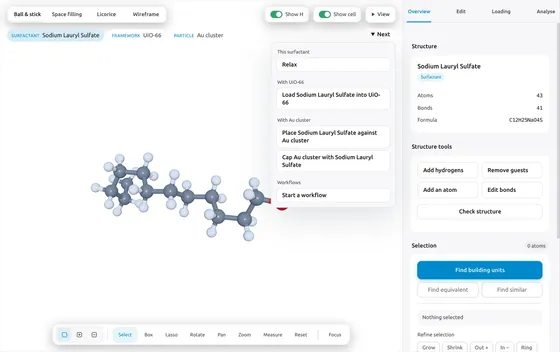
What to do next
Every structure in the window, what each can do alone and what two can do together.
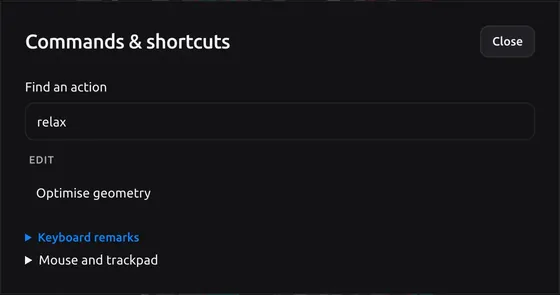
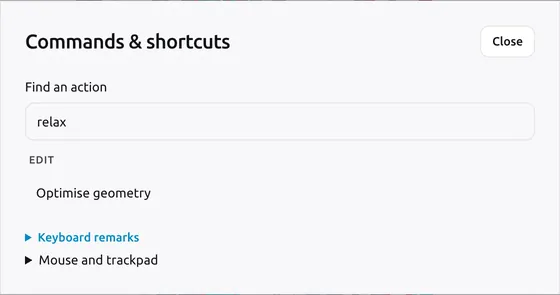
Find any command
Every action in the workspace, with its keys, from one search box.
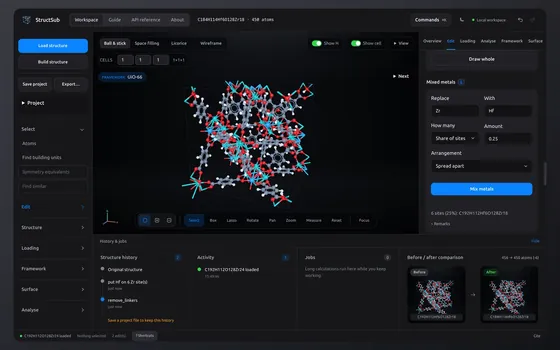
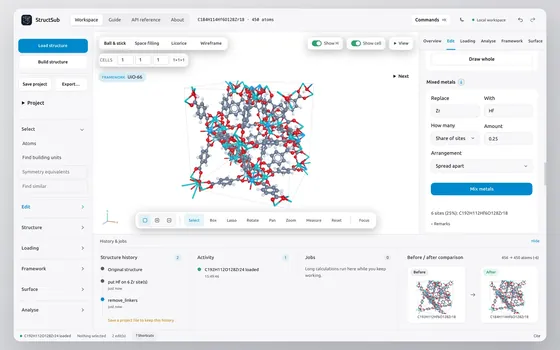
Undo, redo and the history of edits
Every change is a step you can go back to, listed with what it did.
Workflows
Studies that run across several structures, each step opened for you.
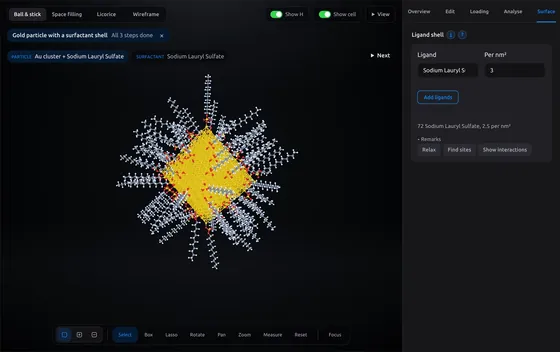
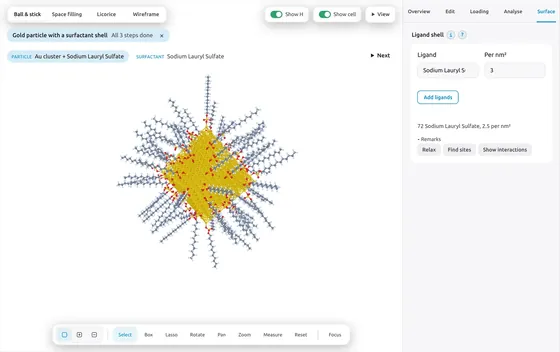
Cap a gold particle with a surfactant
A 3 nm gold particle with a shell of sodium dodecyl sulfate (SDS), from nothing, in three steps.
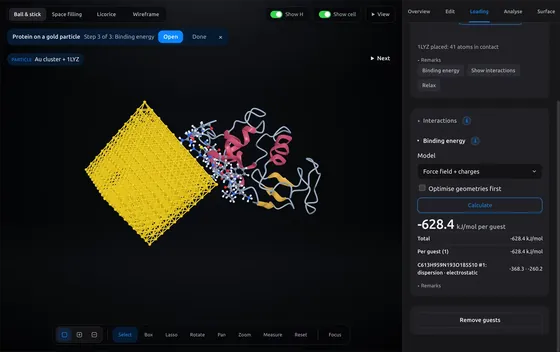
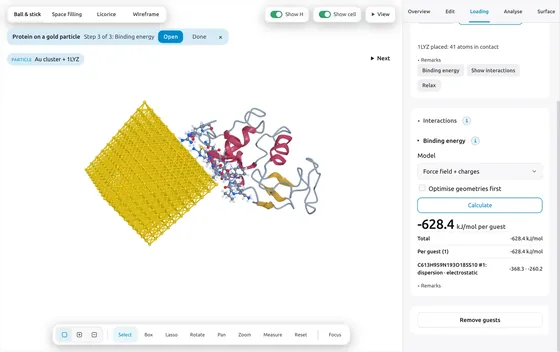
Place a protein on a gold particle
Lysozyme from the Protein Data Bank set against a 3 nm gold particle, then its binding energy.
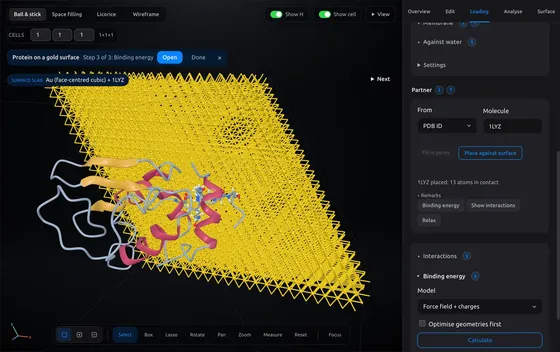
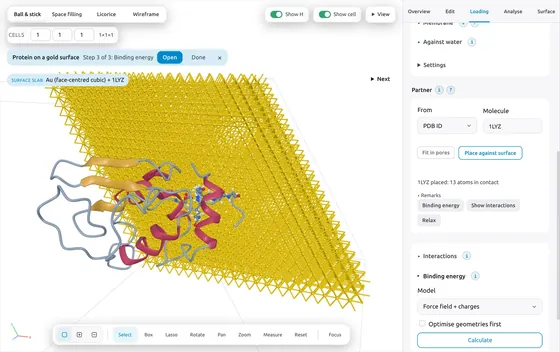
Place a protein on a gold surface
The same on a flat Au(111) surface, wide enough for lysozyme.
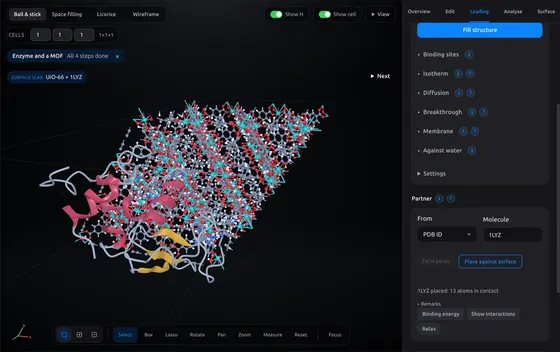
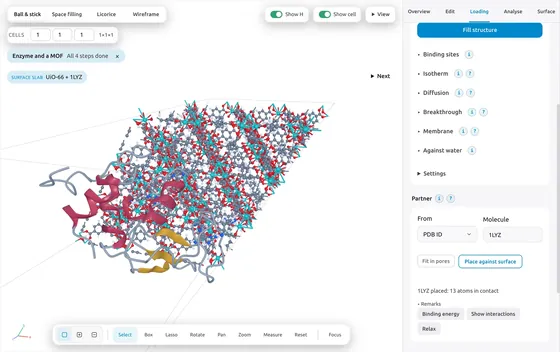
An enzyme and a MOF
Does lysozyme fit inside UiO-66? If not, put it on the framework’s outer surface.
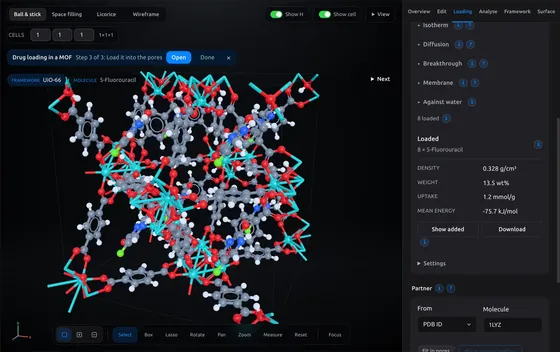
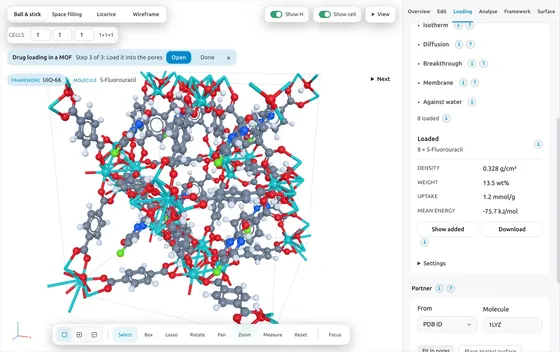
Load a drug into a MOF
5-Fluorouracil, an anticancer drug, in the pores of UiO-66. The tutorial uses it because it fits the framework’s cages; ibuprofen reaches them but is too long to fit, and the fill says so.
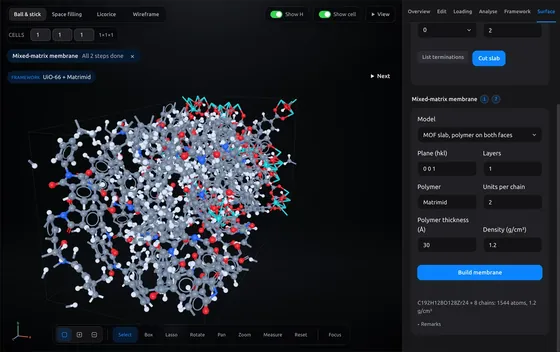
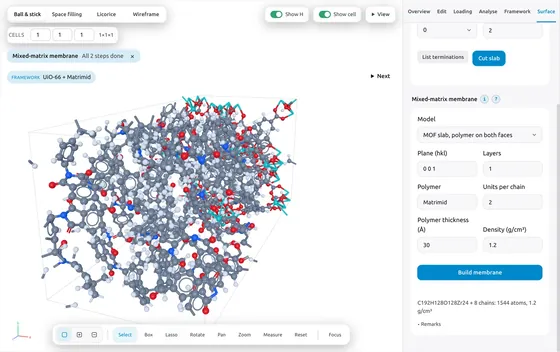
Build a mixed-matrix membrane
UiO-66 in Matrimid, the starting model for what happens where polymer meets MOF.
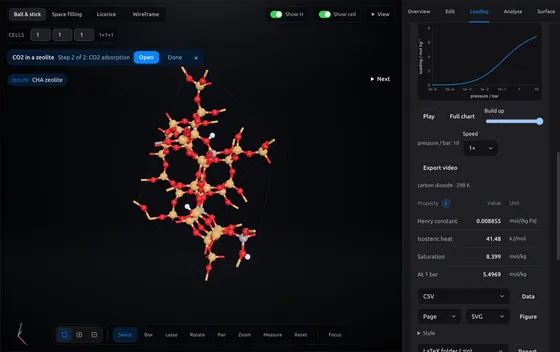
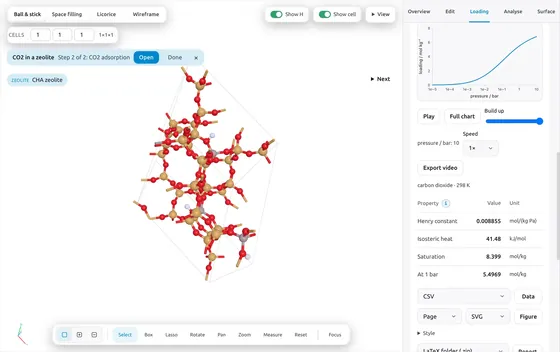
CO2 in a zeolite
An adsorption isotherm of CO2 in the acid form of SSZ-13 (chabazite).
How a workflow runs
Open Workflows on the empty window, or Next → Start a workflow once something is open, and choose a study. Try it on a workflow tutorial does the same.
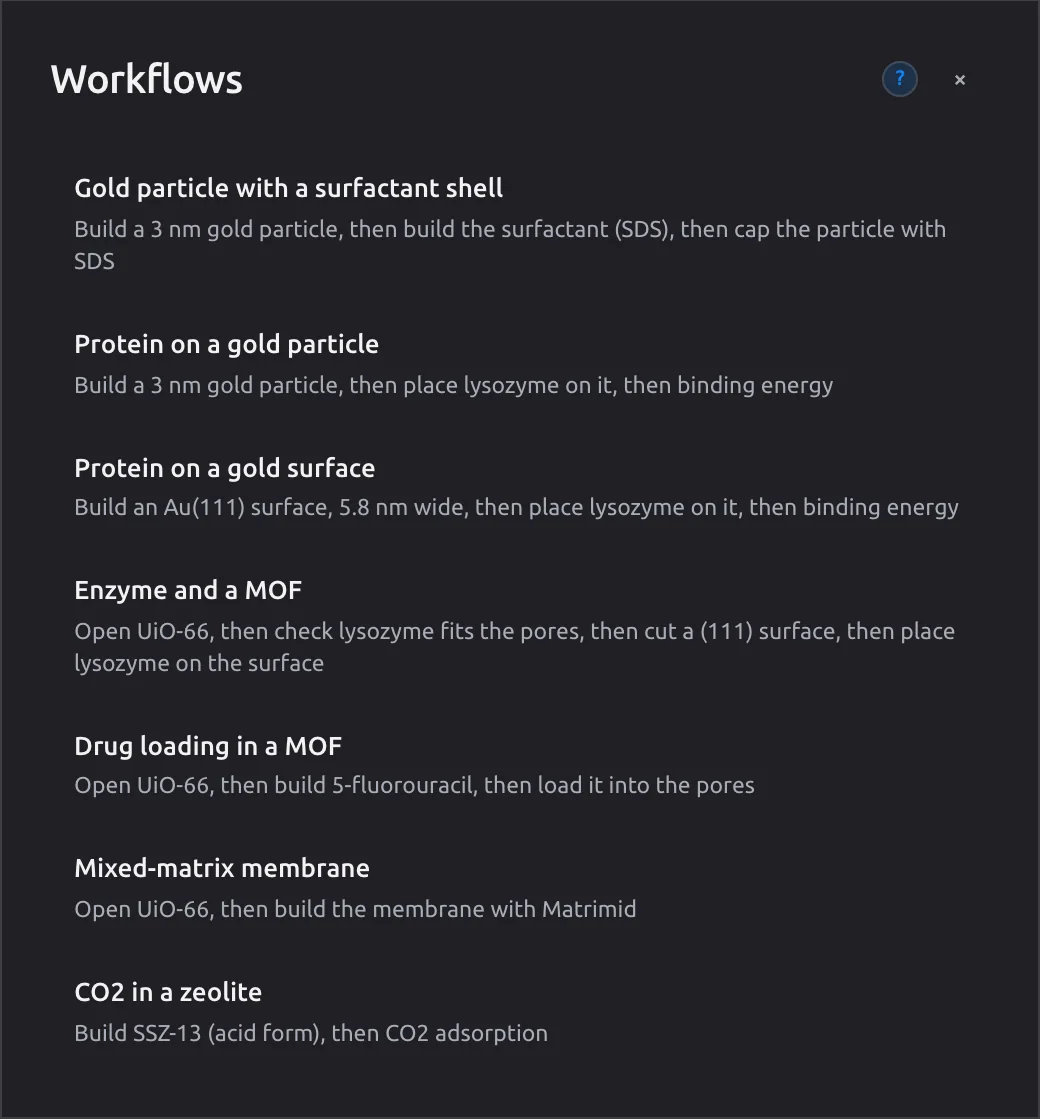
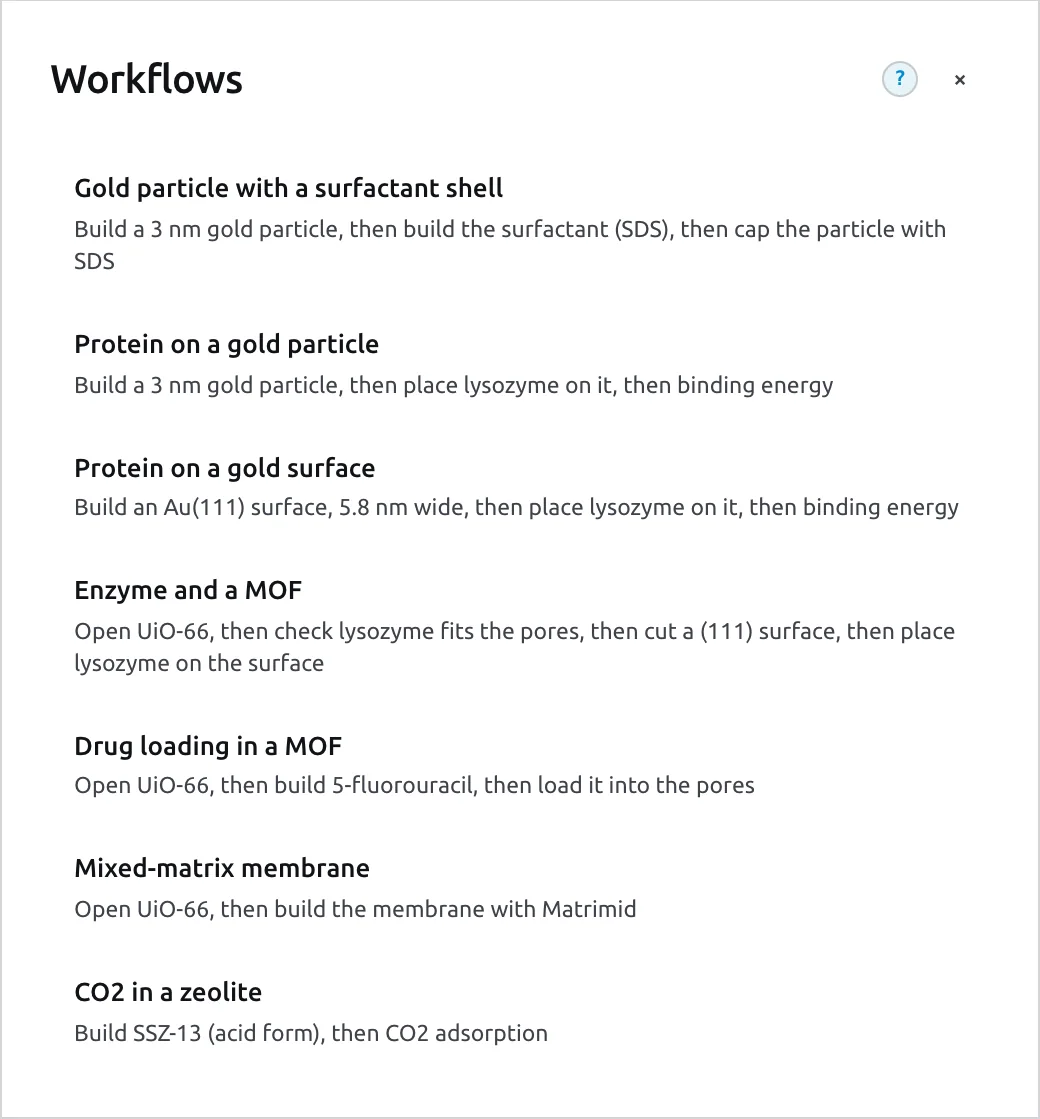
The current step shows in a bar above the structures. Each step opens the card that does it, filled in; nothing runs until you press that card’s own button. When the result appears, the next step opens by itself.
A step with nothing to see, such as a fit check, has a Done button in the bar. Open brings the current step back if you went elsewhere, and × closes the workflow. Change any field before you press a button: the examples are starting points.
Build
Every kind of structure StructSub makes, from a name, a formula or a file.
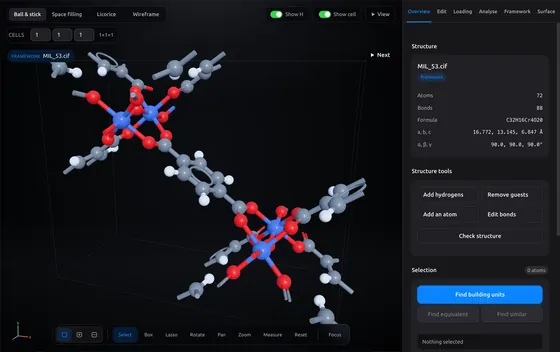
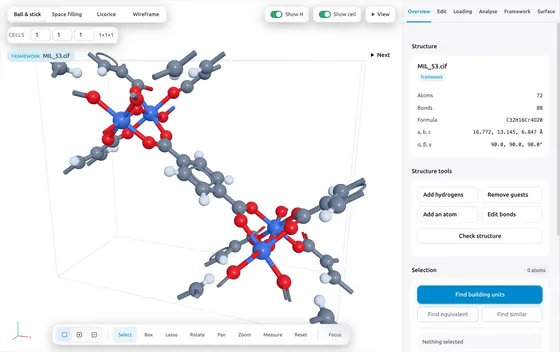
Open a structure file
Start from a file you already have: a CIF from a paper or a database, an XYZ from a calculation, a PDB entry.
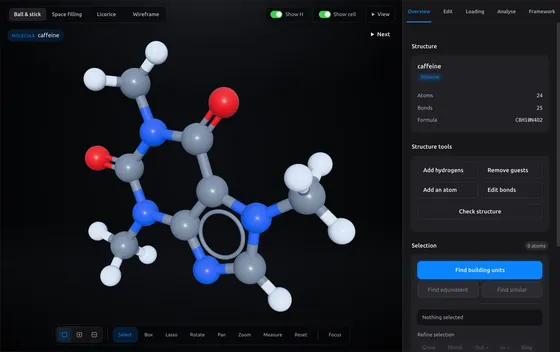
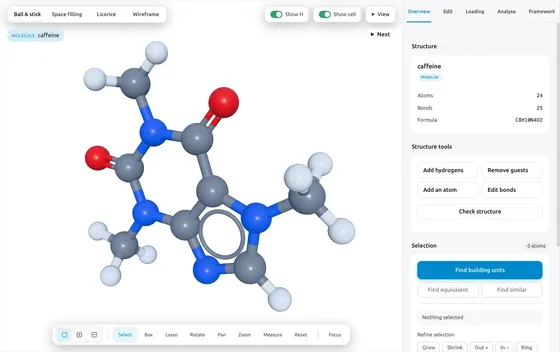
Build a molecule from its name
No file? Type what you want. A name, a trade name, a formula, a CAS number or SMILES all work.
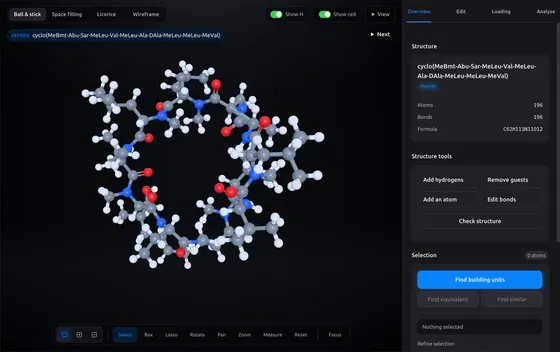
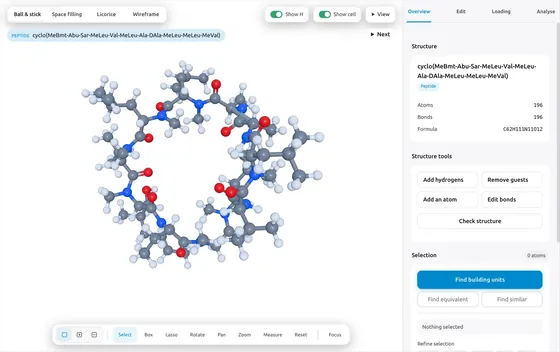
Build a peptide, cyclic or modified
Cyclosporin A: eleven residues, seven of them N-methylated, one a D-amino acid, closed into a ring.
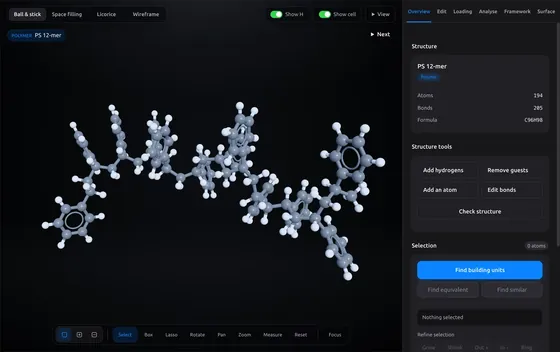
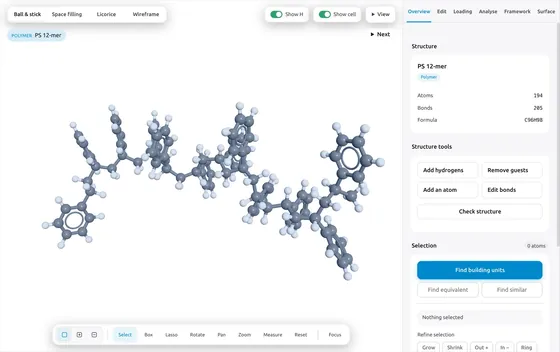
Build a polymer chain or an amorphous cell
Polystyrene from its catalogue name: a single chain, a periodic chain or chains packed into a cell at a density.
Build a crystal from a formula
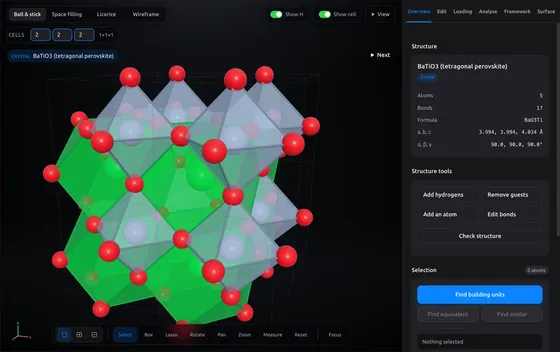
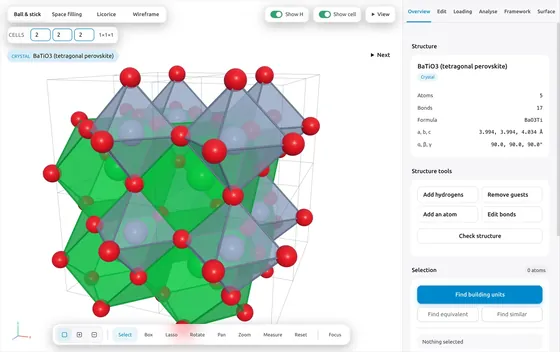
Barium titanate from BaTiO3: matched to a known structure type, with the cell estimated from ionic radii.
Graphene and other 2D sheets
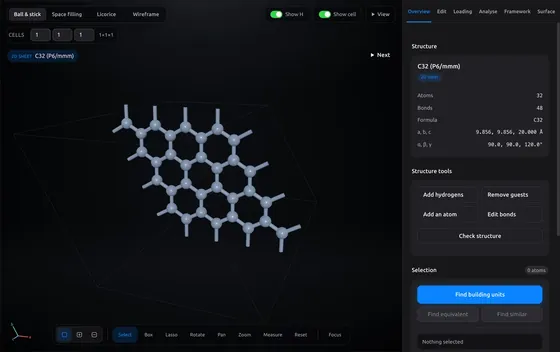
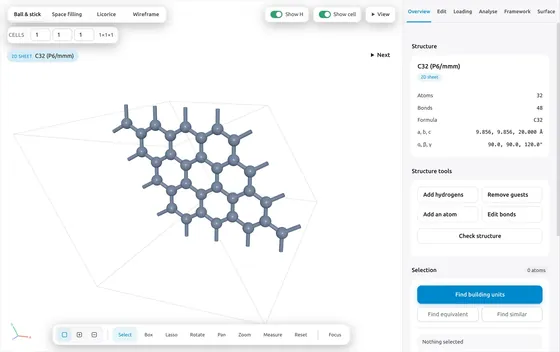
A graphene monolayer from the crystal presets, periodic in its plane only.
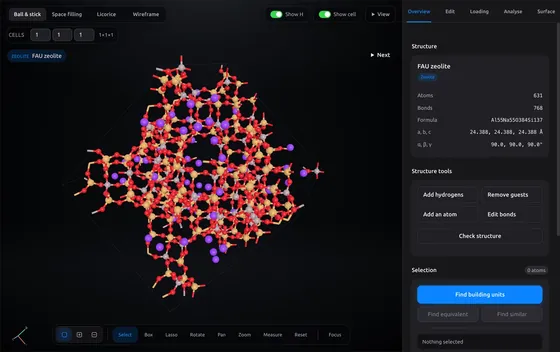
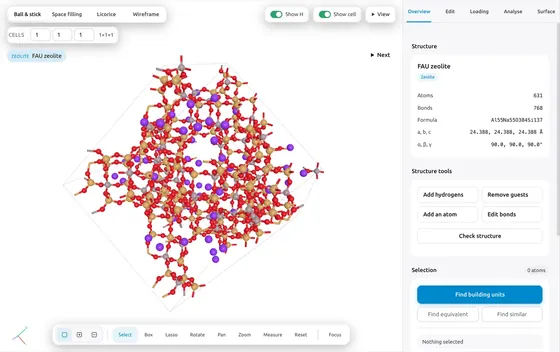
A zeolite with aluminium and cations
Faujasite with one aluminium for every 2.5 silicon atoms, balanced by sodium.
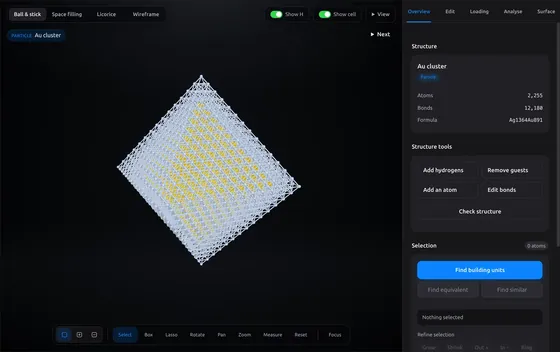
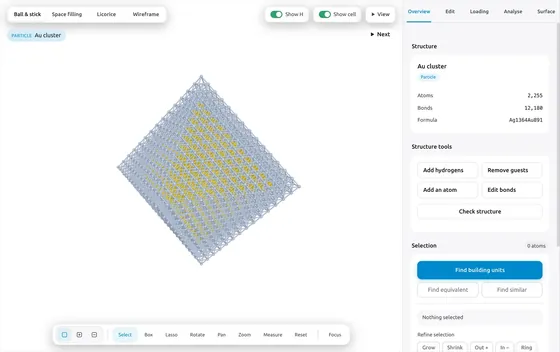
A core-shell nanoparticle
A gold octahedron with a silver shell: shape, size and form chosen in boxes.
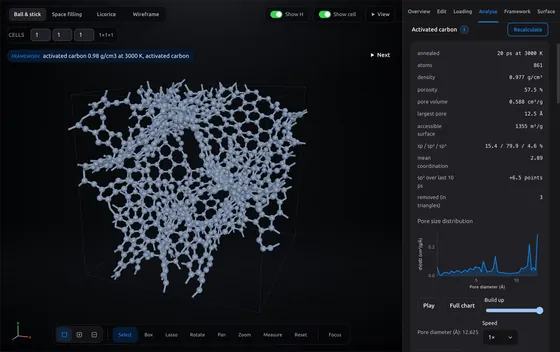
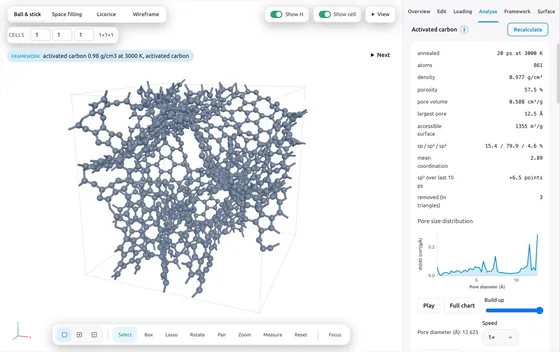
An activated carbon model
A carbon annealed by molecular dynamics at the density you choose, with the surface groups your sample has.
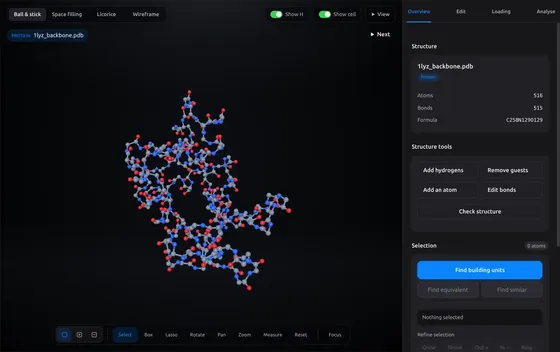
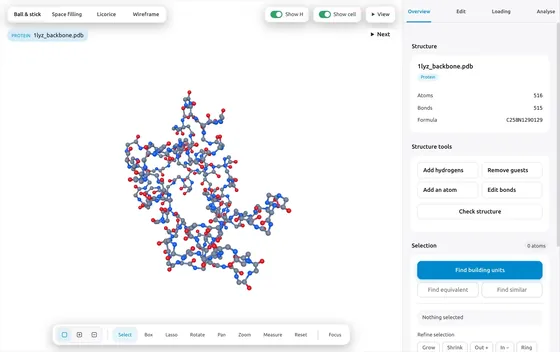
Open a protein
A protein file drawn as its fold, with the residue under the pointer named.
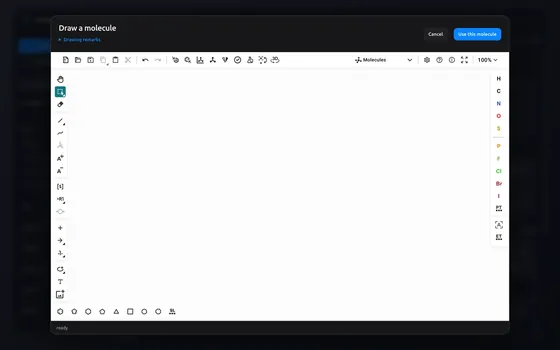
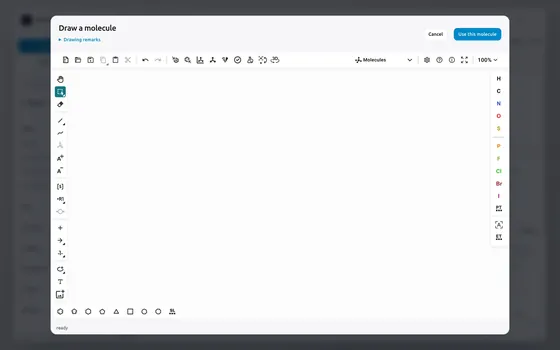
Draw a molecule
Sketch a structure in 2D and get it back in 3D.
Frameworks
MOFs and COFs from their building units, and layers stacked to match a pattern.
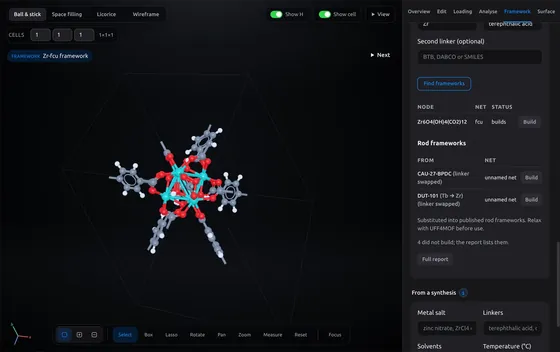
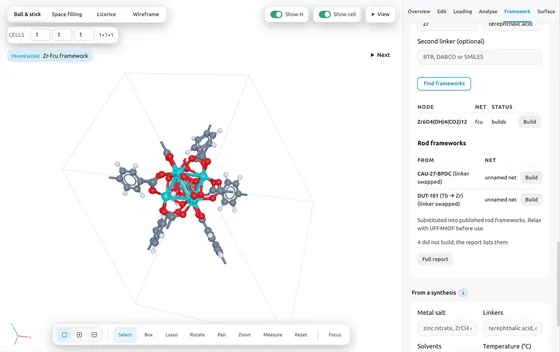
A MOF from a metal and a linker
Name a metal and a linker; StructSub finds the frameworks they have formed before and builds them.
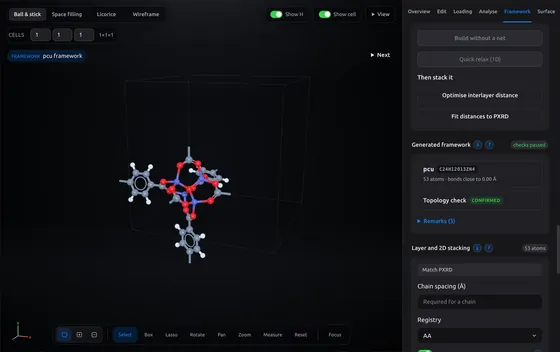
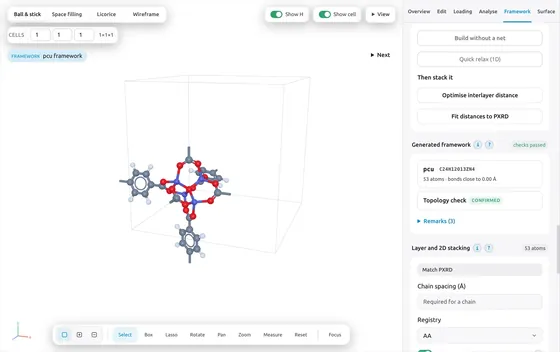
Design a MOF from its building units
MOF-5 from scratch: a Zn4O node from the library, terephthalic acid as SMILES, and the nets they fit.
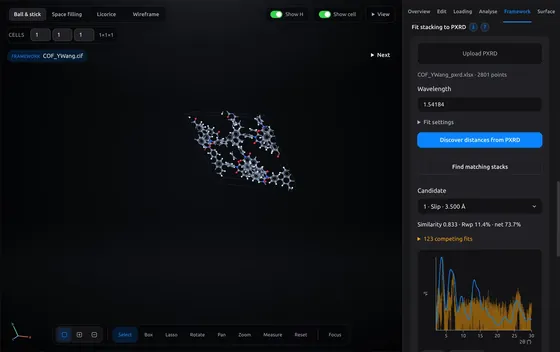
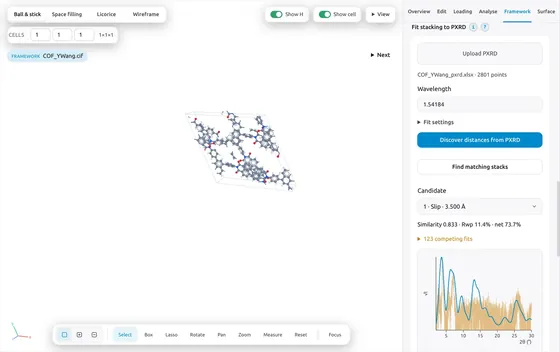
Stack COF layers to match a powder pattern
A two-dimensional COF: one layer taken out, stacked again and the stacking fitted to the measured pattern.
Build on a net you name
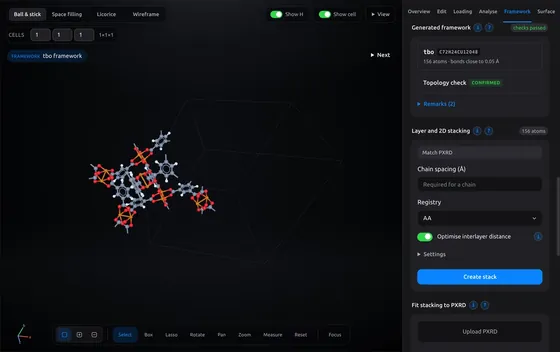
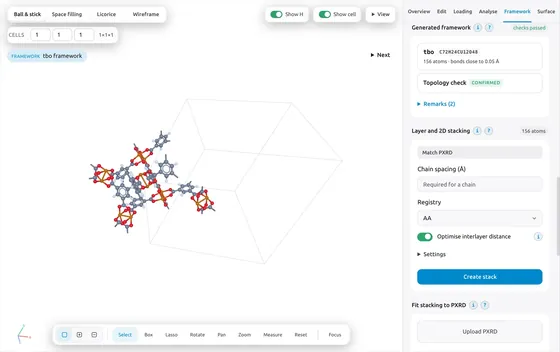
HKUST-1 from a copper paddlewheel and trimesic acid on the tbo net, without the ranking.
Predict what a synthesis makes
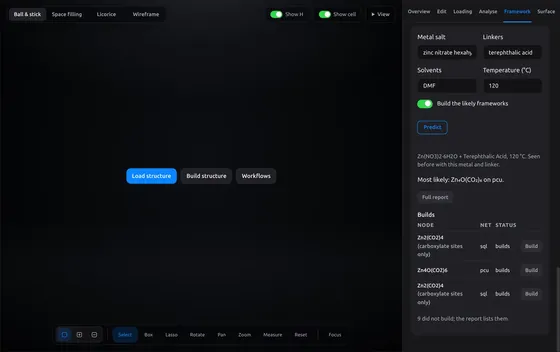
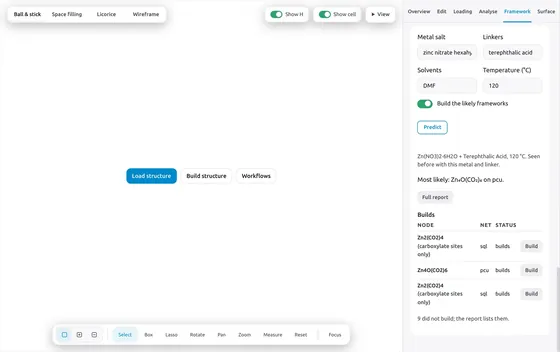
Zinc nitrate, terephthalic acid and DMF at 120 °C: the frameworks recorded from that kind of synthesis.
Edit
Change a structure: dope it, add groups, mix linkers, remove them and optimise.
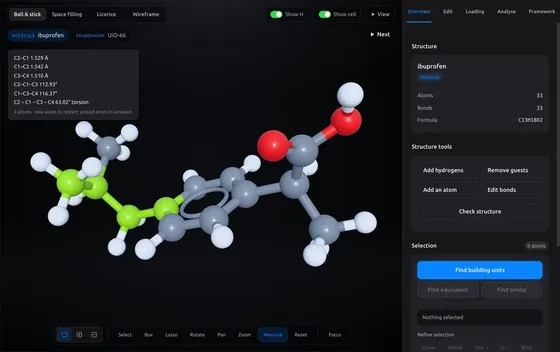
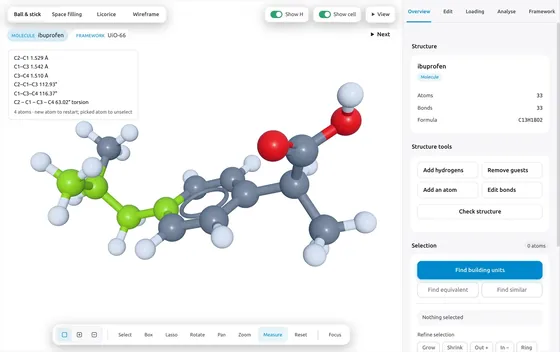
Select atoms and measure
Pick whole building units at once, or single atoms, and read distances, angles and torsions.
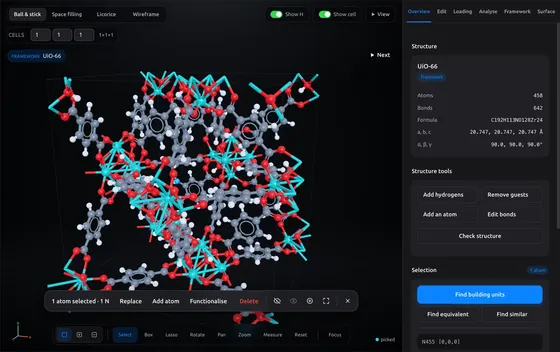
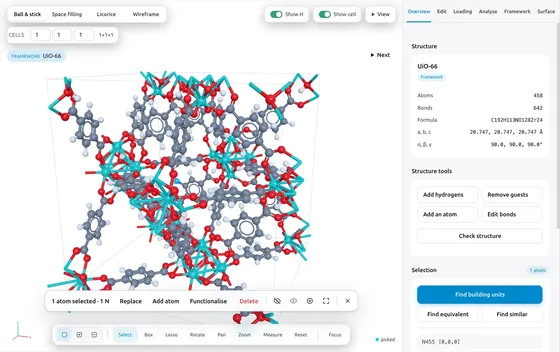
Add a functional group
An amine on one ring of UiO-66, chosen by clicking the atom it replaces.
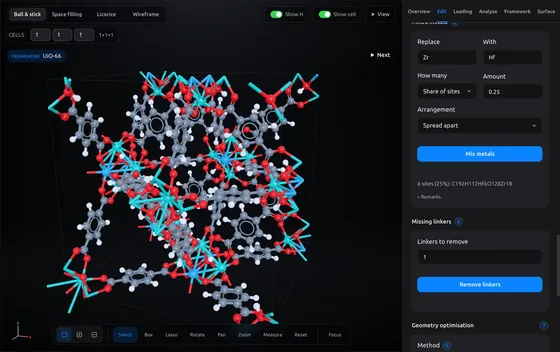
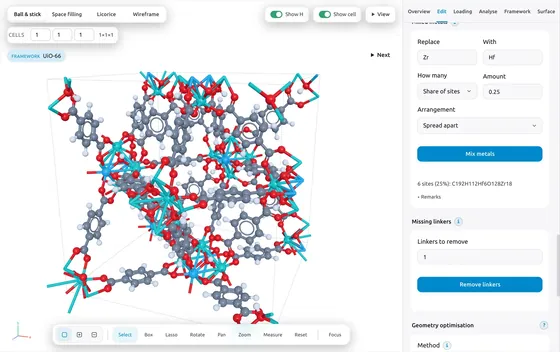
Dope a framework with a second metal
A quarter of the zirconium in UiO-66 replaced by hafnium, spread as evenly as the cell allows.
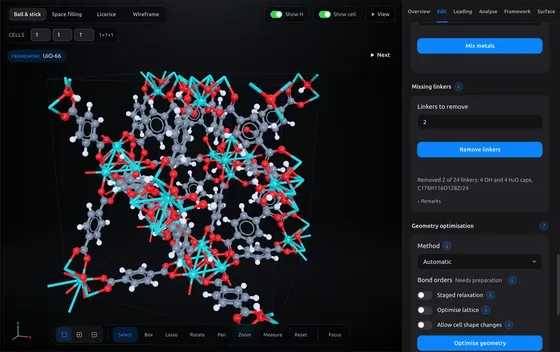
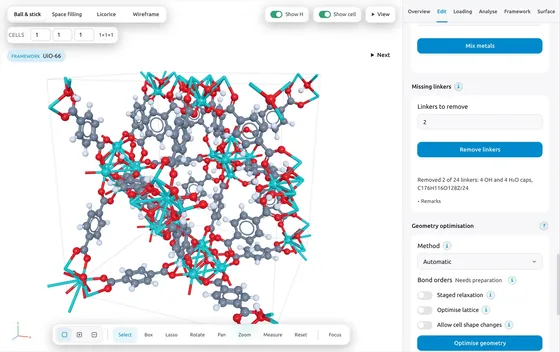
Missing-linker defects
Two linkers taken out of UiO-66 and the metal sites they leave capped, as in a real defective sample.
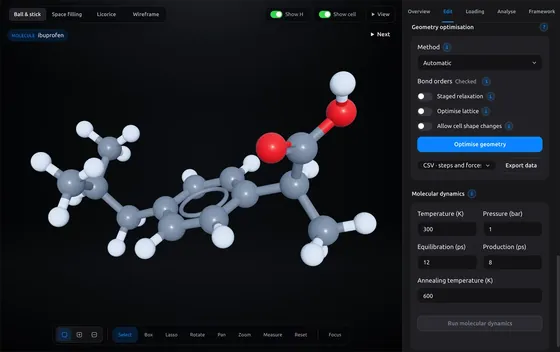
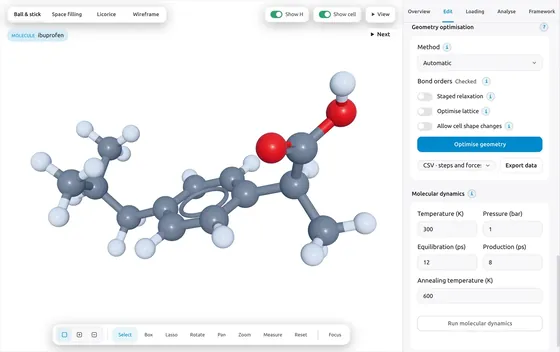
Optimise a geometry
Relax a structure with a force field or a machine-learned potential, and read whether it converged.
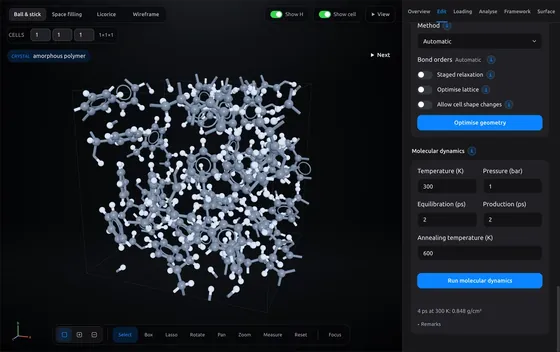
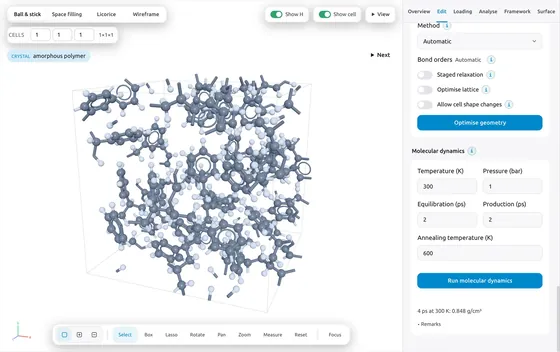
Equilibrate an amorphous polymer
Polystyrene chains packed into a cell, then annealed and equilibrated by molecular dynamics.
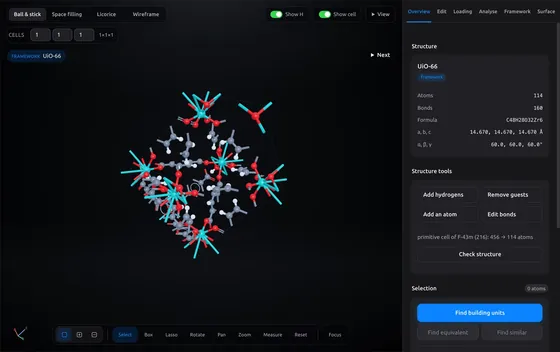
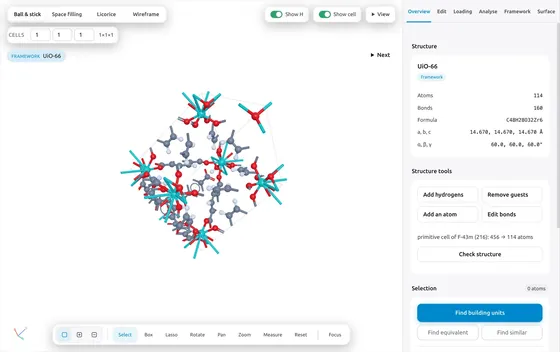
Reduce to the primitive cell
UiO-66 from its 456-atom conventional cell to the 114-atom primitive one, for a cheaper calculation.
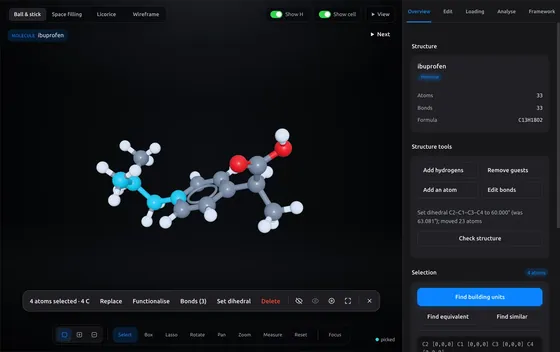
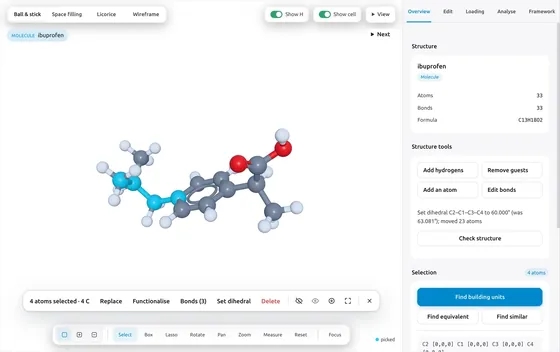
Set a dihedral, a bond order or a bond
Turn part of ibuprofen about a bond to the angle you type, and change what a bond is.
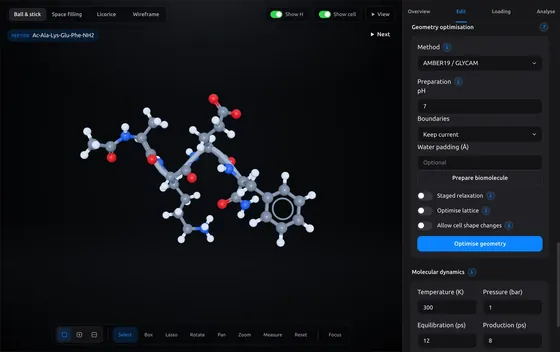
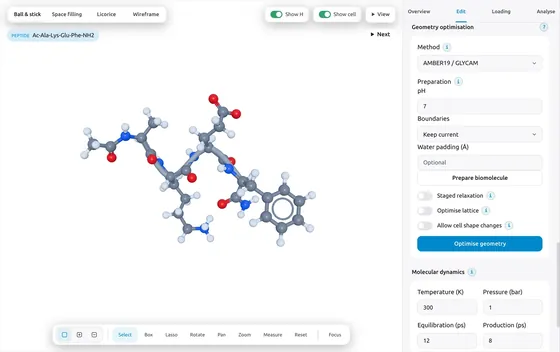
Prepare a peptide or protein for simulation
Protonation at pH 7 and the AMBER force field, with water around it if you want it.
Loading and adsorption
Molecules and ions in pores: where they sit, how much goes in and how fast it moves.
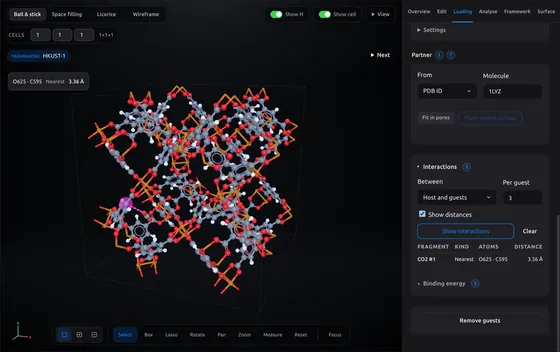
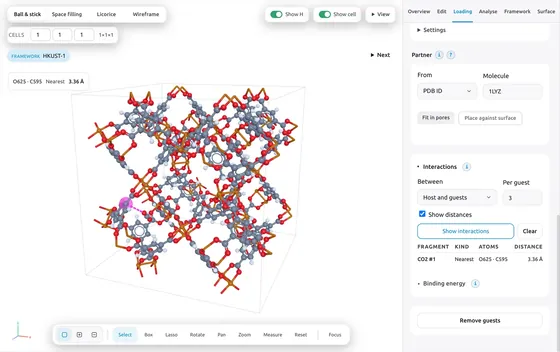
Where a molecule binds, and how strongly
The strongest sites for CO2 in HKUST-1, then the contacts that hold it and its binding energy.
Simulate a gas mixture isotherm
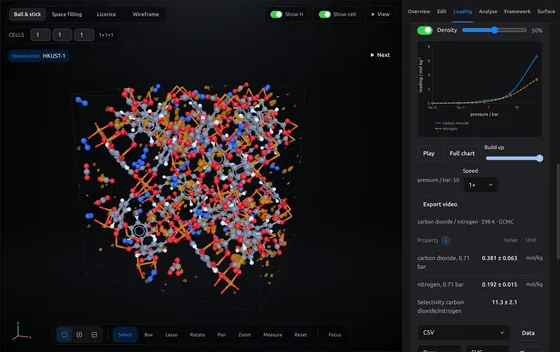
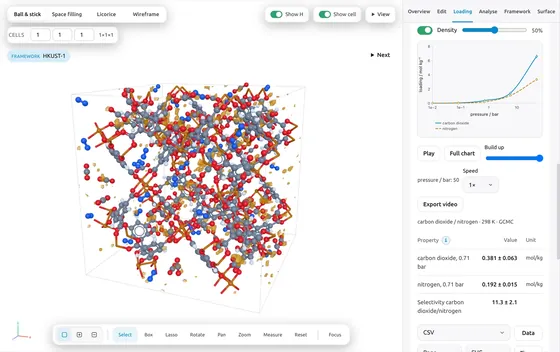
CO2 and N2 in HKUST-1 by grand canonical Monte Carlo: uptake of each gas and the selectivity.
How fast a gas moves through the pores
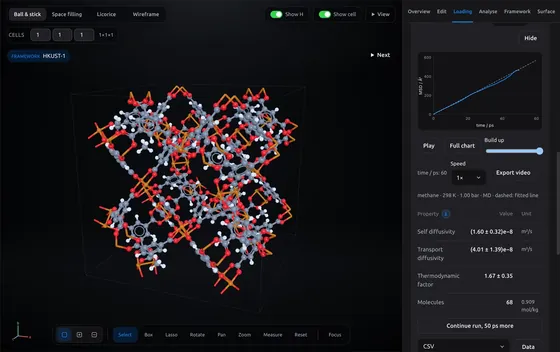
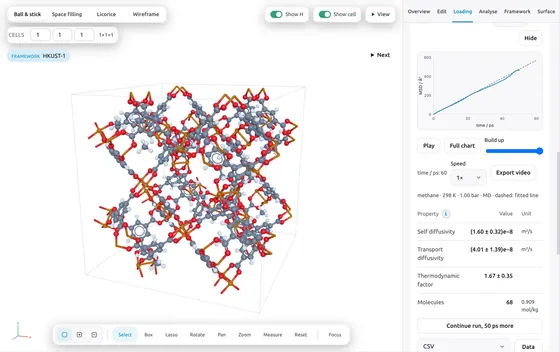
Methane self-diffusion in HKUST-1 by molecular dynamics at the loading a pressure gives.
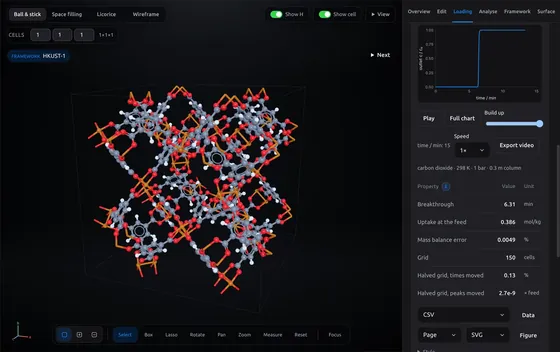
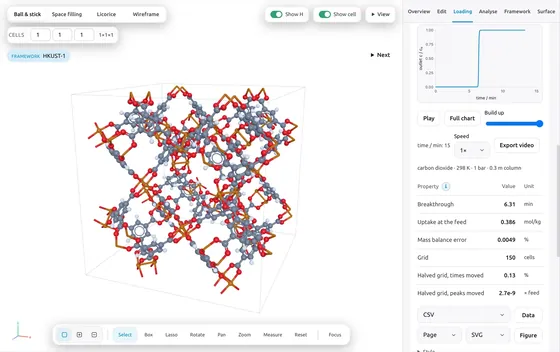
A breakthrough curve
A CO2 and N2 feed through a packed column of HKUST-1: when each gas comes out.
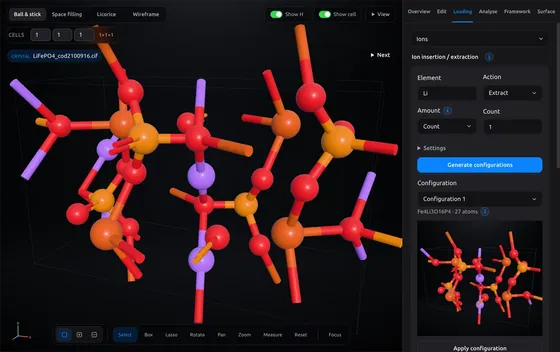
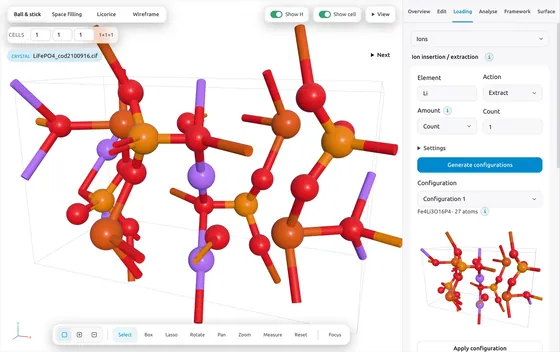
Insert or extract mobile ions
Lithium taken out of LiFePO4: which configurations are lowest in energy.
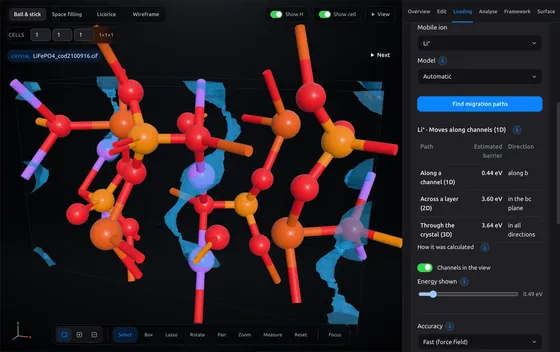
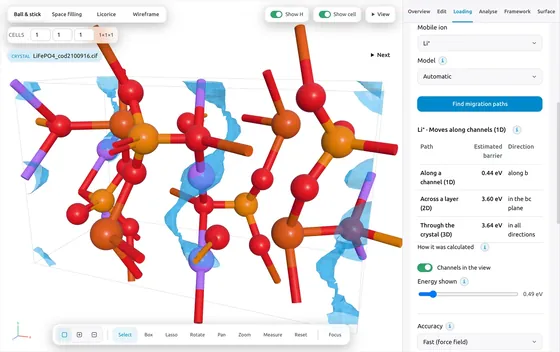
Ion migration paths and barriers
The lithium channels in LiFePO4: where the ions move and the barrier along the way.
Surfaces and interfaces
Slabs, adsorbates and what binds to what.
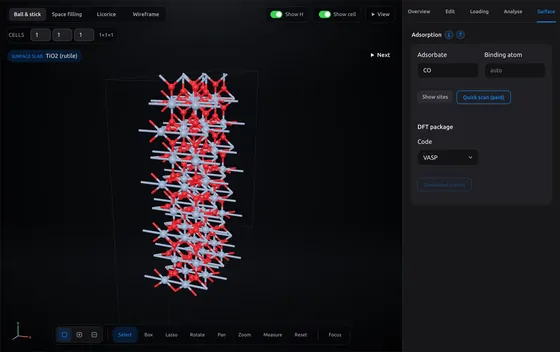
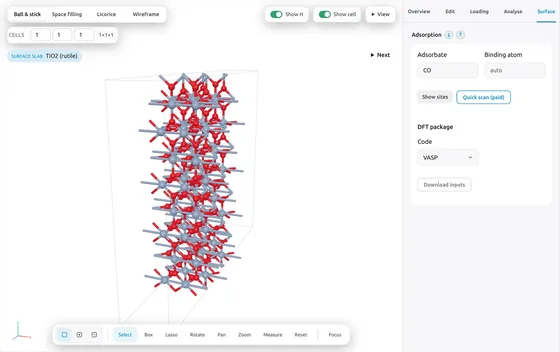
Cut a surface slab
The (1 1 0) surface of rutile, with every way to cut it listed.
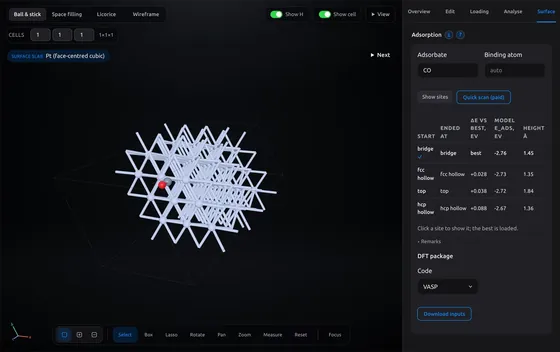
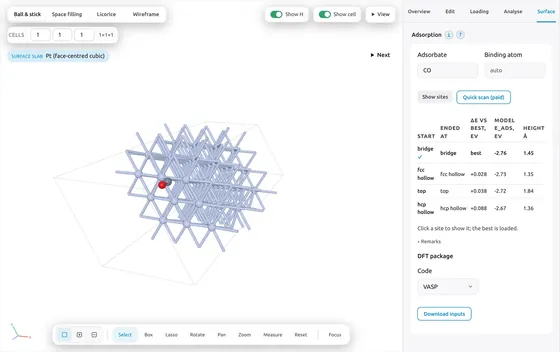
An adsorbate on a metal surface
CO on Pt(111): the high-symmetry sites, a quick scan of each and the inputs for a DFT calculation.
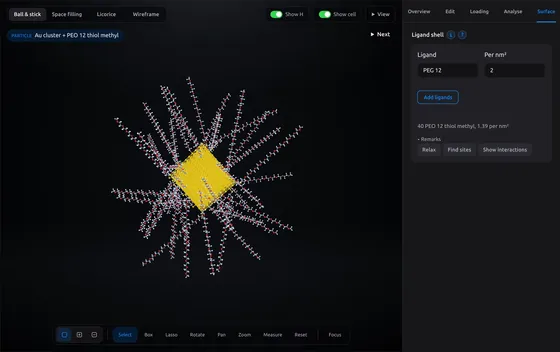
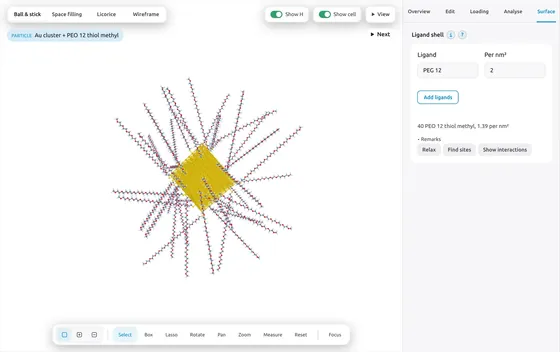
A ligand shell on a nanoparticle
A gold particle capped with thiolated PEG at a chosen coverage.
Analyse
What a structure is: its net, pores, pattern, stiffness and vibrations.
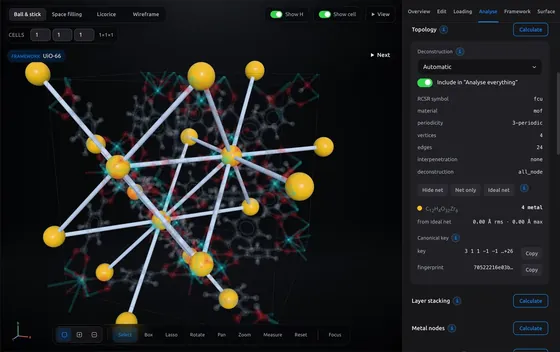
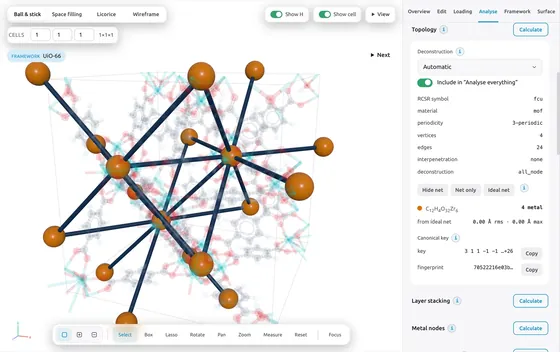
Find a framework’s net
Deconstruct UiO-66 into its nodes and linkers and read its topology, shown in the view.
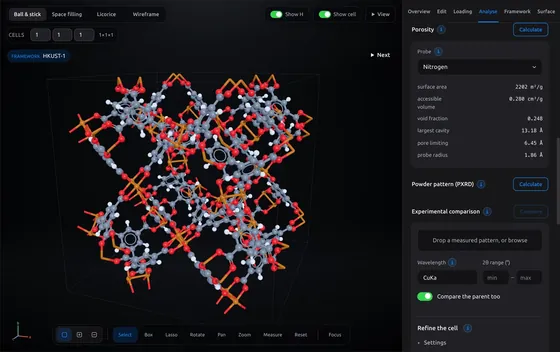
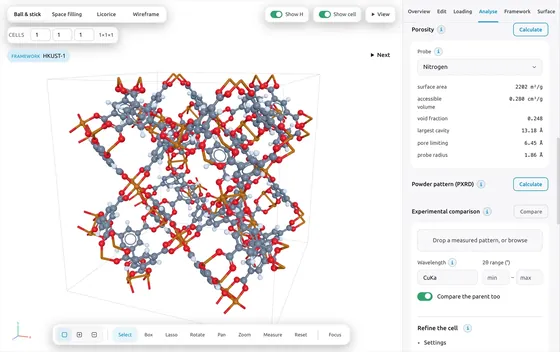
Pore size, surface area and pore volume
The geometry of a framework’s pores, from the probe you choose.
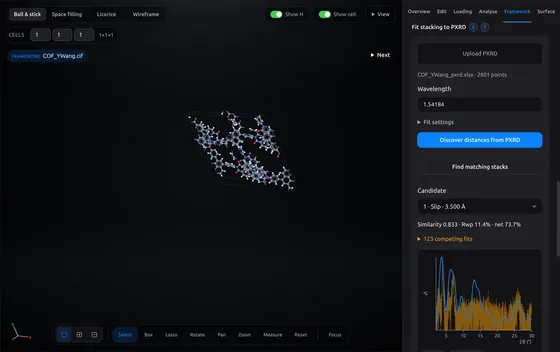
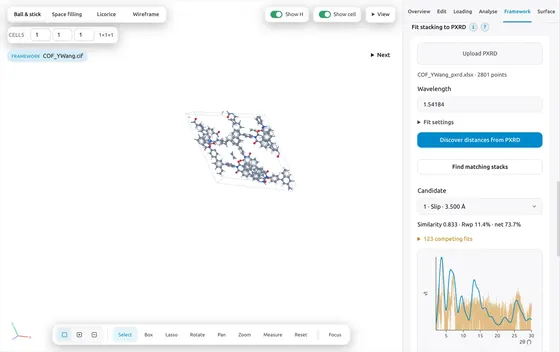
A powder pattern, and the planes behind each peak
The X-ray powder pattern a structure would give, computed in the browser, with each peak tied to its planes.
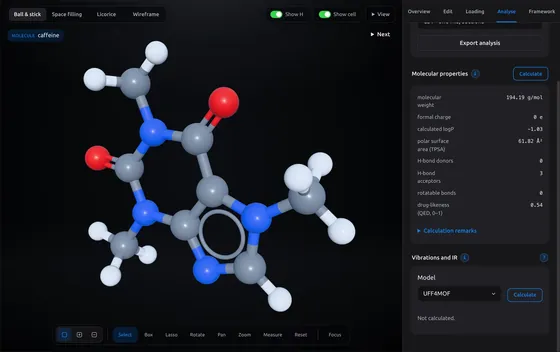
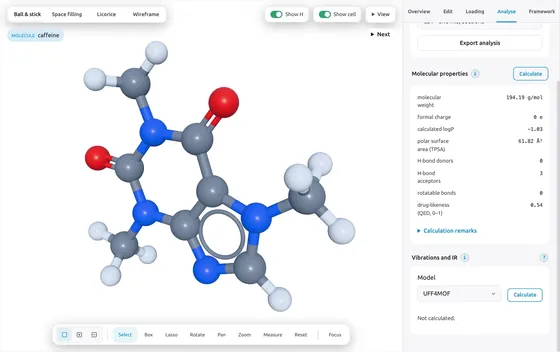
Properties of a molecule
Formula, mass, rings, hydrogen-bond donors and acceptors, and the descriptors a medicinal chemist reads.
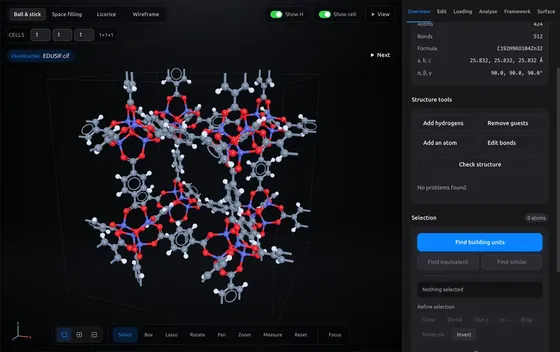
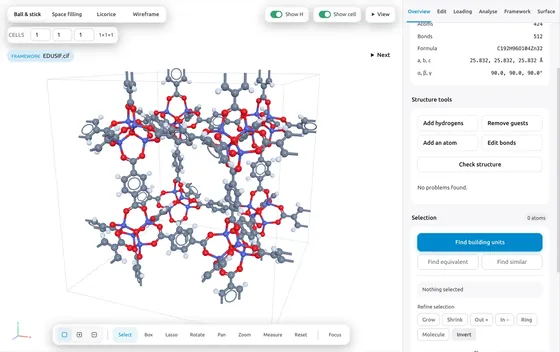
Check a structure before you use it
Overlapping atoms, odd valences, missing hydrogens and solvent left in the pores, found before a calculation trips on them.
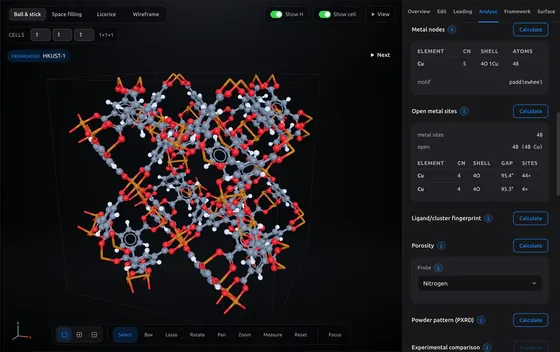
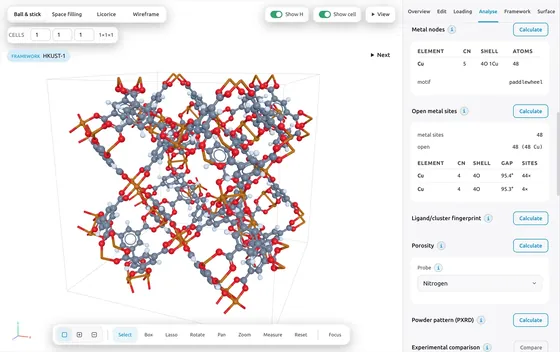
Metal nodes and open metal sites
The copper paddlewheels of HKUST-1 and the open site on each copper.
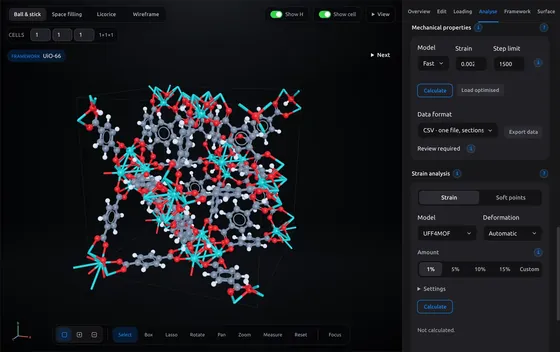
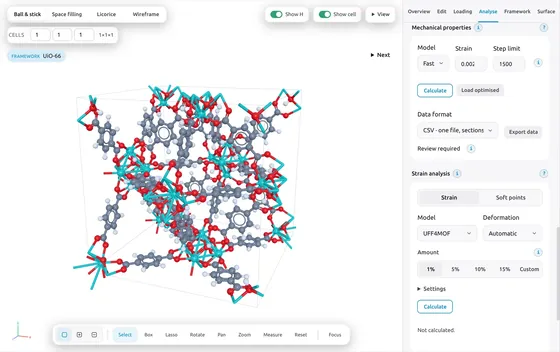
Elastic constants and moduli
How stiff UiO-66 is: its elastic tensor, bulk and shear moduli and the softest direction.
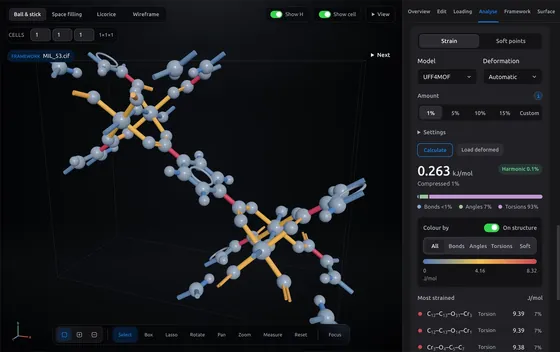
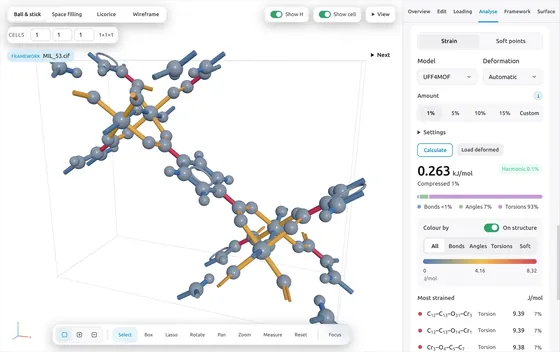
Where a framework stores strain
MIL-53 squeezed: the energy each bond, angle and torsion takes up, drawn on the structure.
Vibrations and an IR spectrum
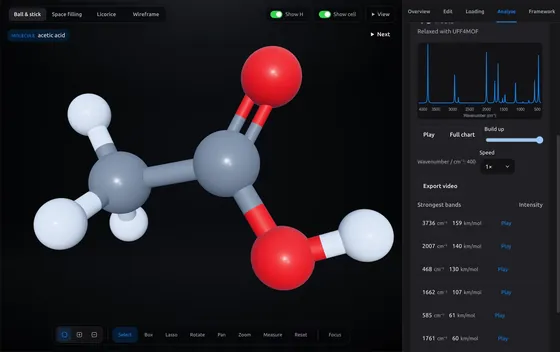
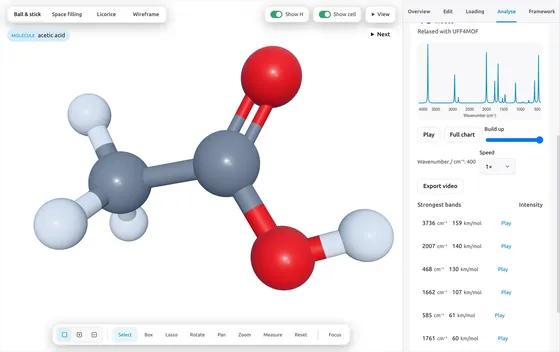
The normal modes of a molecule and the infrared spectrum they give; click a band to watch it move.
Deconstruct a framework into its units
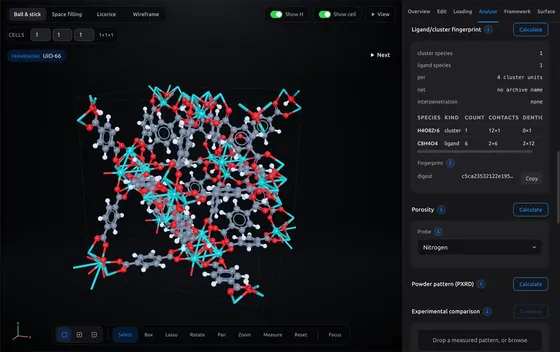
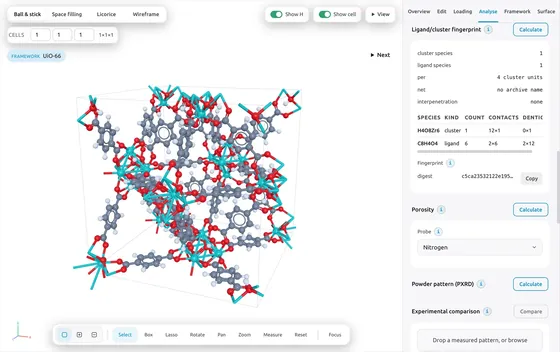
UiO-66 cut into its Zr6 nodes and terephthalate linkers, each one ready to reuse in the builder.
Keep your results
Files, pictures, reports and projects.