Skip to the content
BUILD

Graphene and other 2D sheets

A graphene monolayer from the crystal presets, periodic in its plane only.

  1. In Build → Crystal, open the presets and choose graphene (2D sheet); h-BN (2D sheet), graphite and MoS2 are beside it. The repeats along a and b set the size of the sheet, and the c length sets the vacuum.
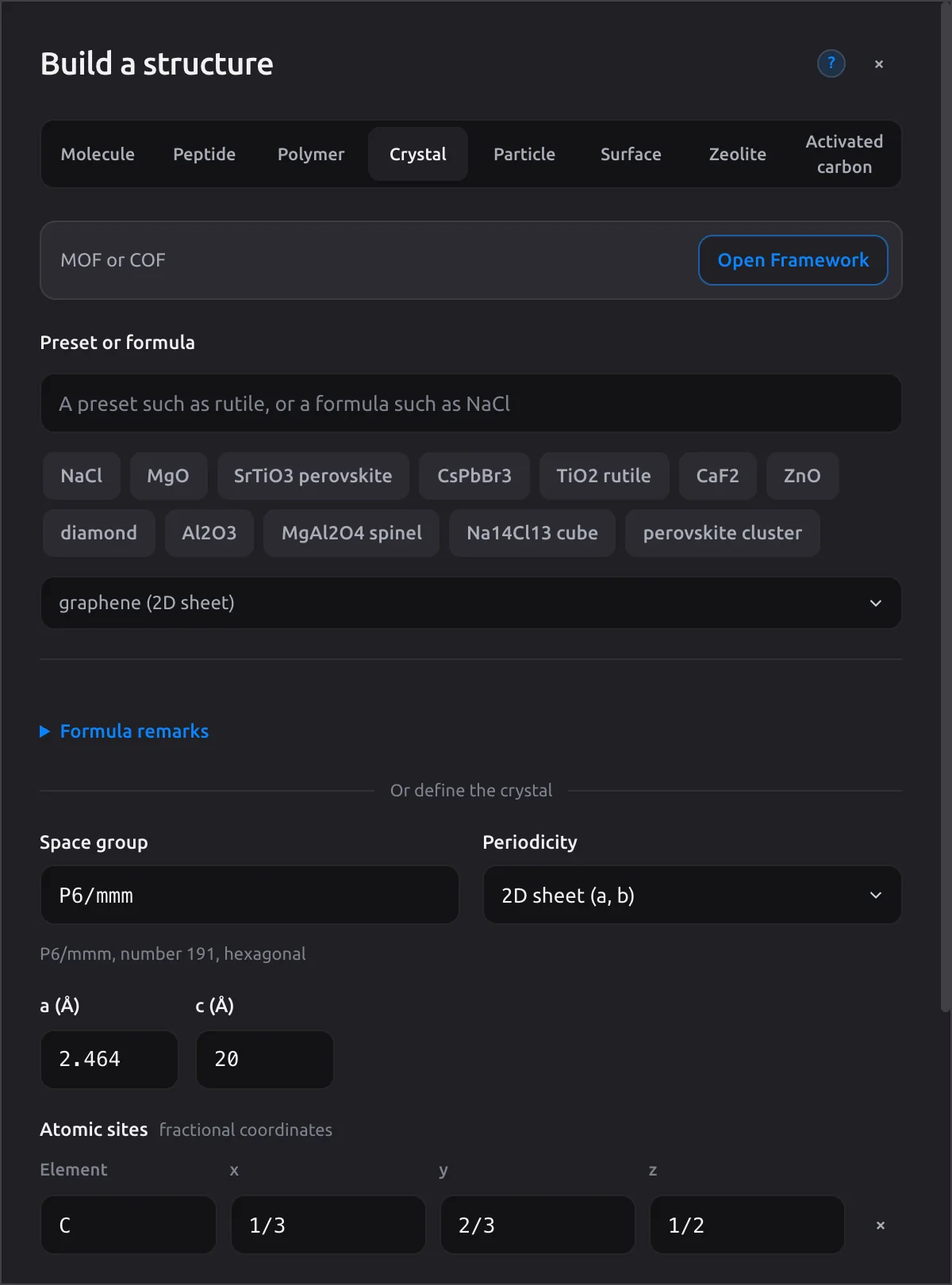
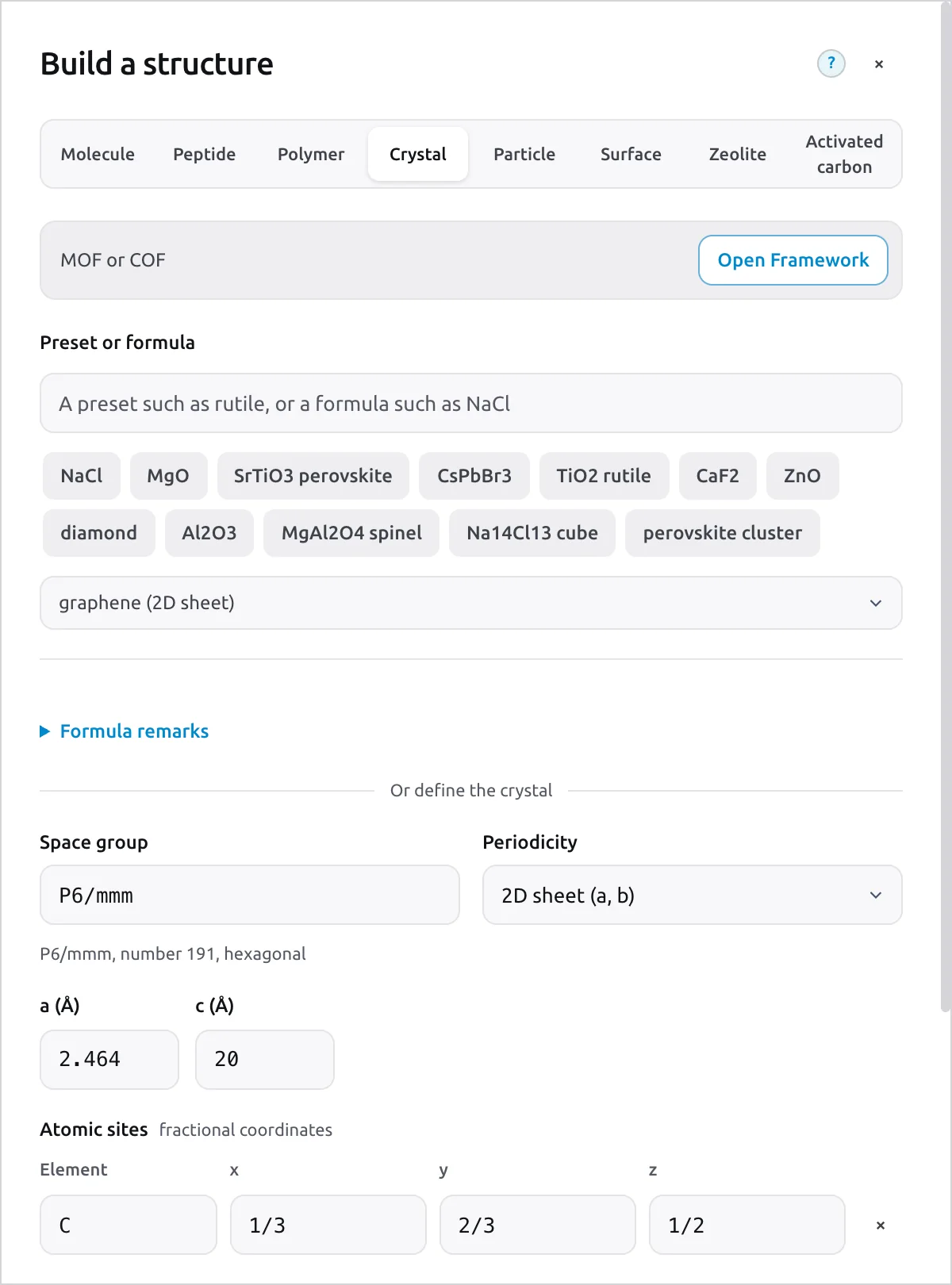
    In Build → Crystal, open the presets and choose graphene (2D sheet); h-BN (2D sheet), graphite and MoS2 are beside it. The repeats along a and b set the size...In Build → Crystal, open the presets and choose graphene (2D sheet); h-BN (2D sheet), graphite and MoS2 are beside it. The repeats along a and b set the size...
  2. Press Build structure. The sheet is periodic along a and b only. Scan an adsorbate over it under Surface → Adsorption, or stack it under Framework → Layer and 2D stacking.
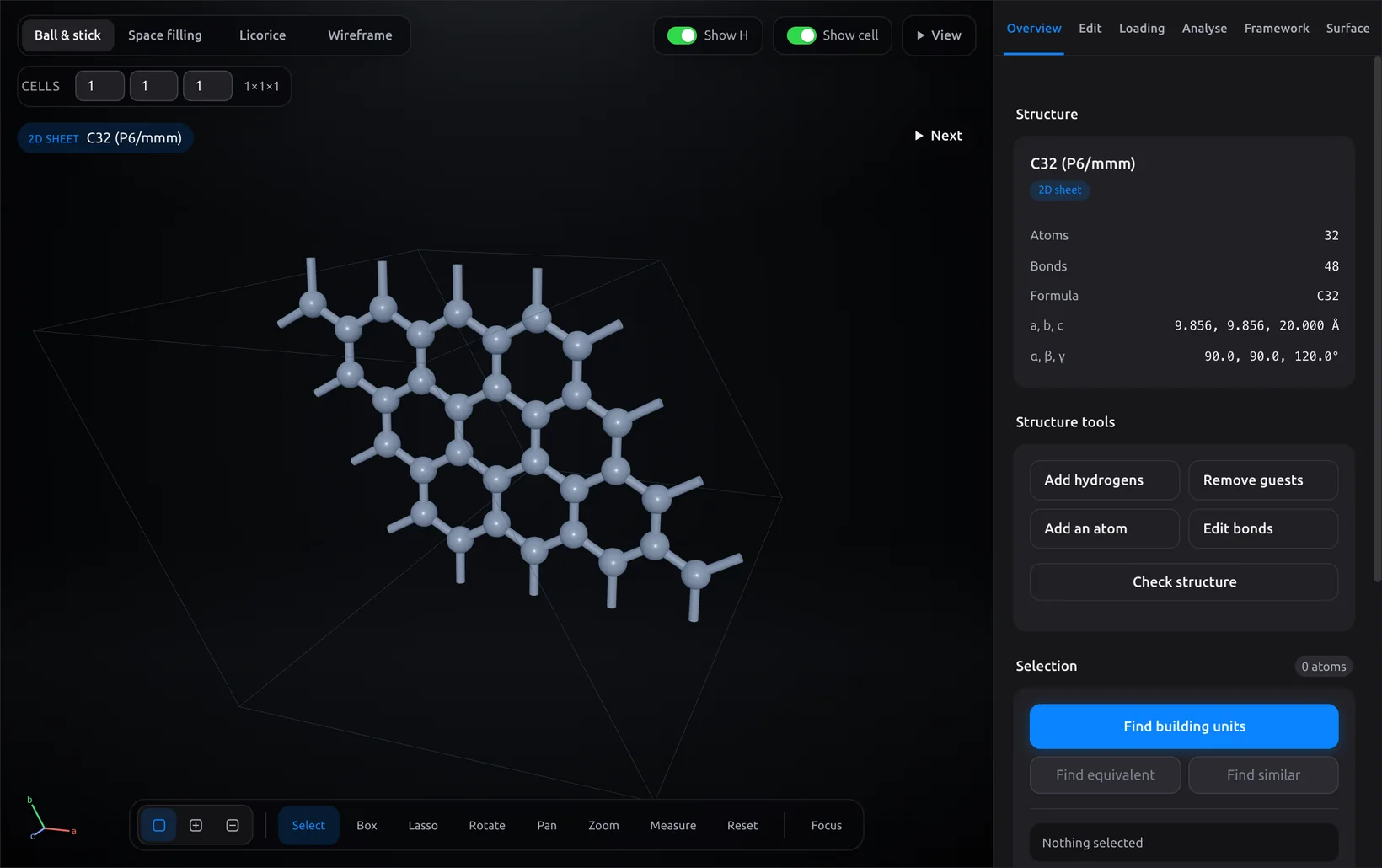
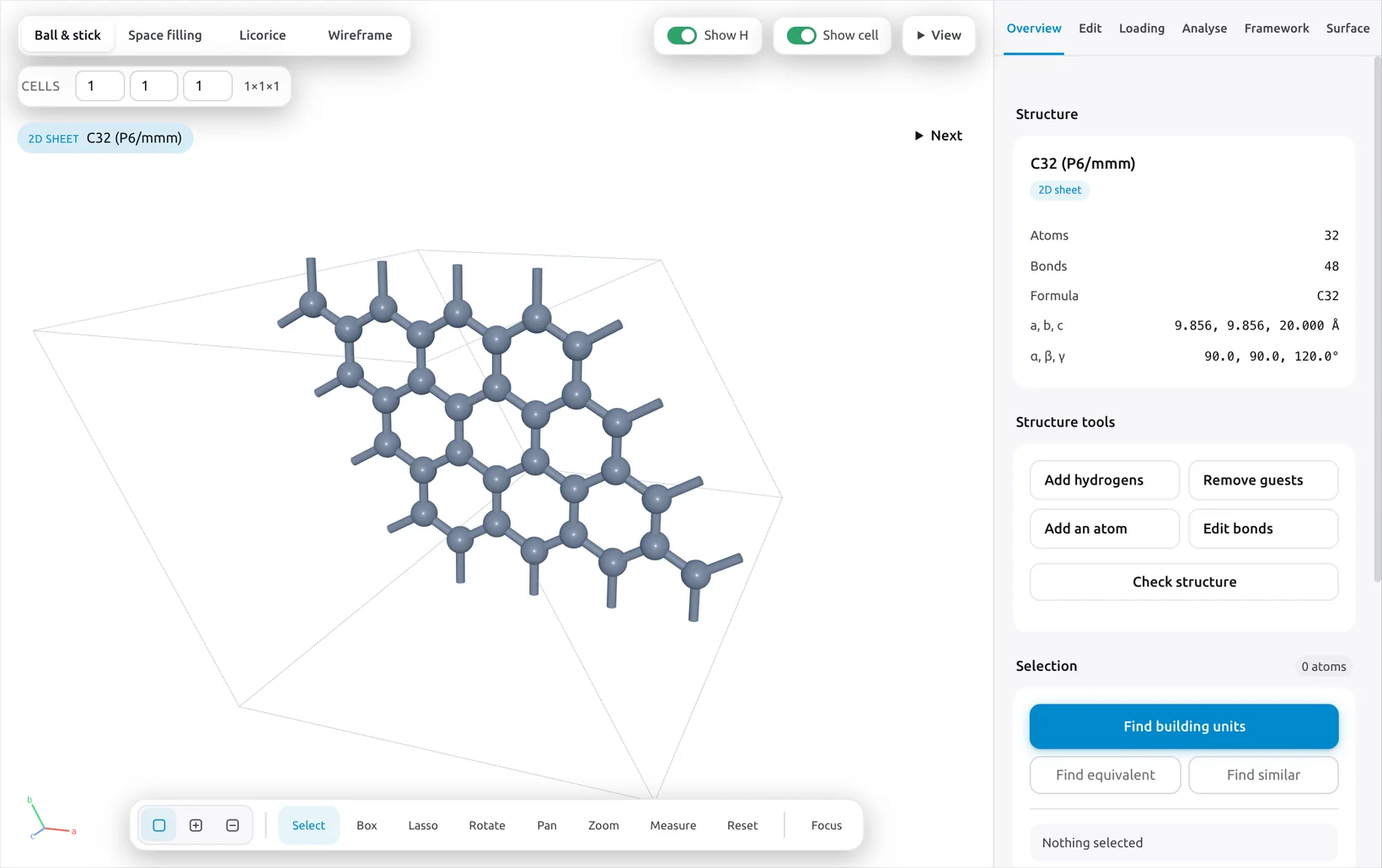
    Press Build structure. The sheet is periodic along a and b only. Scan an adsorbate over it under Surface → Adsorption, or stack it under Framework → Layer and...Press Build structure. The sheet is periodic along a and b only. Scan an adsorbate over it under Surface → Adsorption, or stack it under Framework → Layer and...