Skip to the content
FRAMEWORKS

A MOF from a metal and a linker

Name a metal and a linker; StructSub finds the frameworks they have formed before and builds them.

  1. Open Framework → From metal and linker. Type the metal (Zr, Cu, Zn) and the linker by name or SMILES, terephthalic acid here, and press Find frameworks.
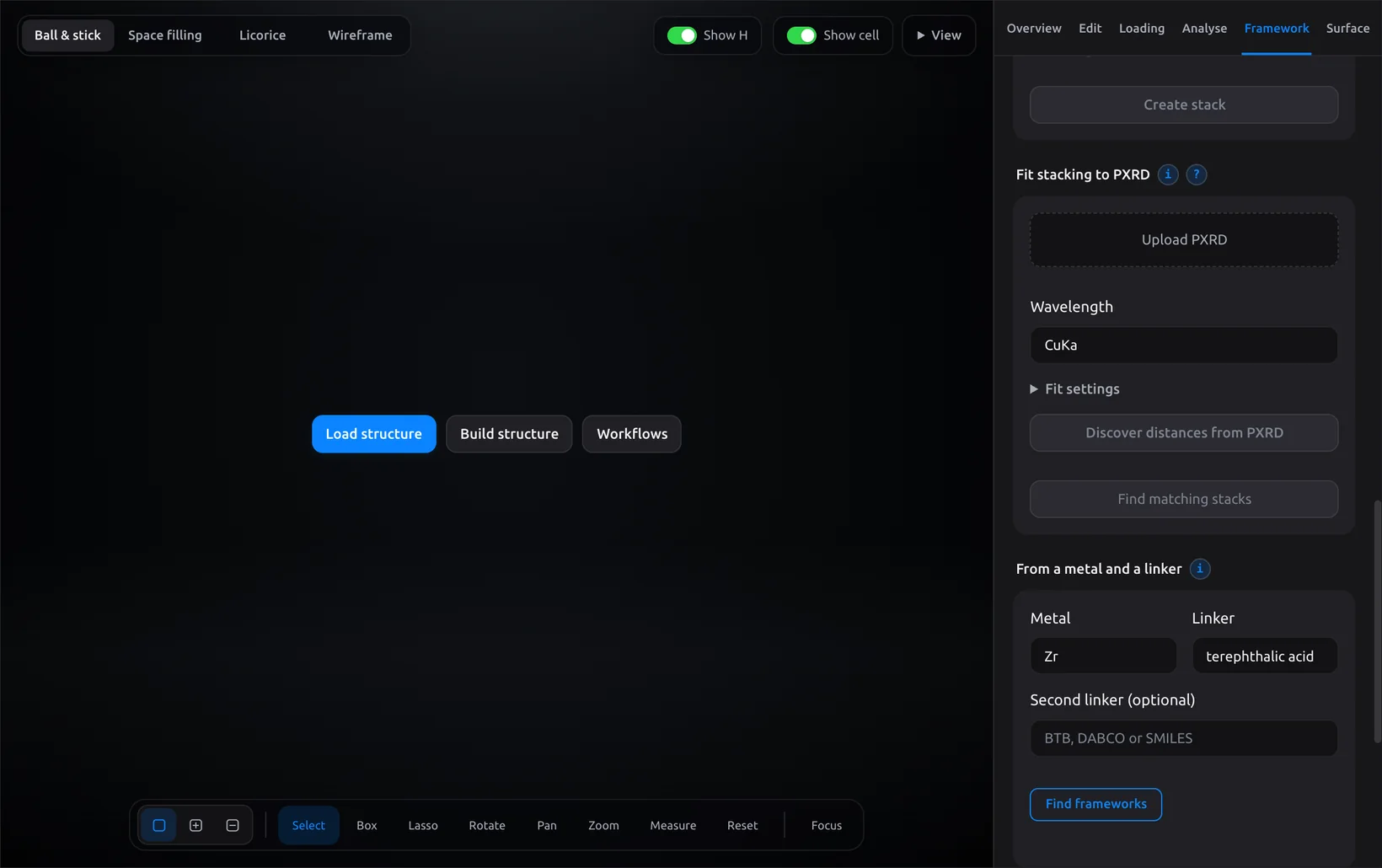
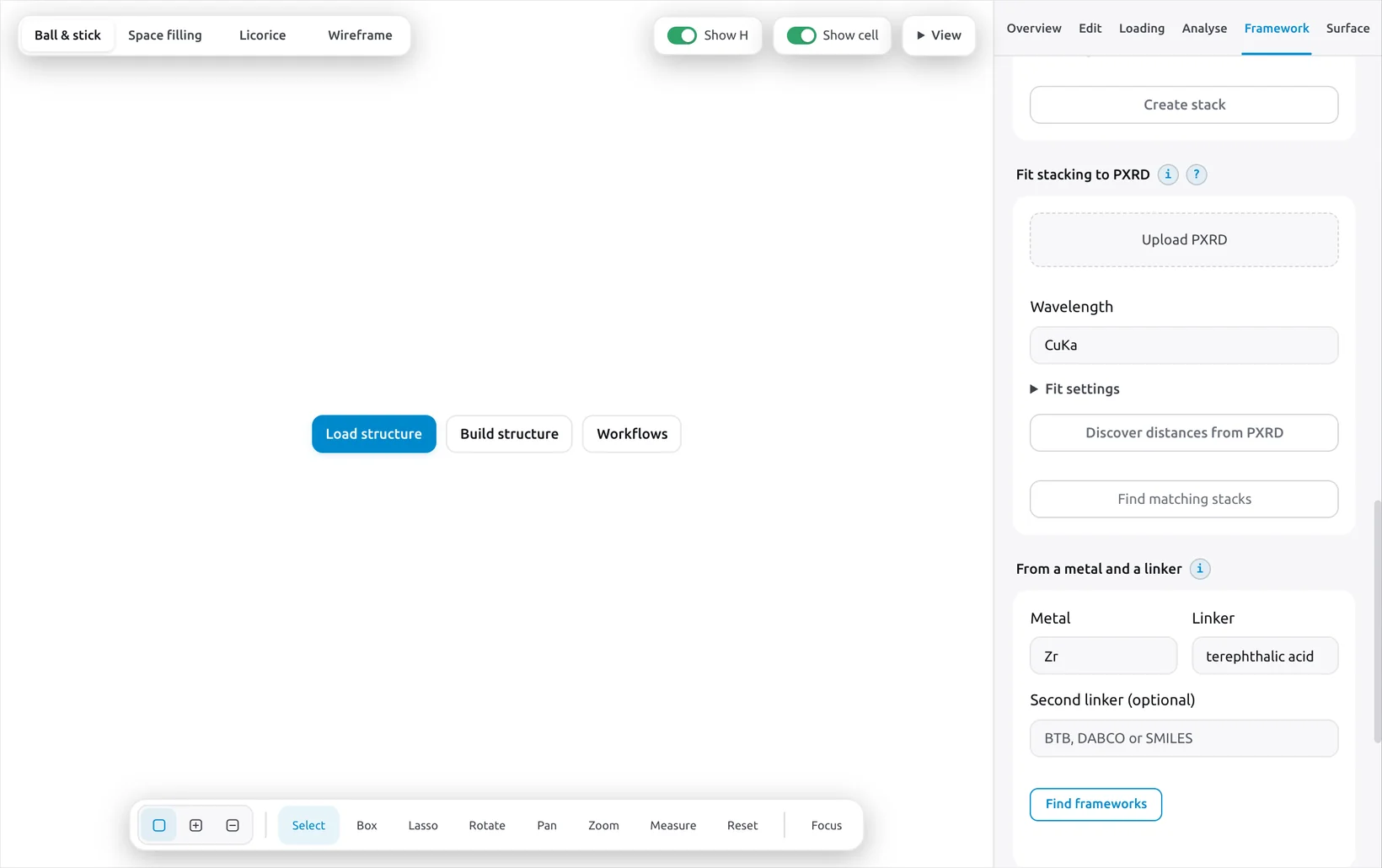
    Open Framework → From metal and linker. Type the metal (Zr, Cu, Zn) and the linker by name or SMILES, terephthalic acid here, and press Find frameworks.Open Framework → From metal and linker. Type the metal (Zr, Cu, Zn) and the linker by name or SMILES, terephthalic acid here, and press Find frameworks.
  2. Each row is a node the metal forms with carboxylates and a net it is known to adopt, built and checked before it is offered: zirconium and terephthalic acid give the Zr6 node on fcu. Below them, published rod frameworks with the linker swapped in. Rows that did not build are listed in the full report.
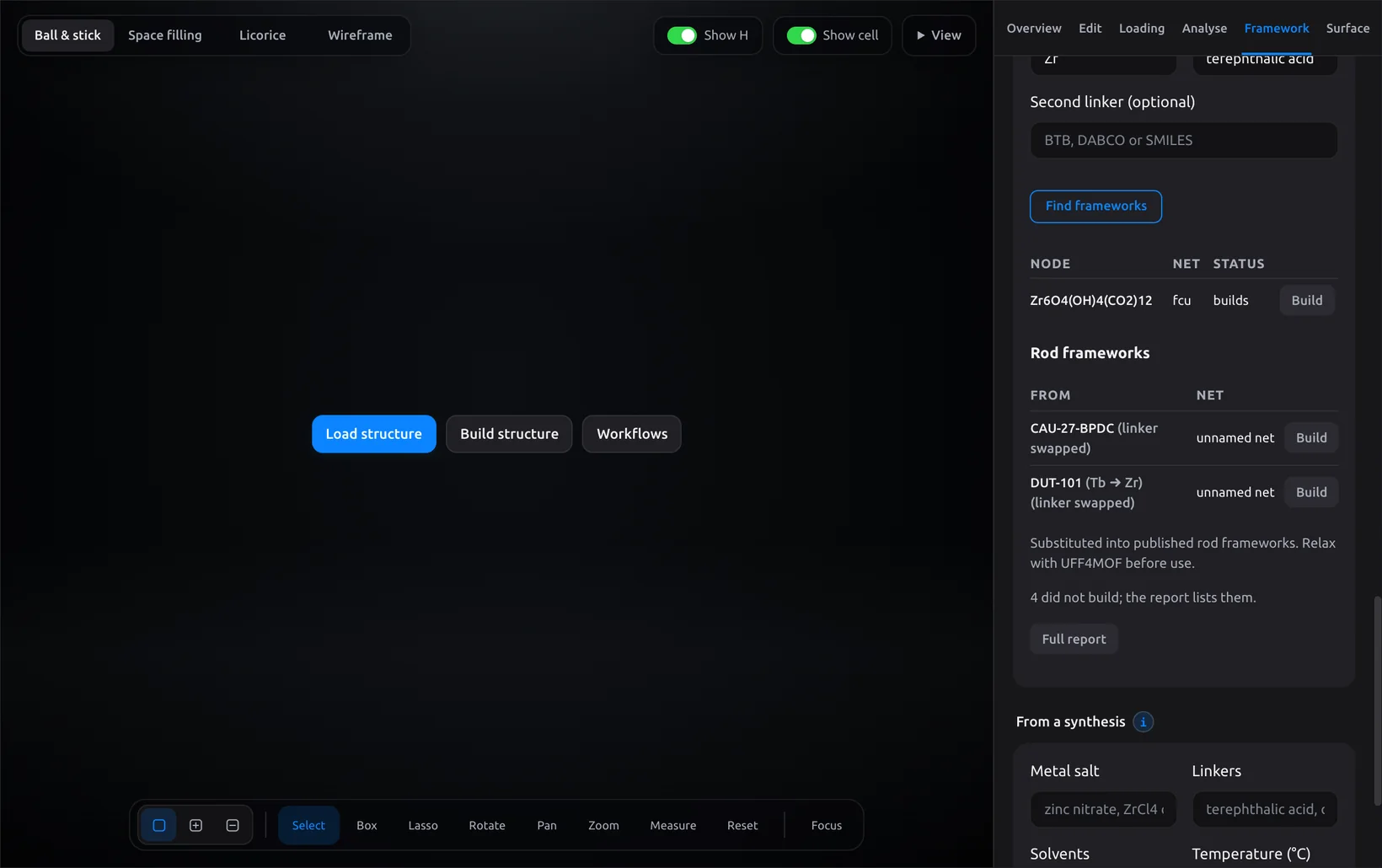
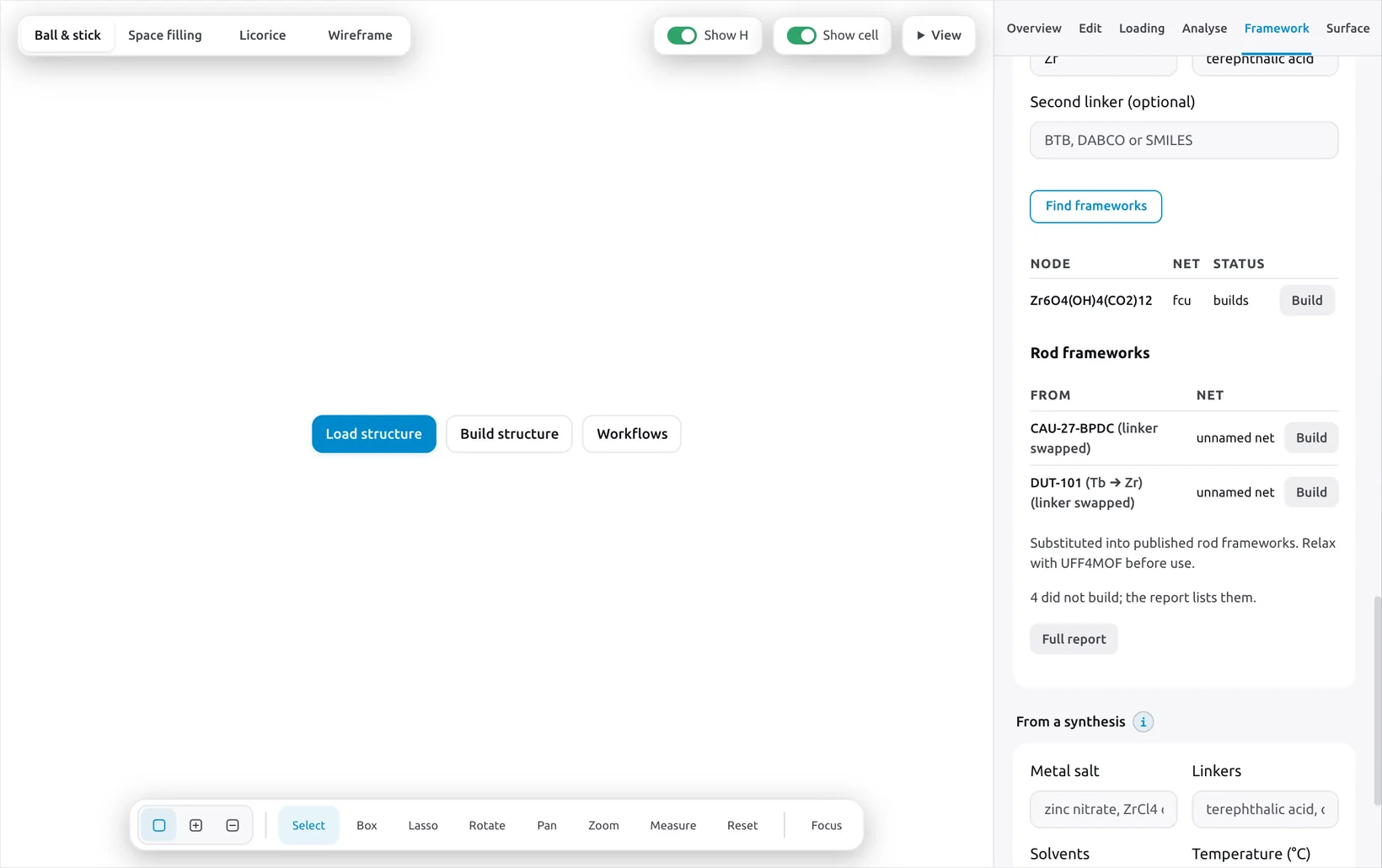
    Each row is a node the metal forms with carboxylates and a net it is known to adopt, built and checked before it is offered: zirconium and terephthalic acid...Each row is a node the metal forms with carboxylates and a net it is known to adopt, built and checked before it is offered: zirconium and terephthalic acid...
  3. Press Build on a row. The framework opens in the window, here UiO-66, ready to relax, load or analyse.
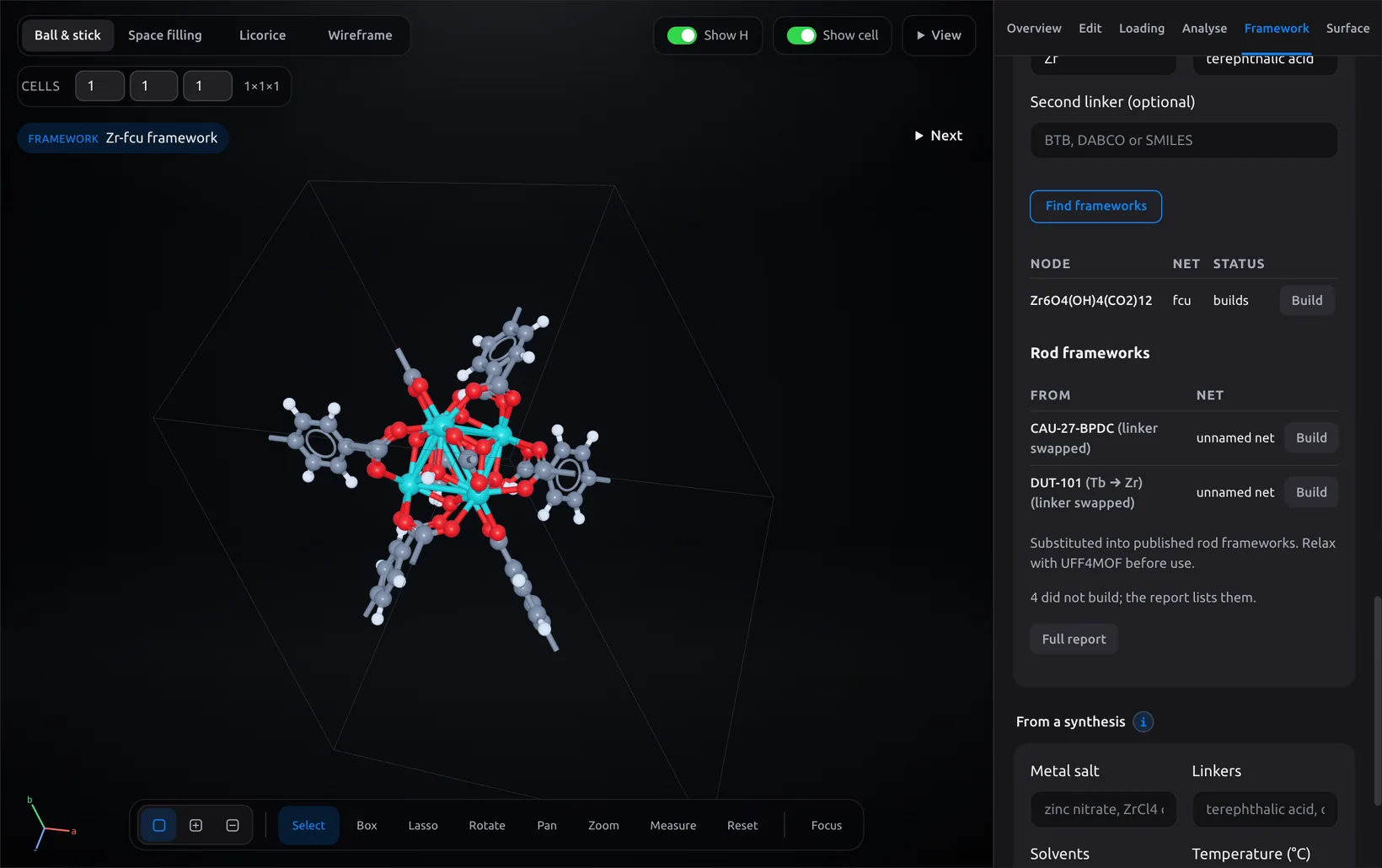
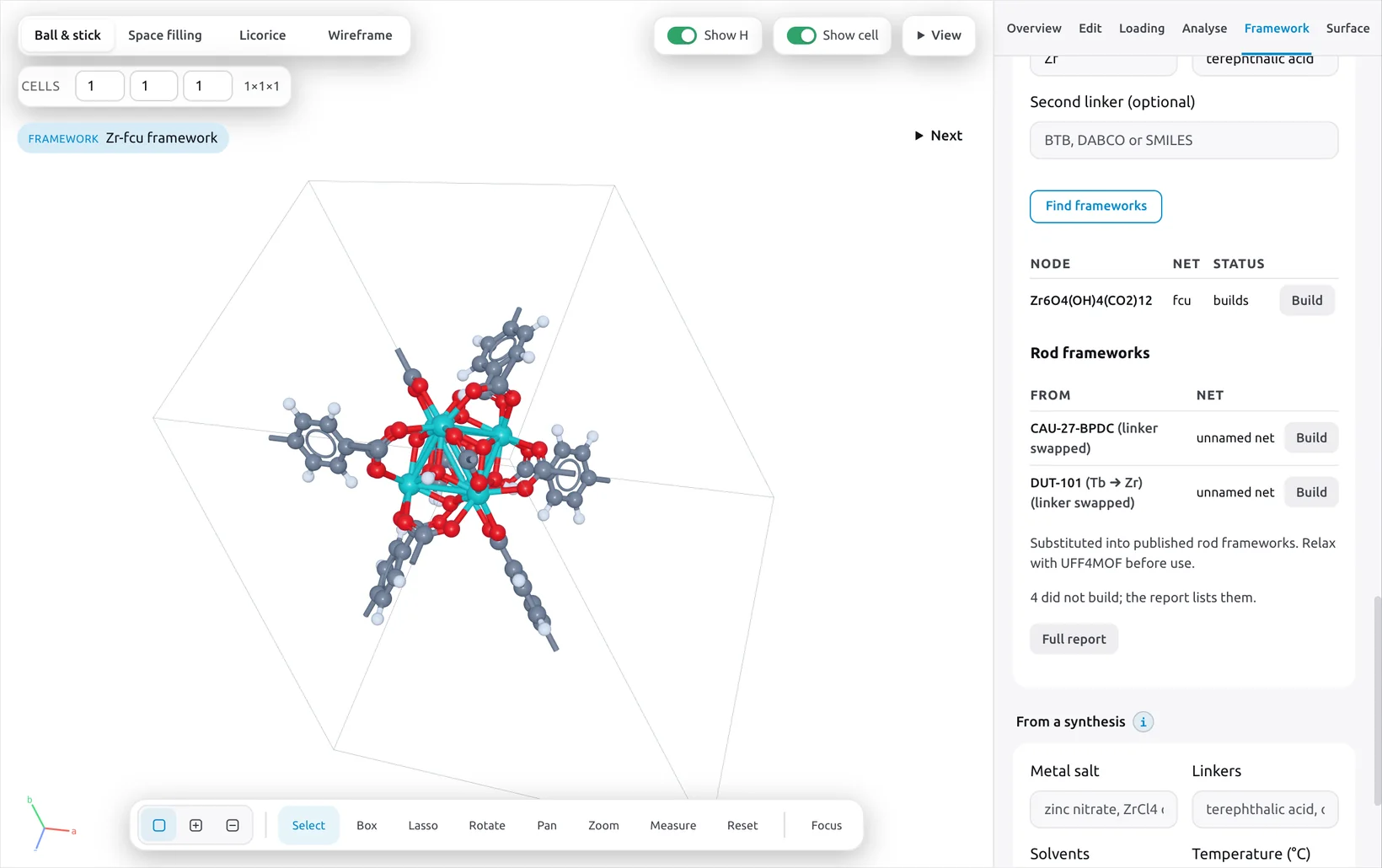
    Press Build on a row. The framework opens in the window, here UiO-66, ready to relax, load or analyse.Press Build on a row. The framework opens in the window, here UiO-66, ready to relax, load or analyse.