Skip to the content
BUILD

Open a structure file

Start from a file you already have: a CIF from a paper or a database, an XYZ from a calculation, a PDB entry.

  1. On the empty window, press Load structure or drop the file onto the view. CIF, XYZ, extended XYZ, PDB, POSCAR and the output of the common quantum chemistry codes all open; a multi-frame file opens at its last frame.
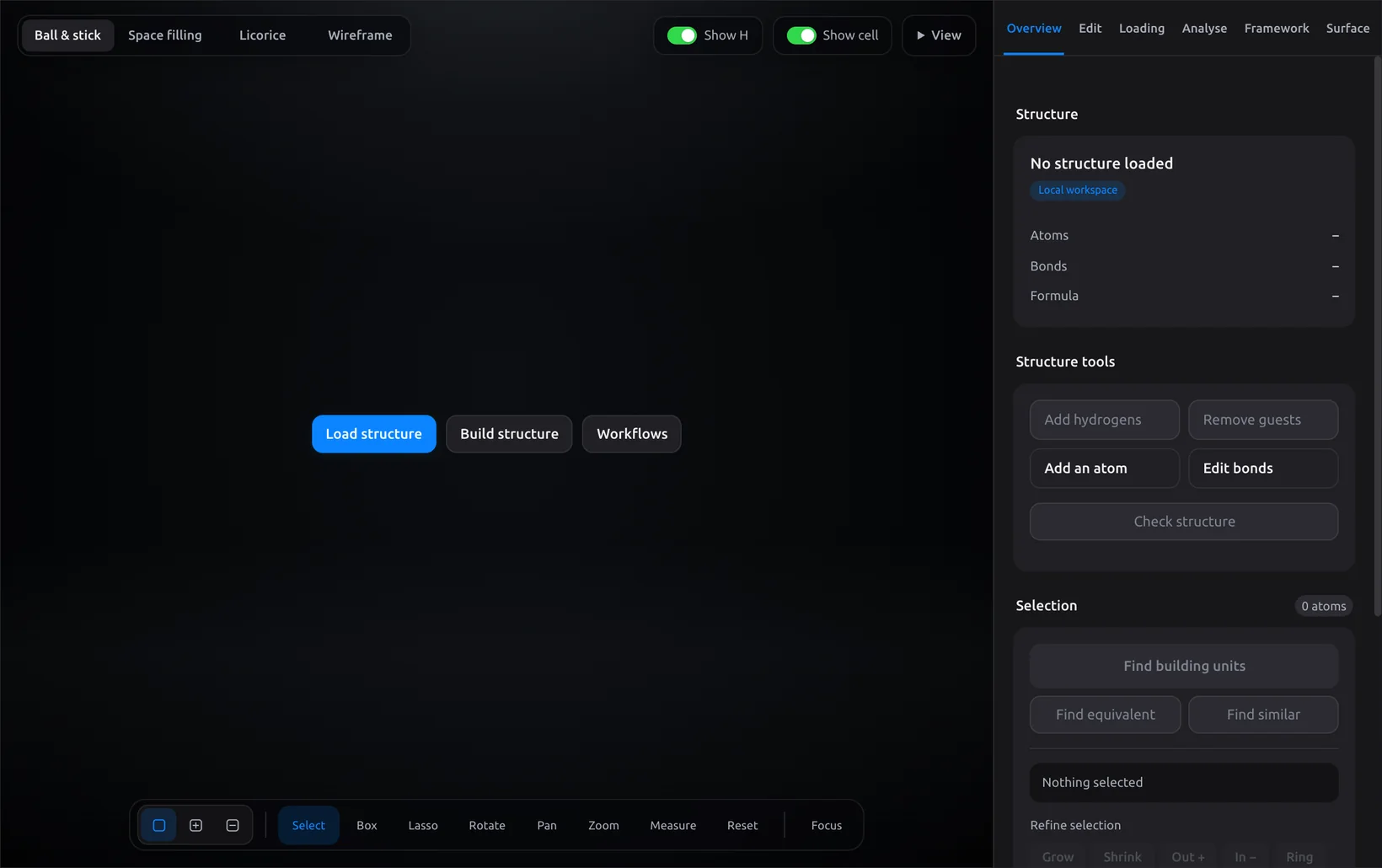
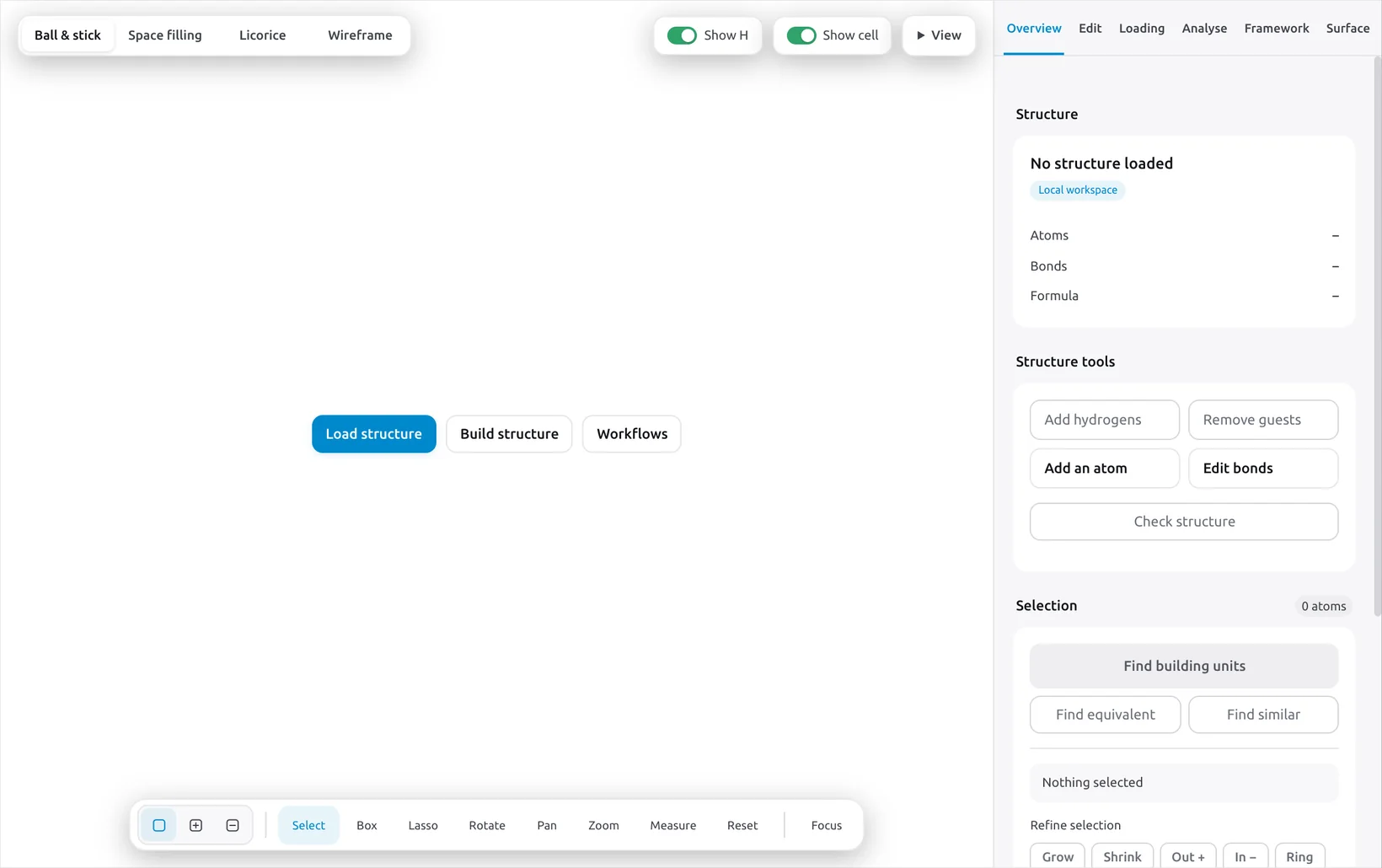
    On the empty window, press Load structure or drop the file onto the view. CIF, XYZ, extended XYZ, PDB, POSCAR and the output of the common quantum chemistry...On the empty window, press Load structure or drop the file onto the view. CIF, XYZ, extended XYZ, PDB, POSCAR and the output of the common quantum chemistry...
  2. The structure opens with its bonds and cell. Overview names what it is and its formula, and the row above the view lists every structure open in this window. Drag to turn it, scroll to zoom and press Reset to fit it back in view.
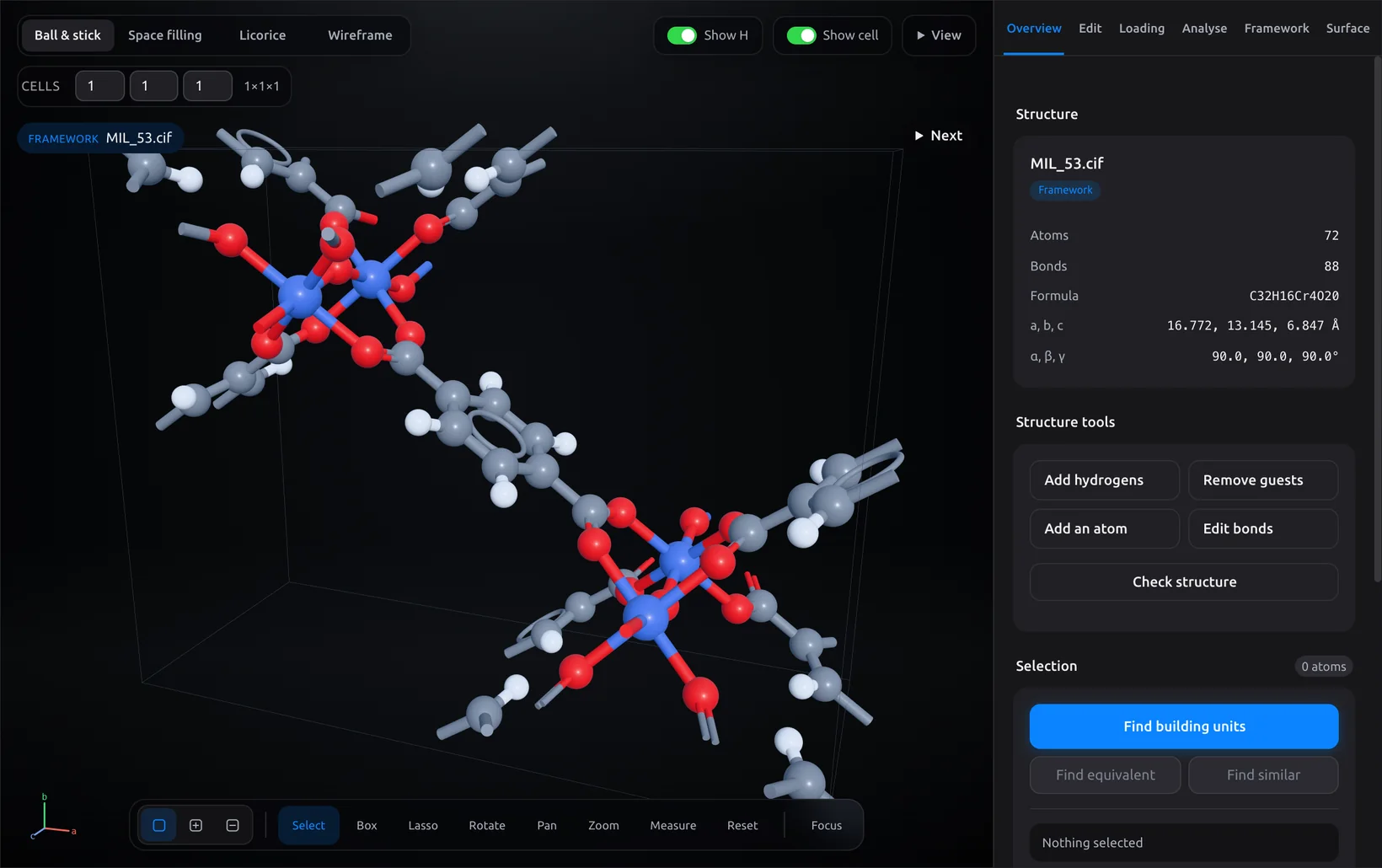
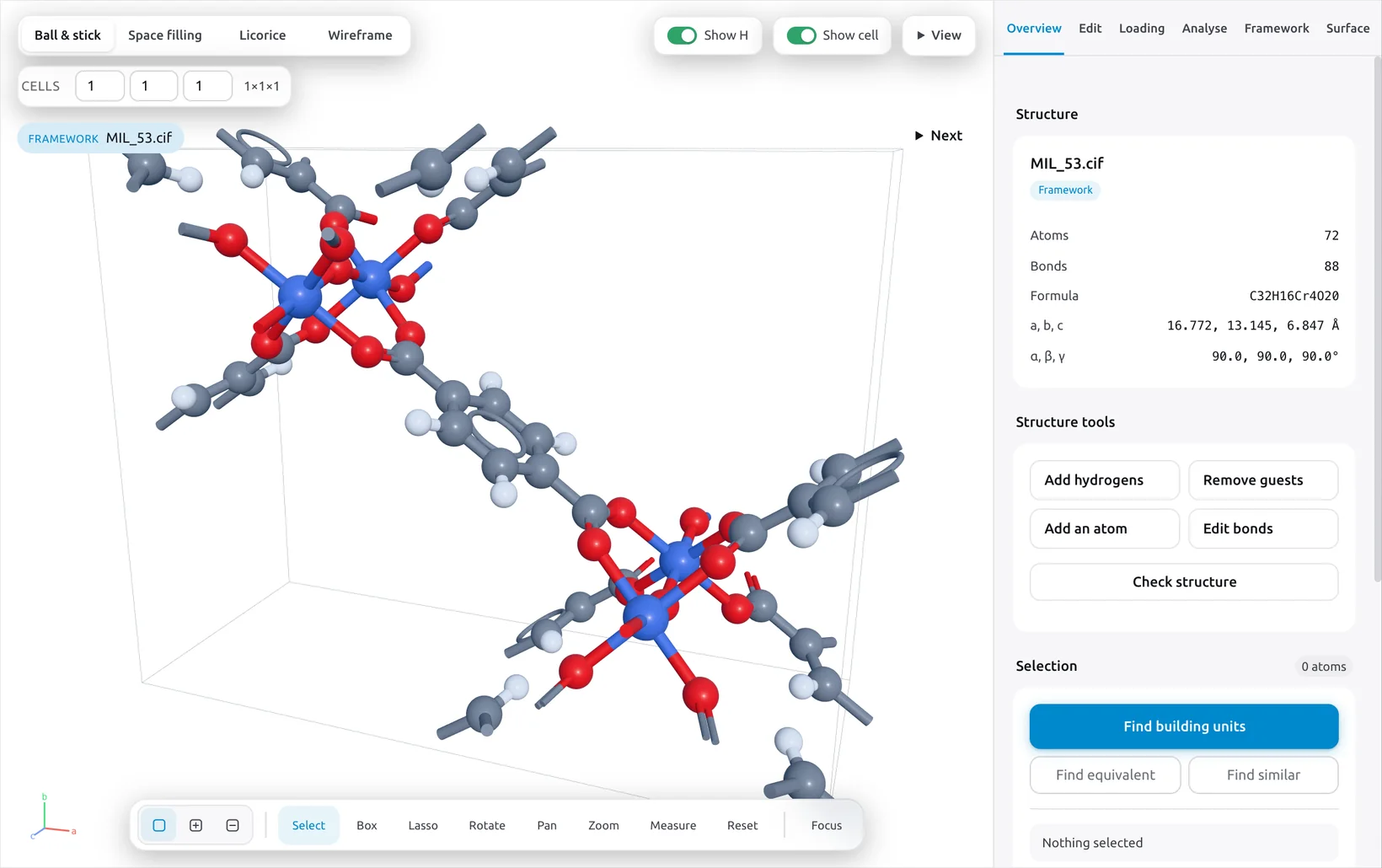
    The structure opens with its bonds and cell. Overview names what it is and its formula, and the row above the view lists every structure open in this window....The structure opens with its bonds and cell. Overview names what it is and its formula, and the row above the view lists every structure open in this window....