Skip to the content
GETTING AROUND

What to do next

Every structure in the window, what each can do alone and what two can do together.

  1. Everything you open or build stays in the window, in the row above the view, each named with what kind of material it is. Click one to switch to it.
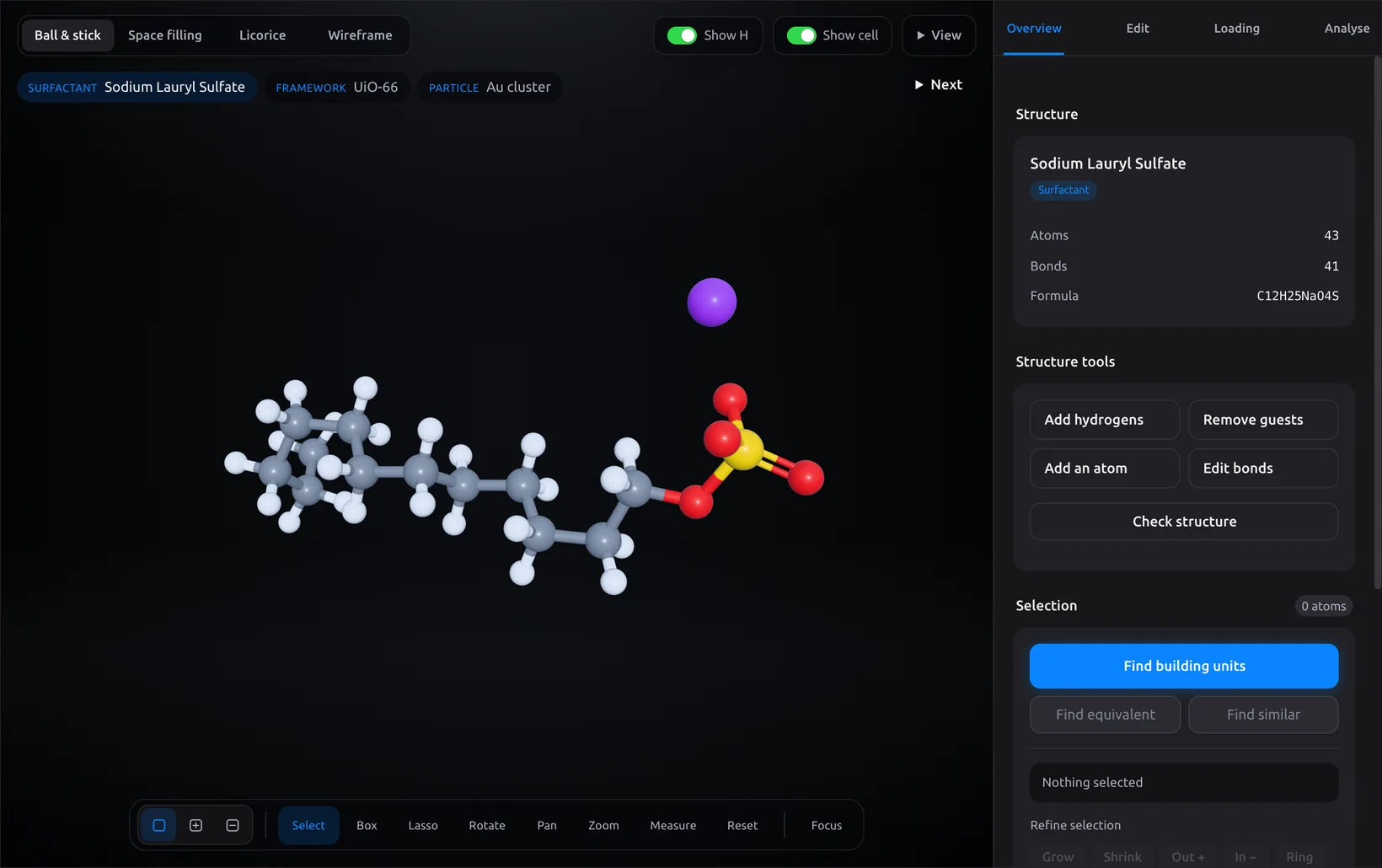
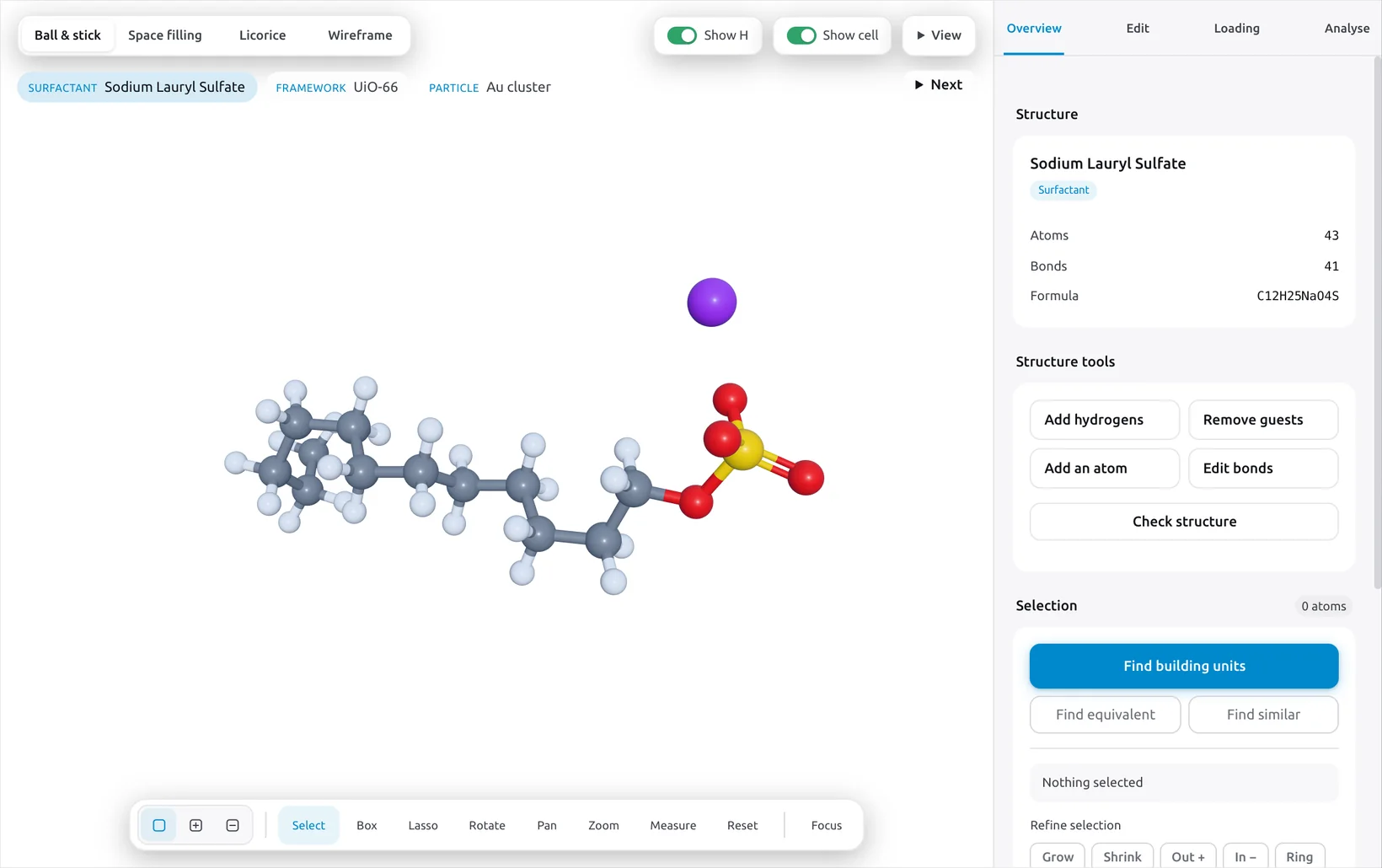
    Everything you open or build stays in the window, in the row above the view, each named with what kind of material it is. Click one to switch to it.Everything you open or build stays in the window, in the row above the view, each named with what kind of material it is. Click one to switch to it.
  2. Next lists what the structure open now can do on its own, what it can do with each of the others and what to build to go further. Each entry opens the card that does it, filled in; nothing runs until you press that card’s own button.
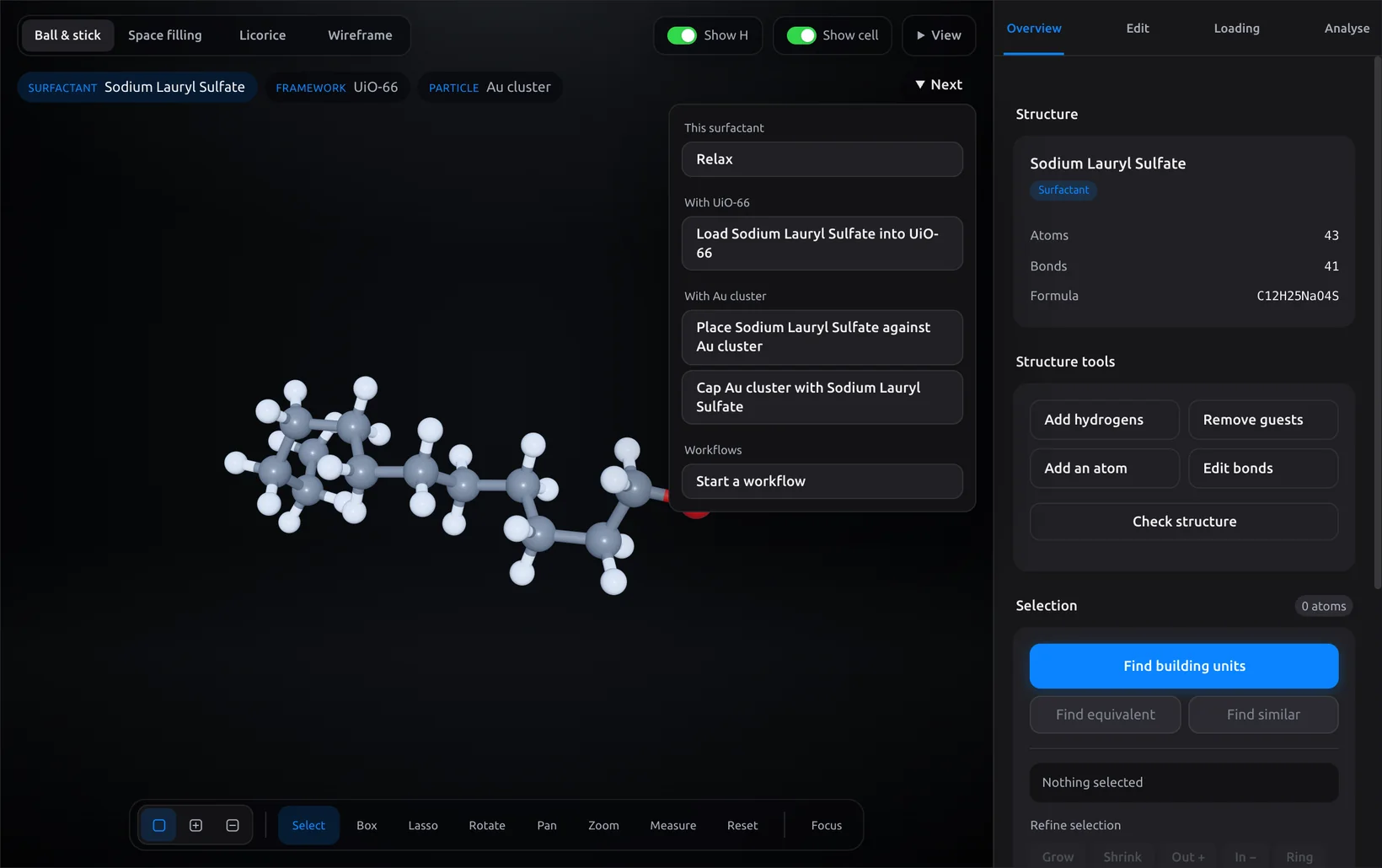
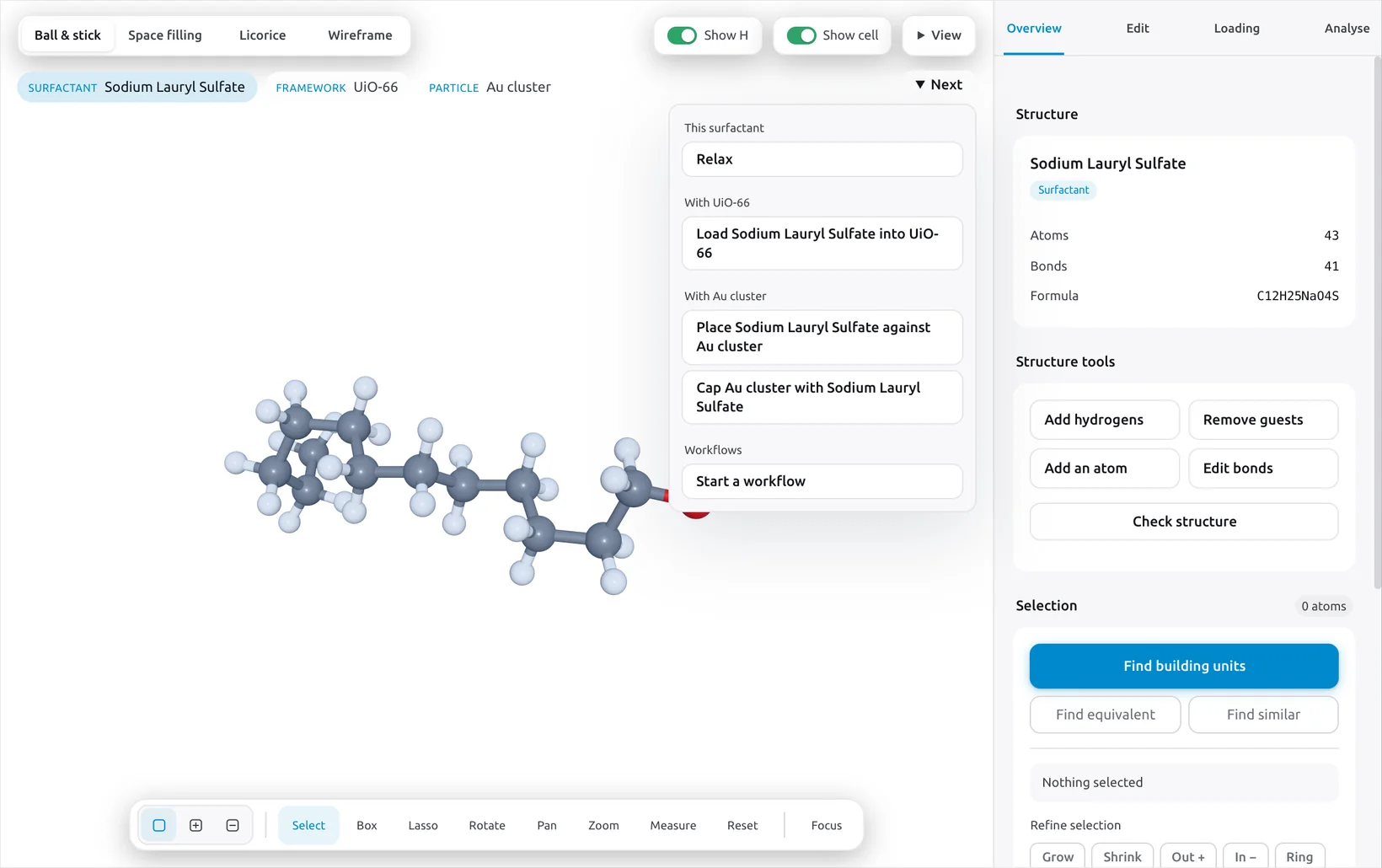
    Next lists what the structure open now can do on its own, what it can do with each of the others and what to build to go further. Each entry opens the card...Next lists what the structure open now can do on its own, what it can do with each of the others and what to build to go further. Each entry opens the card...