Skip to the content
EDIT

Select atoms and measure

Pick whole building units at once, or single atoms, and read distances, angles and torsions.

  1. Find building units in Overview cuts a framework into its nodes and linkers; click one to select every atom of it. Shift-click adds atoms, a box or a lasso takes an area, and Grow, Ring and Molecule widen a selection along its bonds.
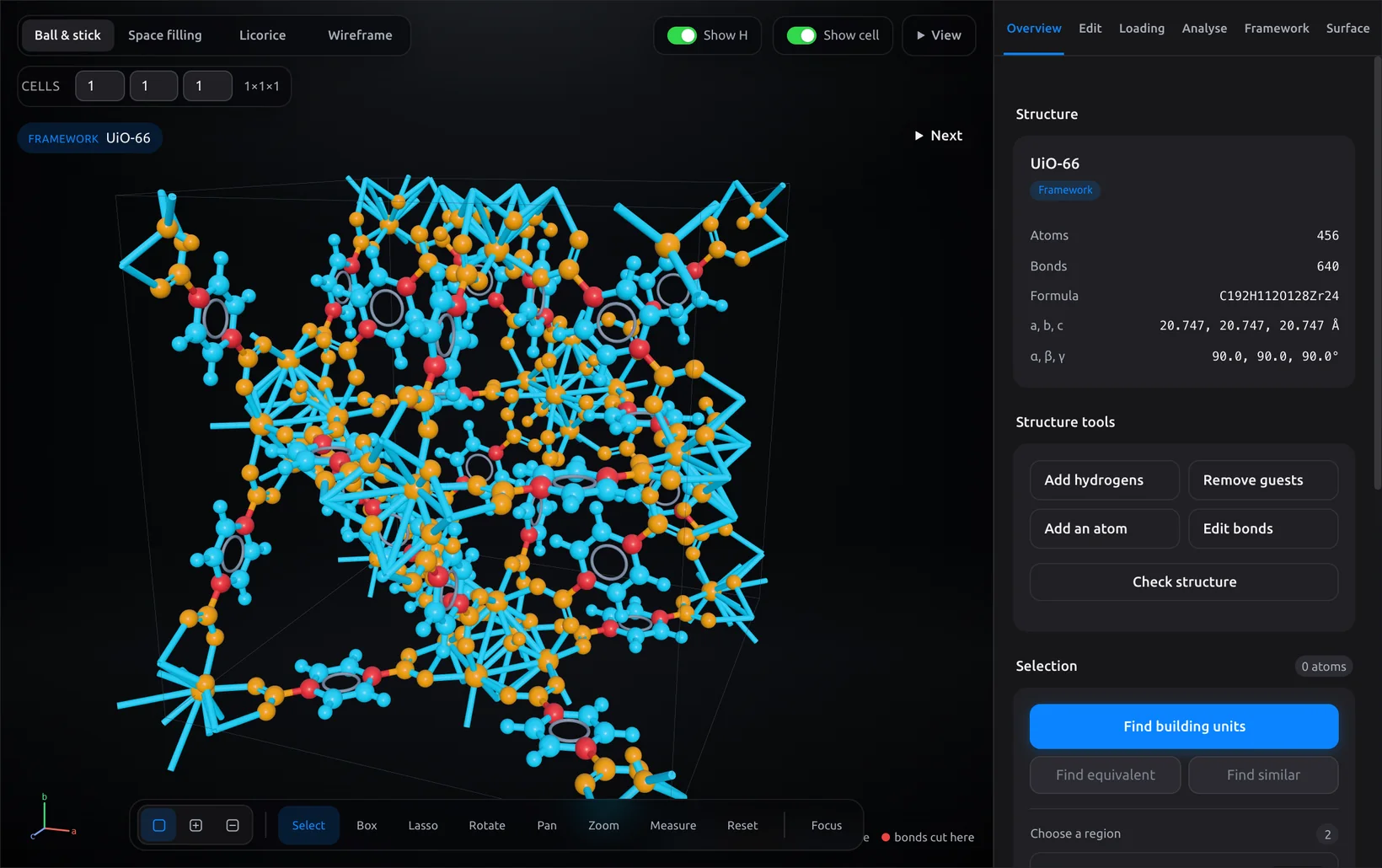
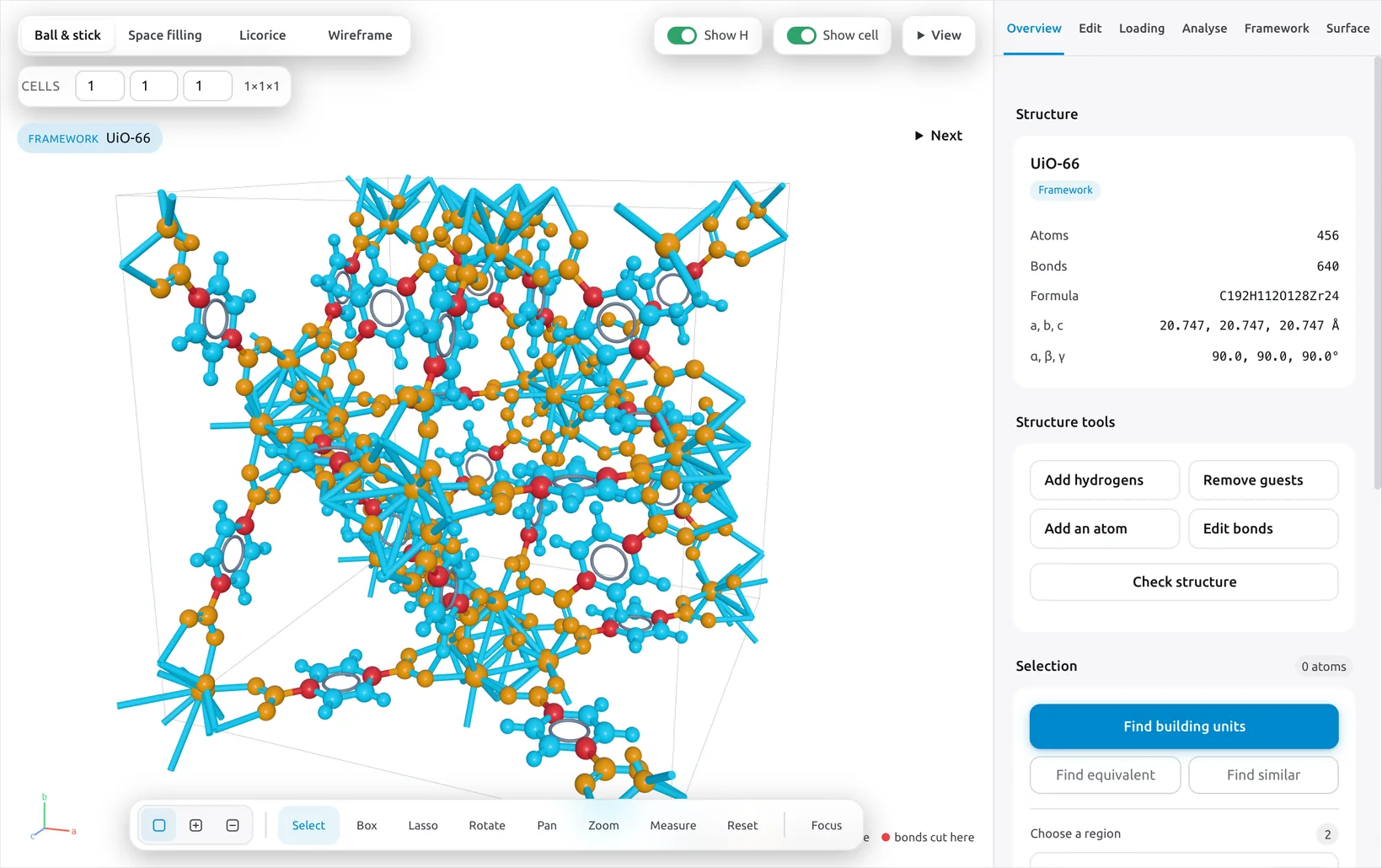
    Find building units in Overview cuts a framework into its nodes and linkers; click one to select every atom of it. Shift-click adds atoms, a box or a lasso...Find building units in Overview cuts a framework into its nodes and linkers; click one to select every atom of it. Shift-click adds atoms, a box or a lasso...
  2. Choose Measure under the view and pick atoms: two give the distance, three the angle, four the torsion. Distances use the nearest periodic image, so a bond across the cell edge measures as a bond. With atoms selected, the bar under the view sets a distance, angle or dihedral to the value you type.
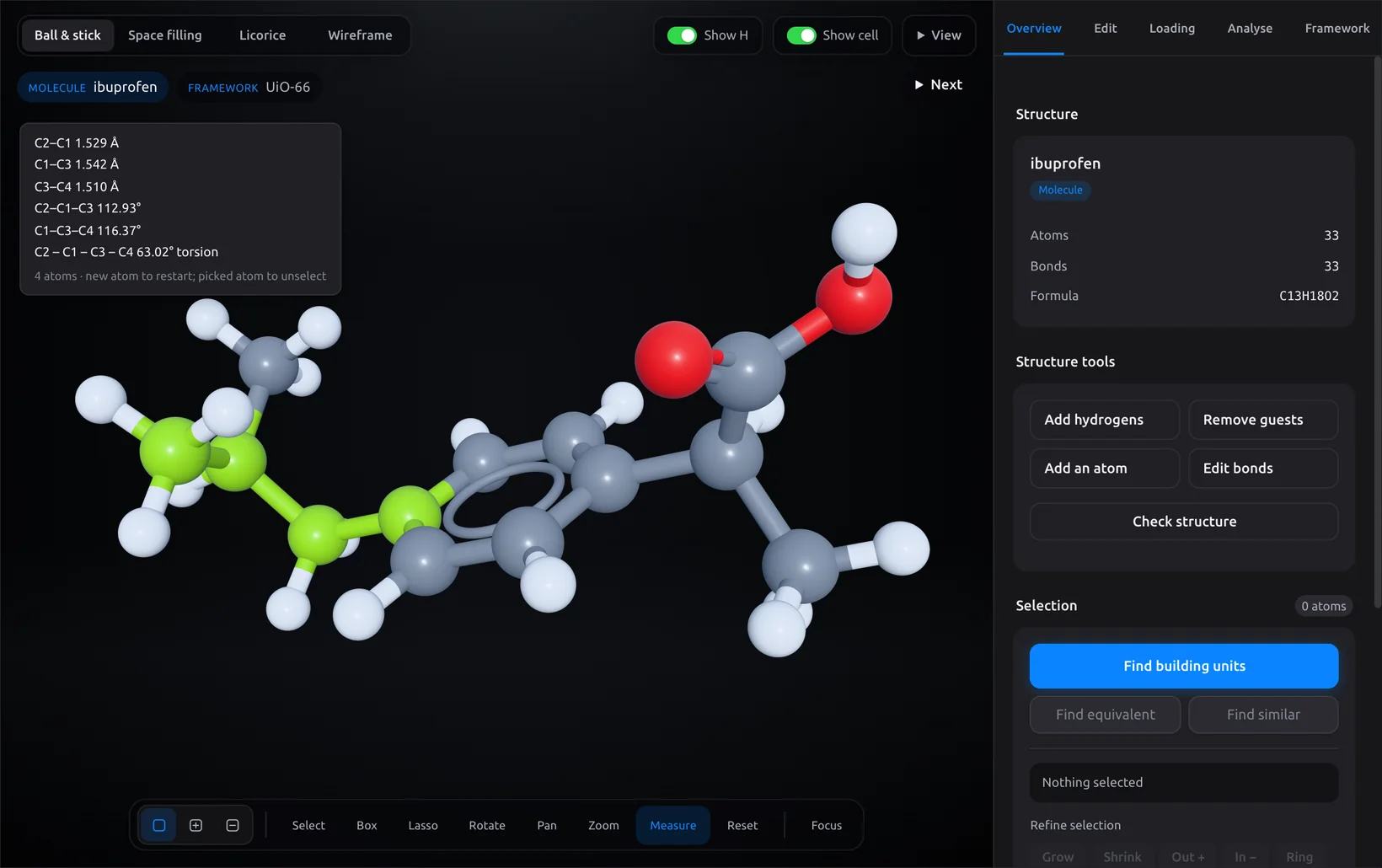
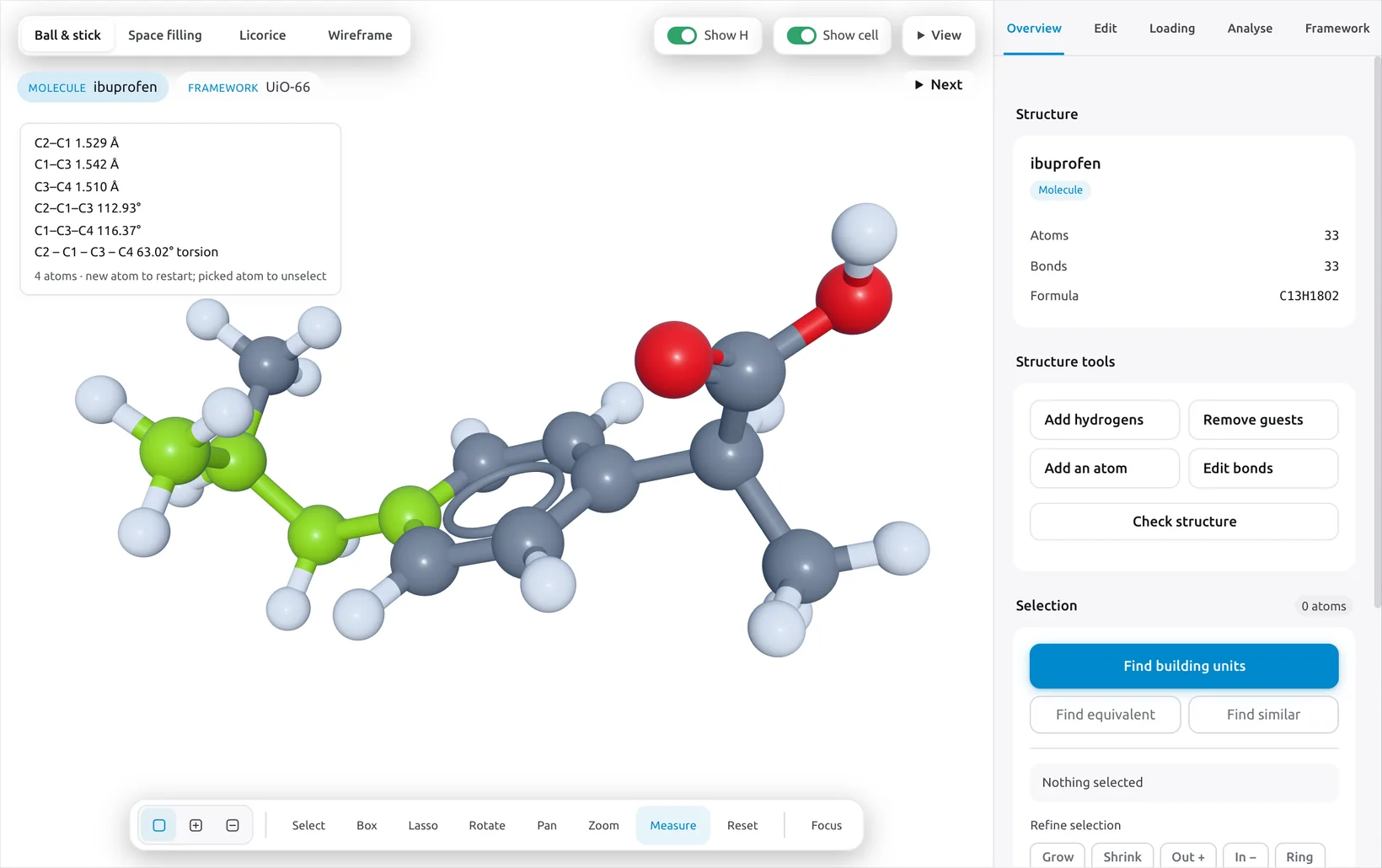
    Choose Measure under the view and pick atoms: two give the distance, three the angle, four the torsion. Distances use the nearest periodic image, so a bond...Choose Measure under the view and pick atoms: two give the distance, three the angle, four the torsion. Distances use the nearest periodic image, so a bond...