ANALYSE
Pore size, surface area and pore volume
The geometry of a framework’s pores, from the probe you choose.
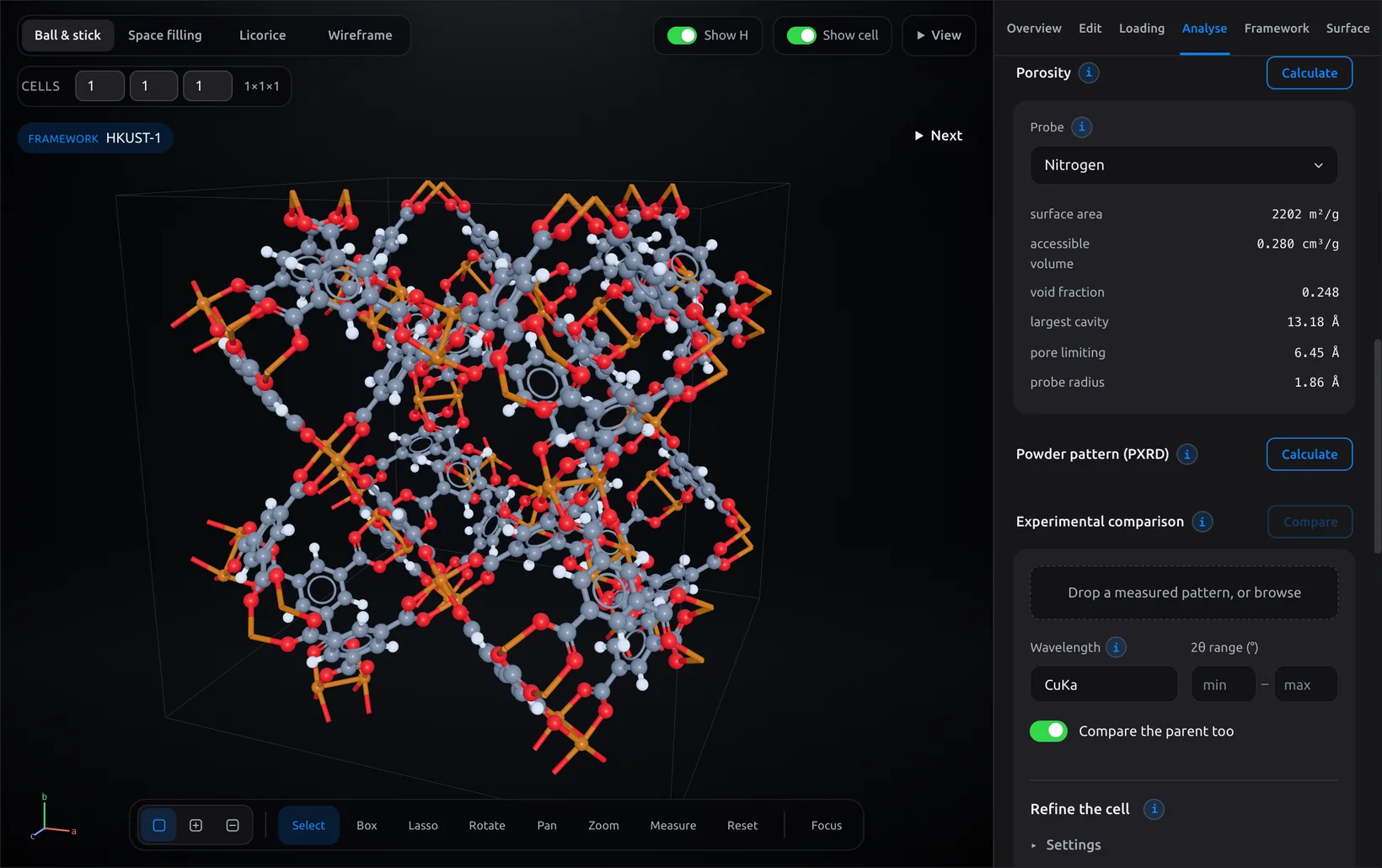
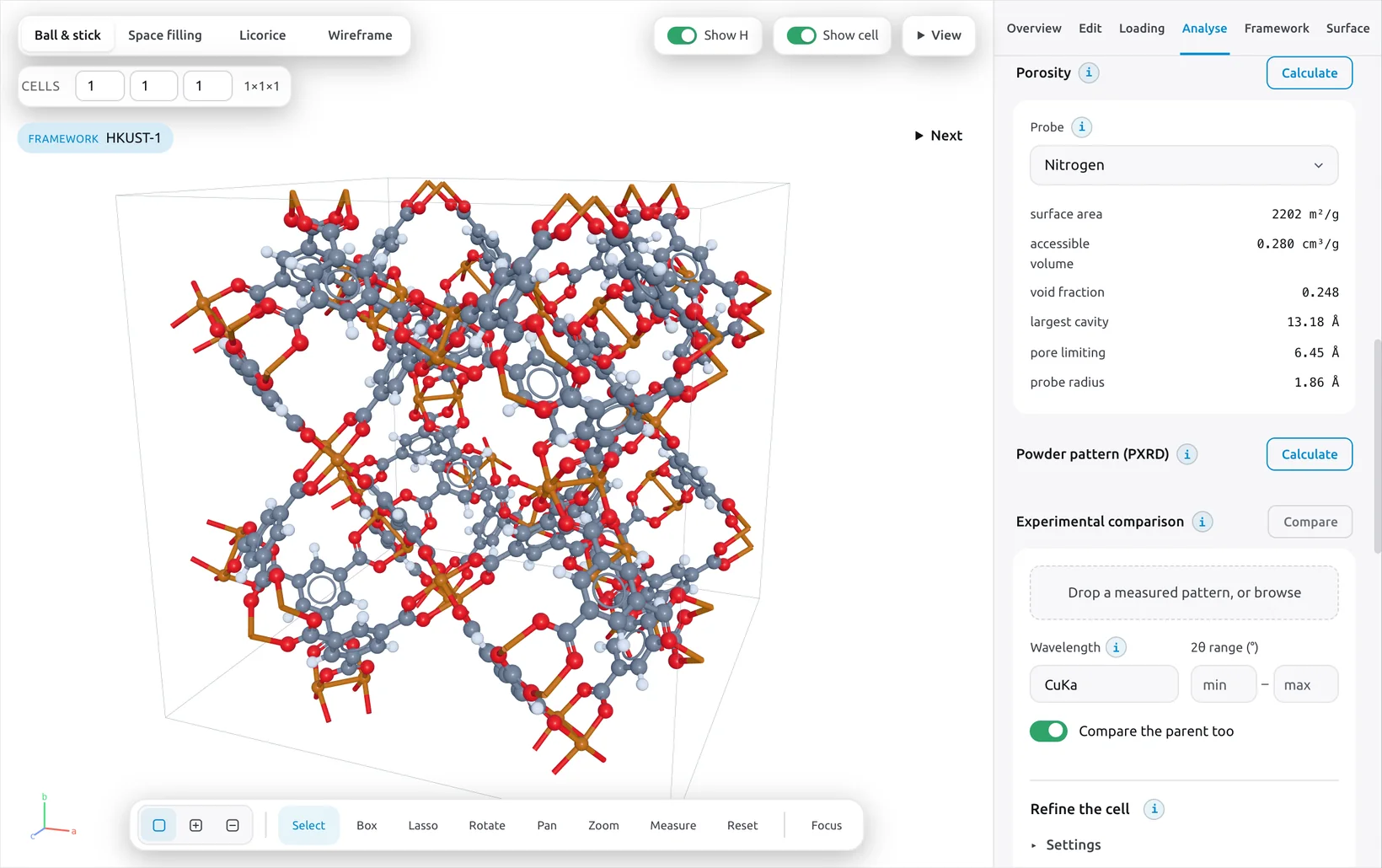
Open a framework and choose Analyse → Porosity. Choose the probe, a nitrogen molecule by default, and press Calculate: the largest cavity, the pore-limiting diameter, the accessible surface area, the pore volume and the density, per gram and per volume.