FRAMEWORKS
Stack COF layers to match a powder pattern
A two-dimensional COF: one layer taken out, stacked again and the stacking fitted to the measured pattern.
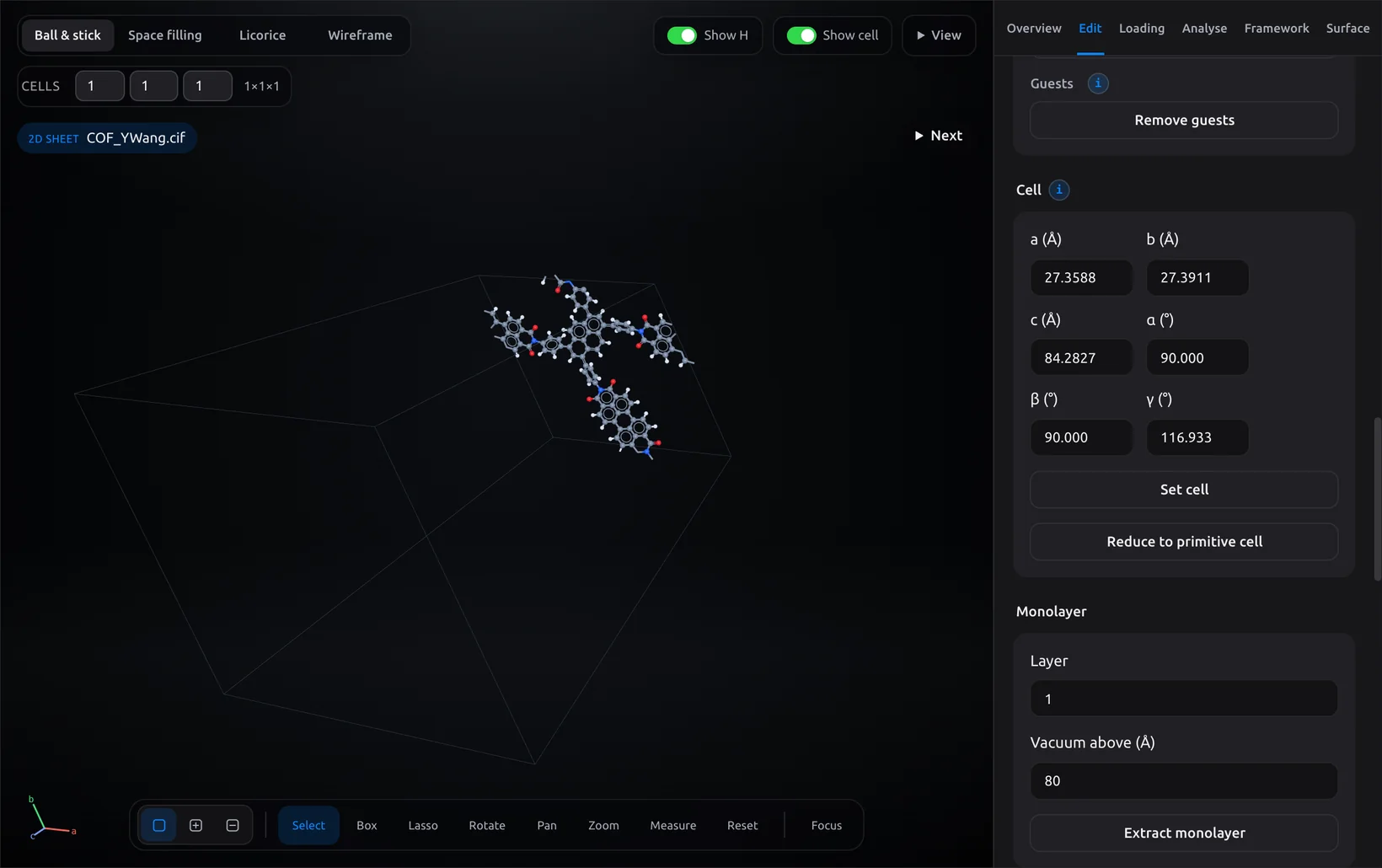
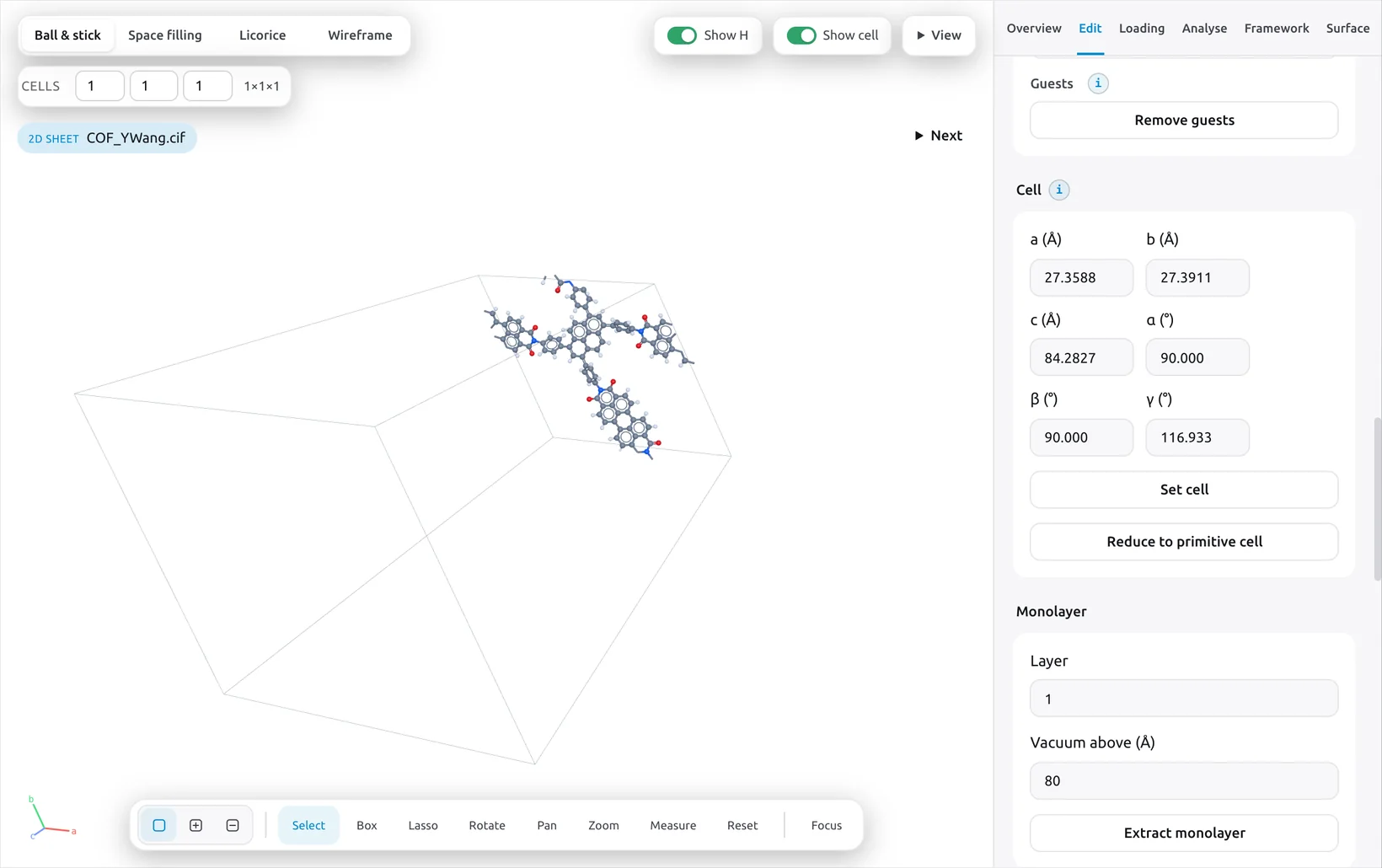
Open the layered crystal and choose Edit → Extract monolayer to keep one sheet with vacuum above it. A 2D framework built in the Framework builder arrives as a sheet already.
Choose Framework → Layer and 2D stacking. Pick AA, AB or a Slip by an offset, leave Optimise interlayer distance on to have the spacing calculated, and press Create stack.
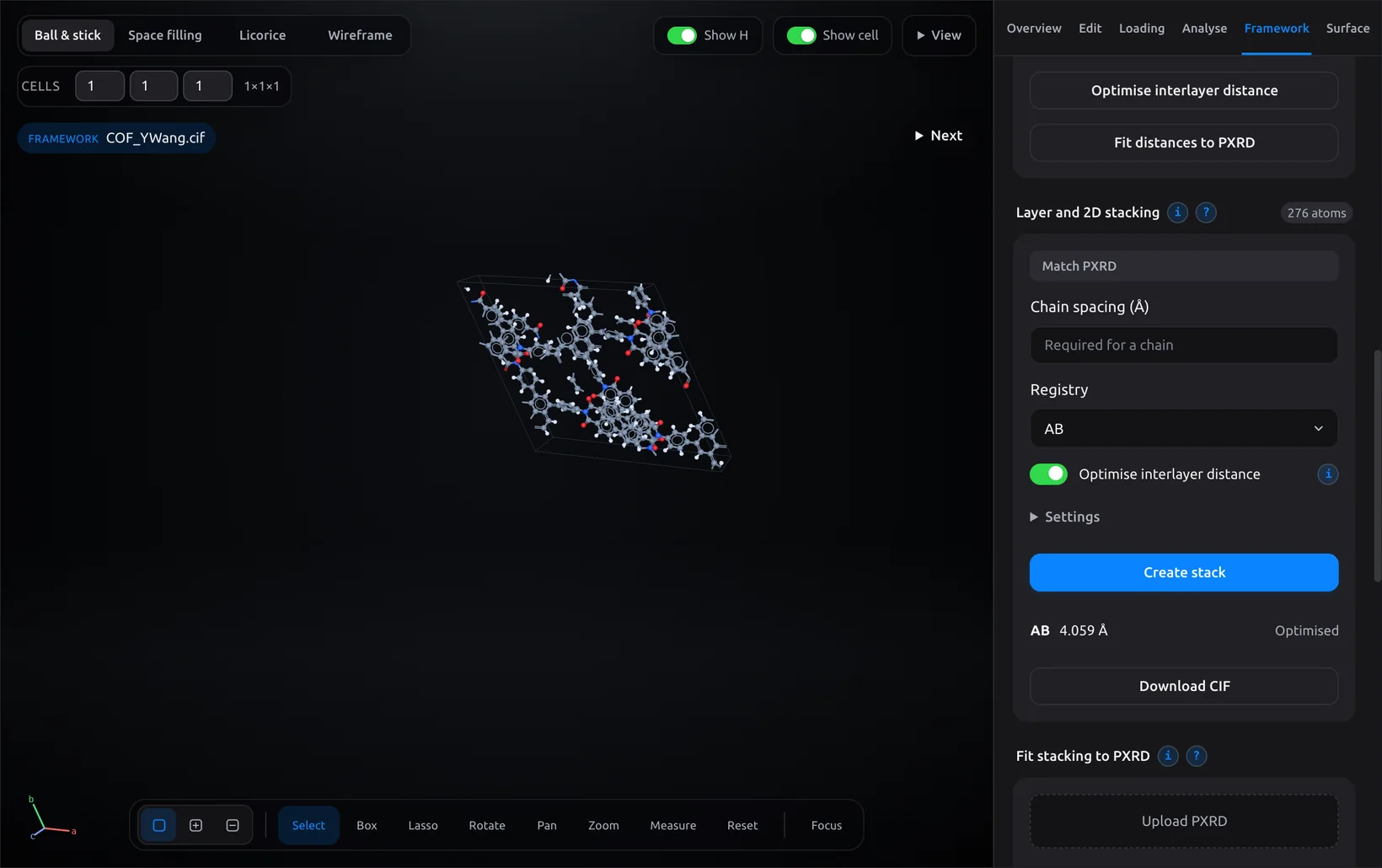
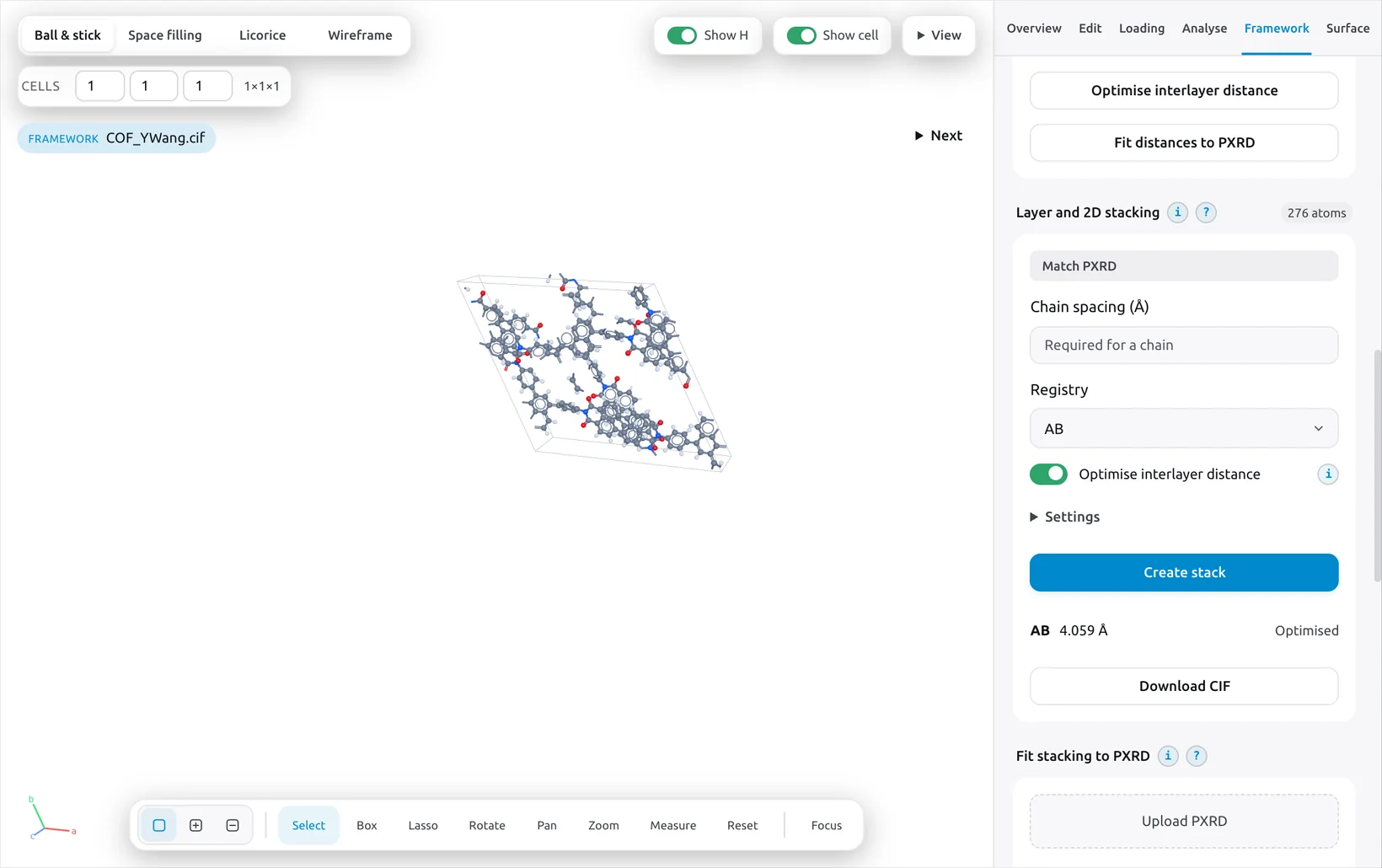
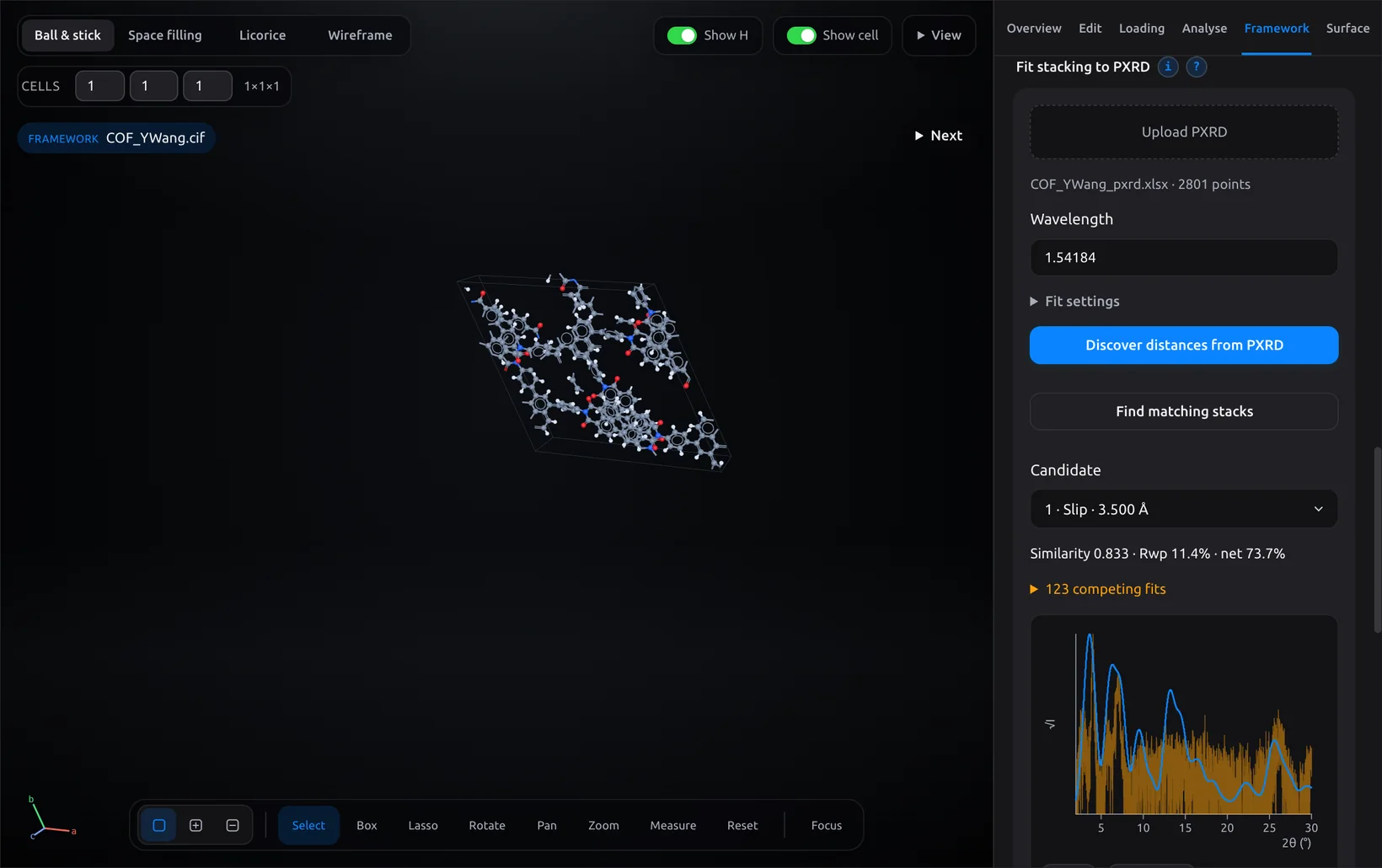
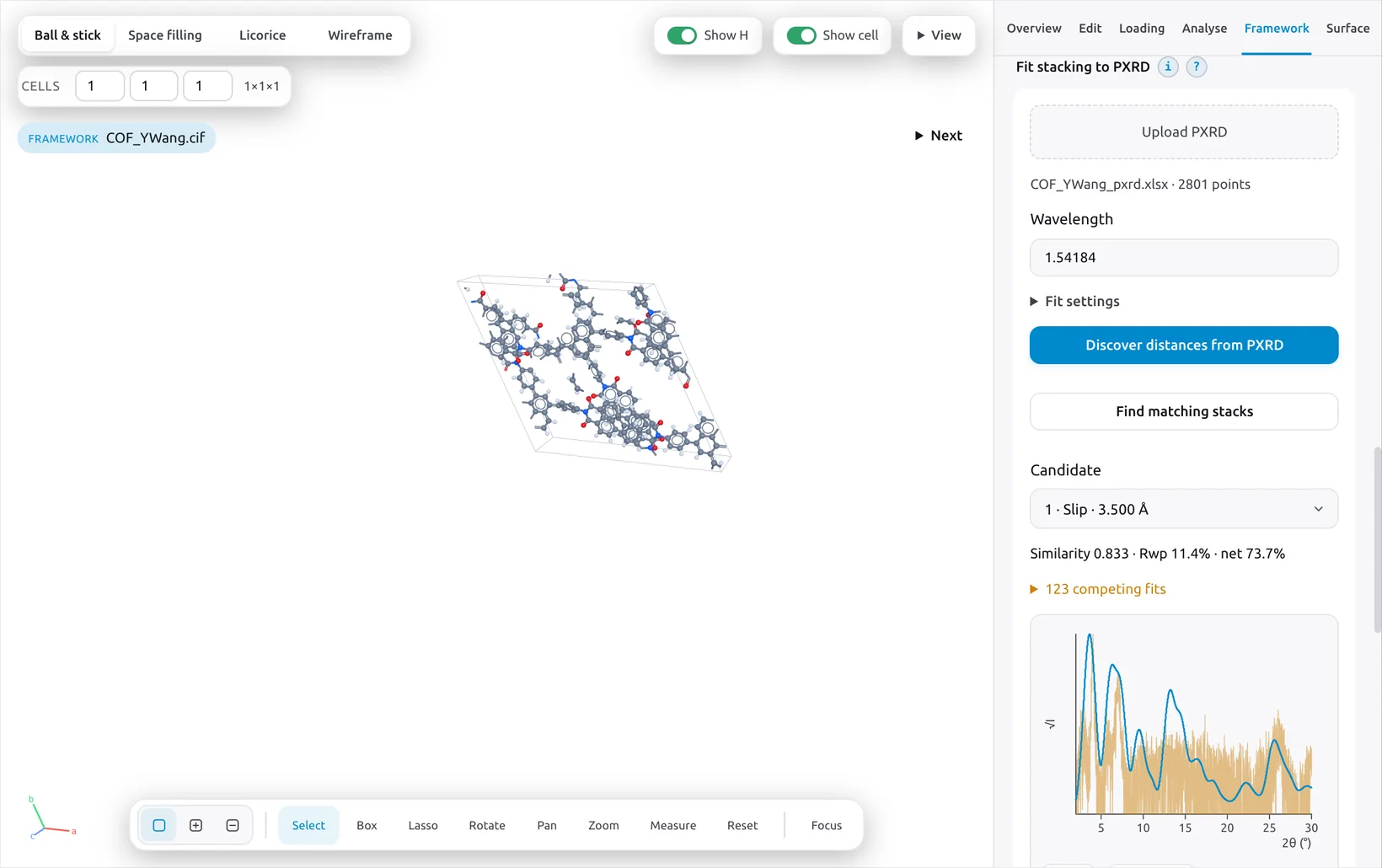
To let the data decide, open Fit stacking to PXRD and upload the measured pattern. Find matching stacks tries every registry and spacing in range and ranks them by how well their patterns match; Compare pattern overlays one on the data and Use stack opens it.