Skip to the content
WORKFLOWS

Cap a gold particle with a surfactant

A 3 nm gold particle with a shell of sodium dodecyl sulfate (SDS), from nothing, in three steps.

  1. Choose the workflow. Build opens on Particle with a 3 nm gold octahedron filled in. Press Build structure.
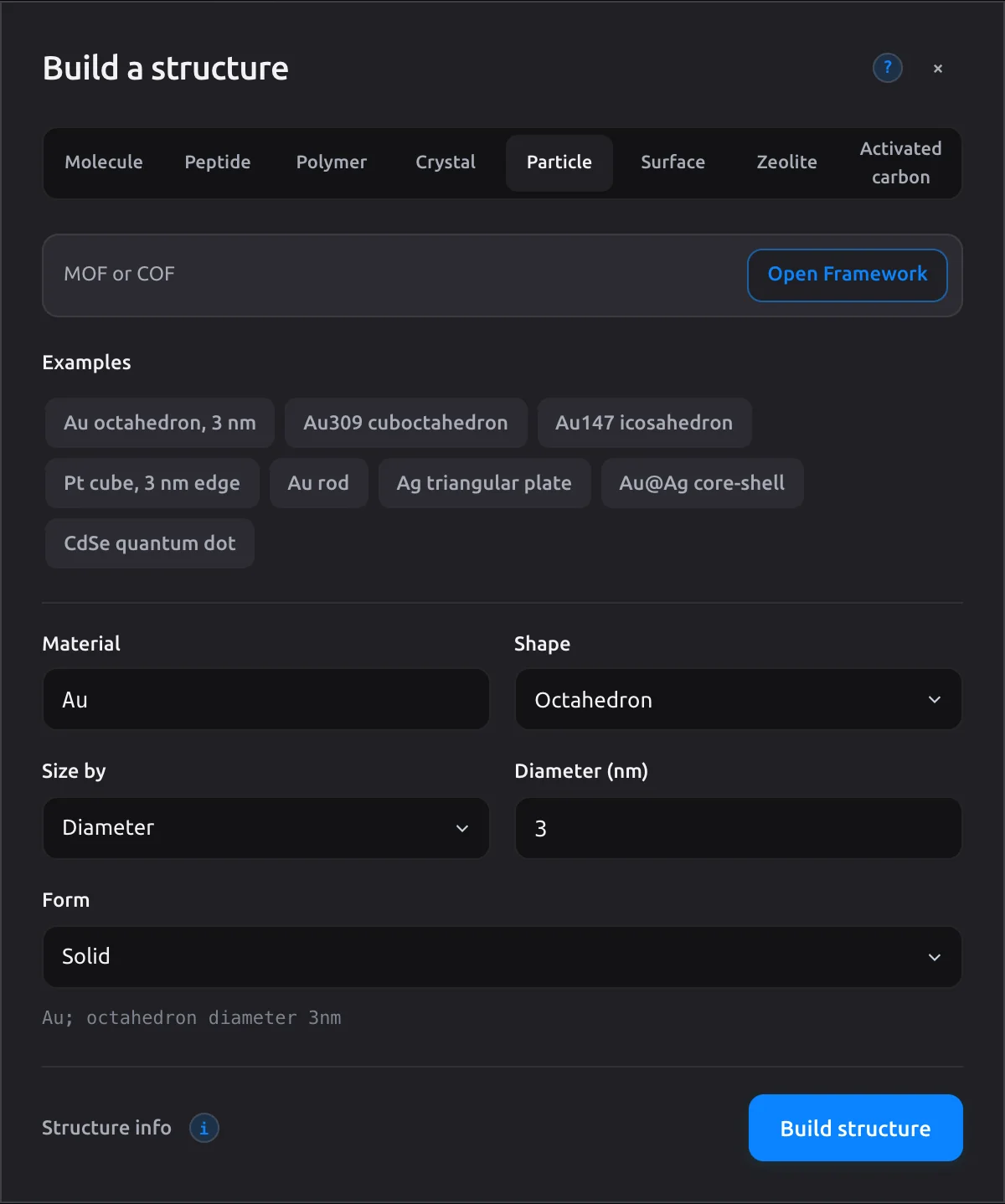
    Choose the workflow. Build opens on Particle with a 3 nm gold octahedron filled in. Press Build structure.Choose the workflow. Build opens on Particle with a 3 nm gold octahedron filled in. Press Build structure.
  2. The next step opens by itself: Build on Molecule with SDS found by name. Press Build structure.
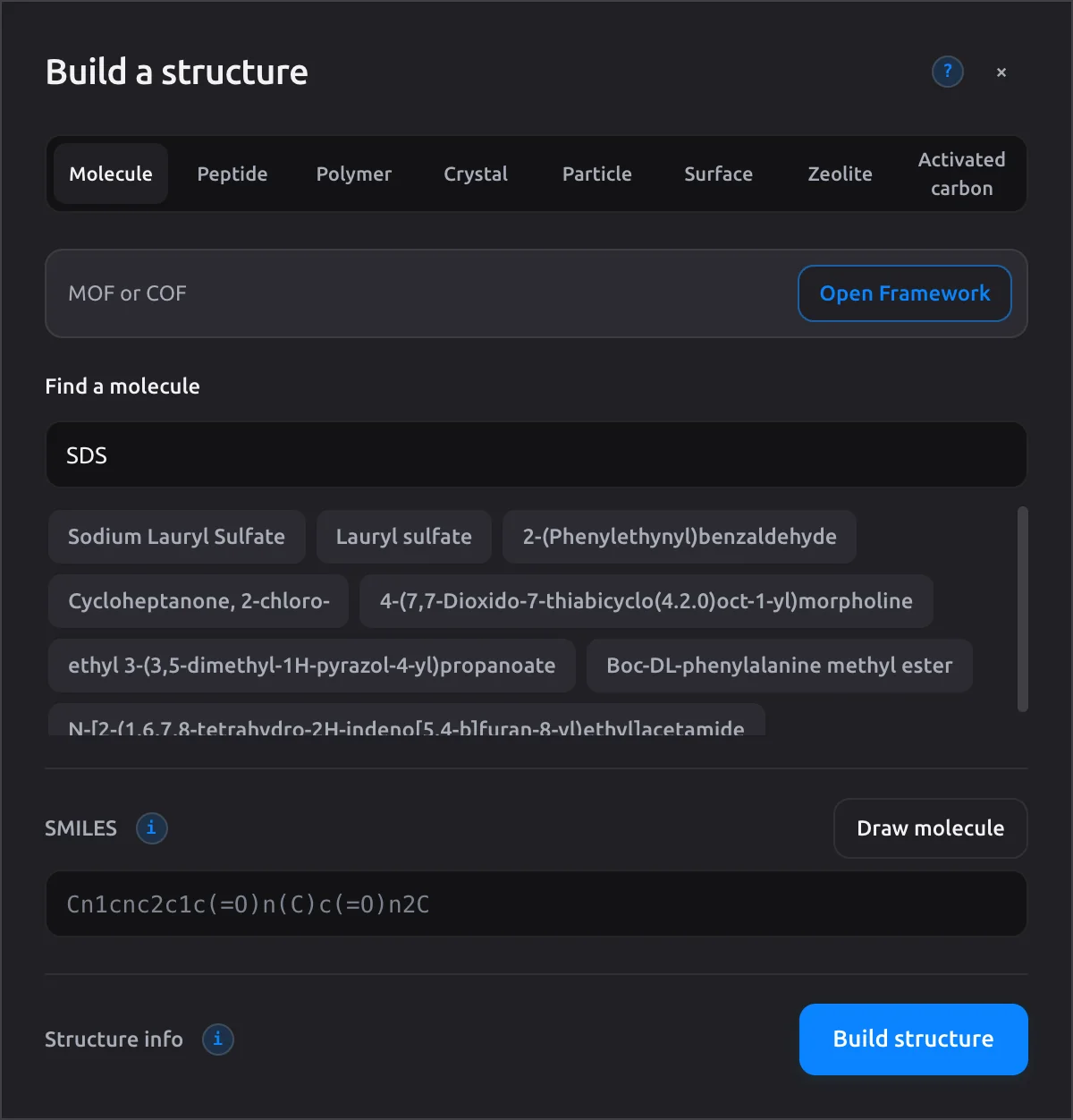
    The next step opens by itself: Build on Molecule with SDS found by name. Press Build structure.The next step opens by itself: Build on Molecule with SDS found by name. Press Build structure.
  3. The workflow switches back to the particle and opens Surface → Ligand shell with SDS as the ligand. Set the coverage per nm² if you like, then press Add ligands.
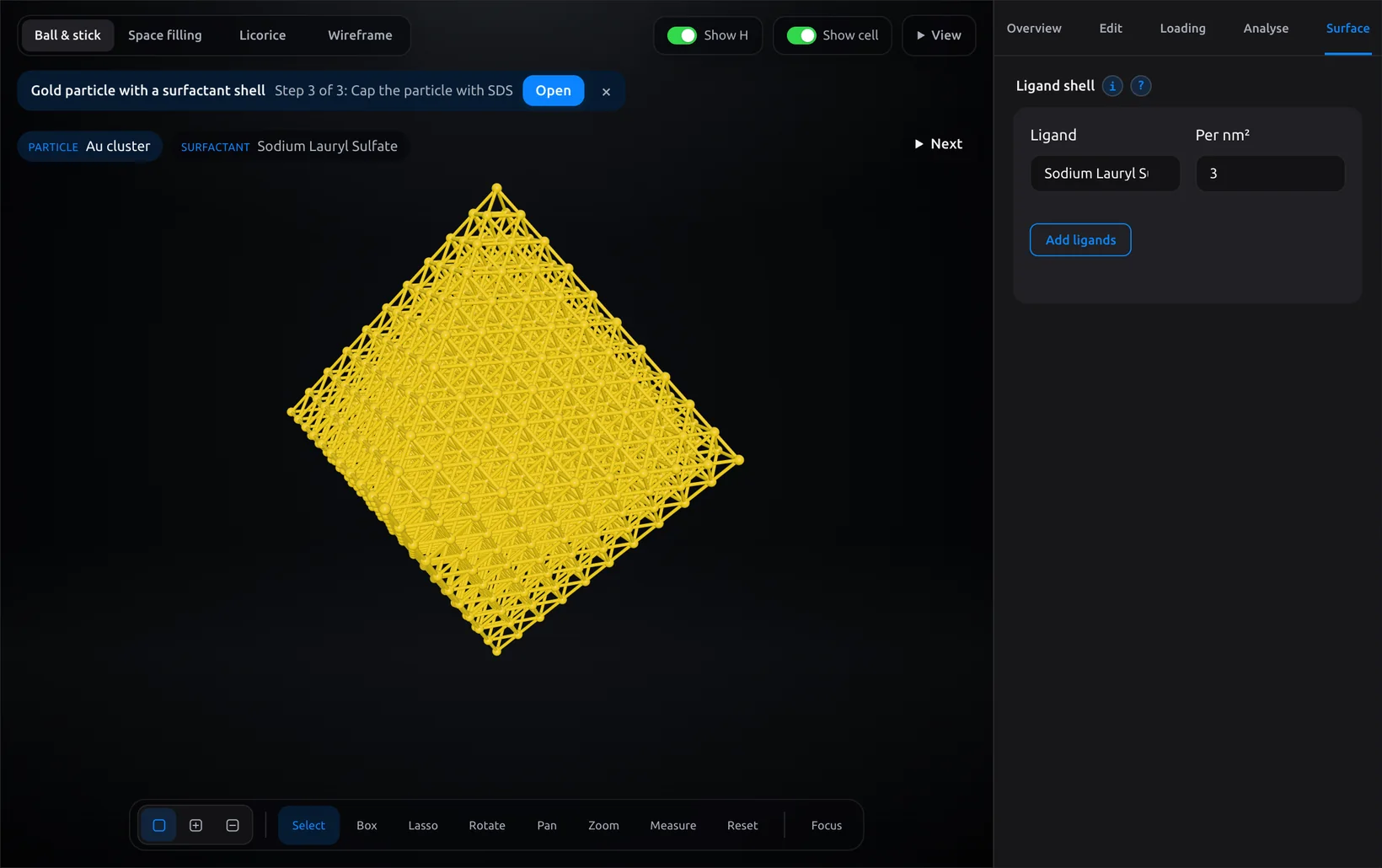
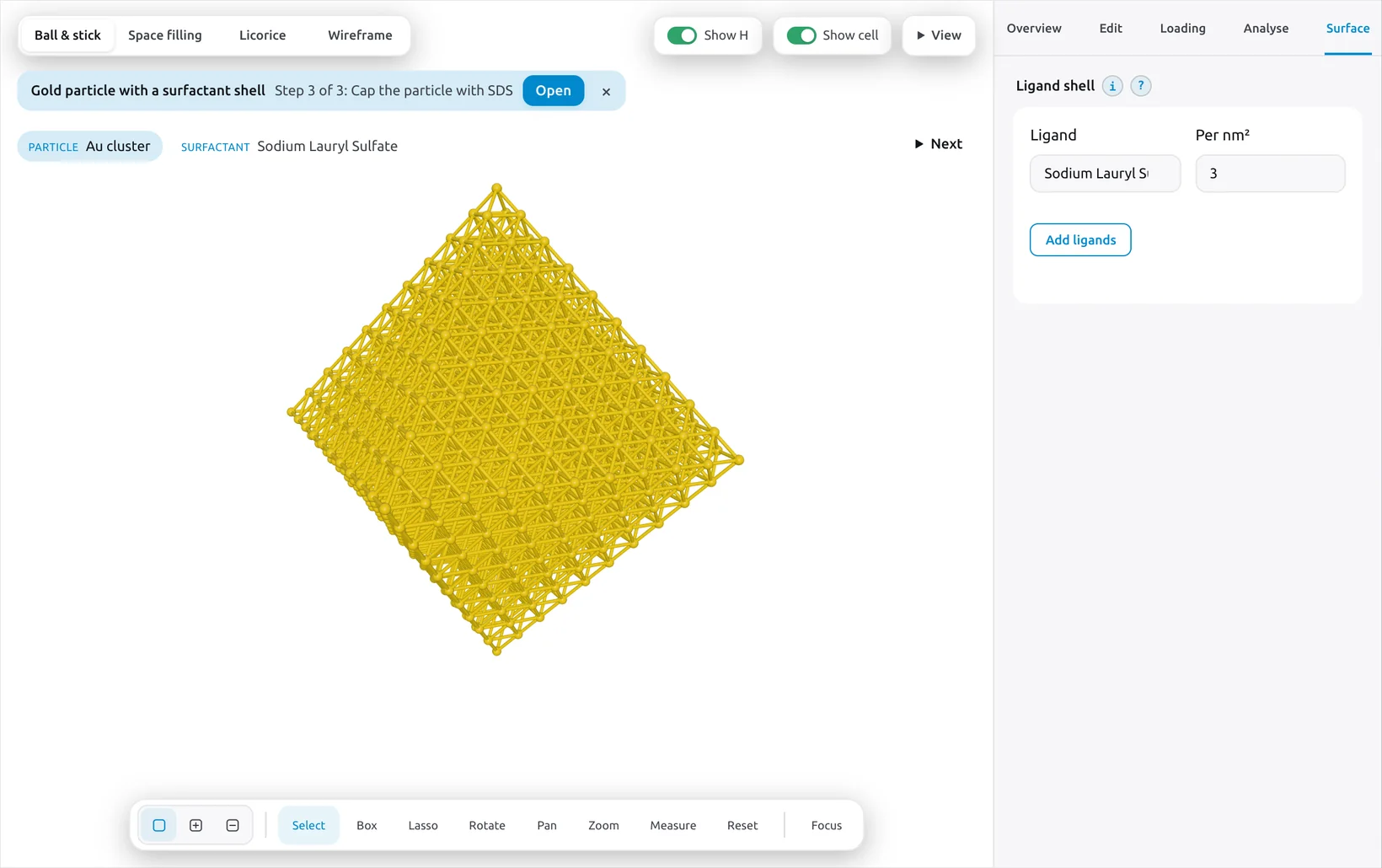
    The workflow switches back to the particle and opens Surface → Ligand shell with SDS as the ligand. Set the coverage per nm² if you like, then press Add...The workflow switches back to the particle and opens Surface → Ligand shell with SDS as the ligand. Set the coverage per nm² if you like, then press Add...
  4. The particle comes back capped, with the number of ligands placed and the coverage reached, and the bar says all steps are done. The buttons under the result relax it, find where a molecule binds or show the interactions.
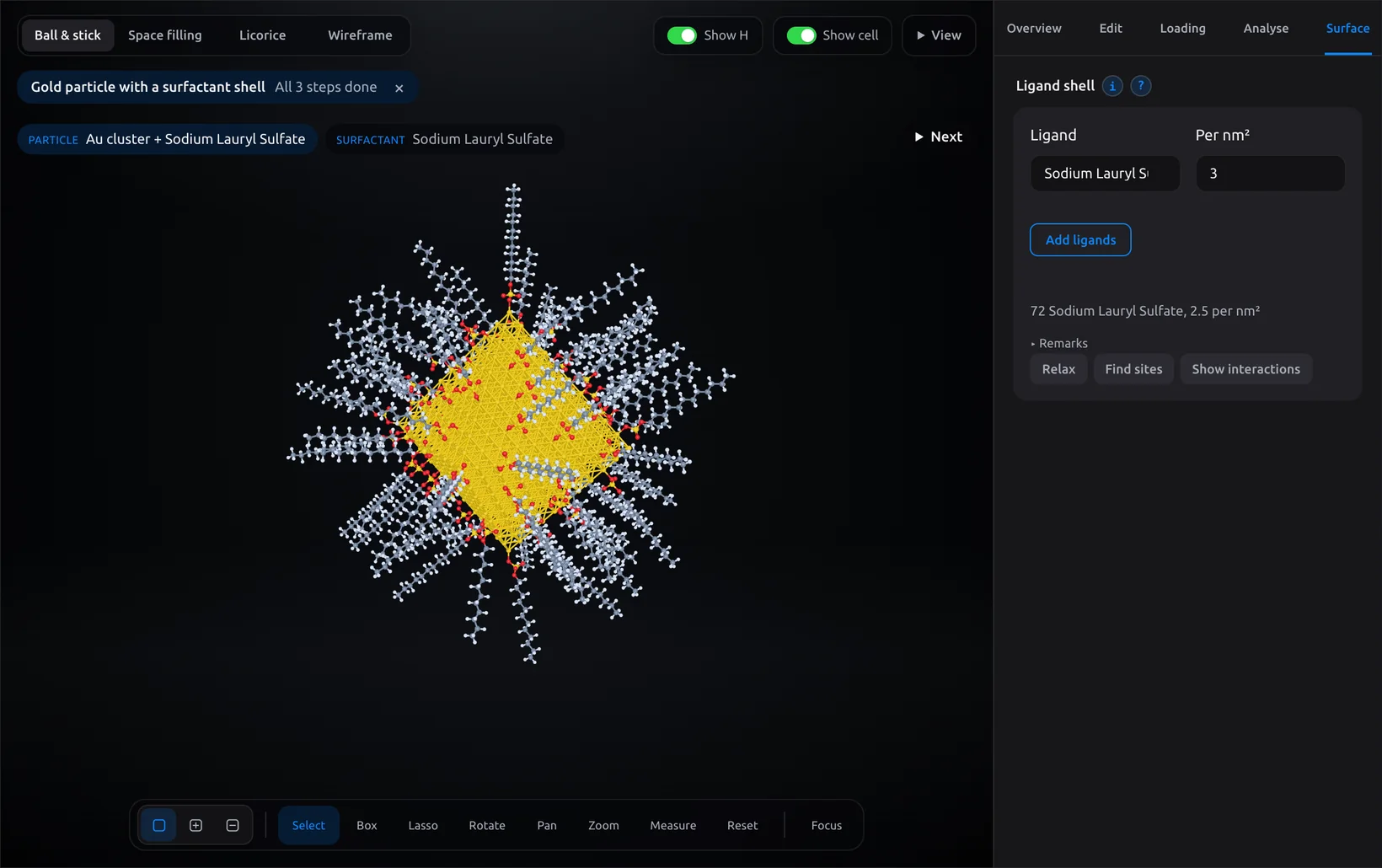
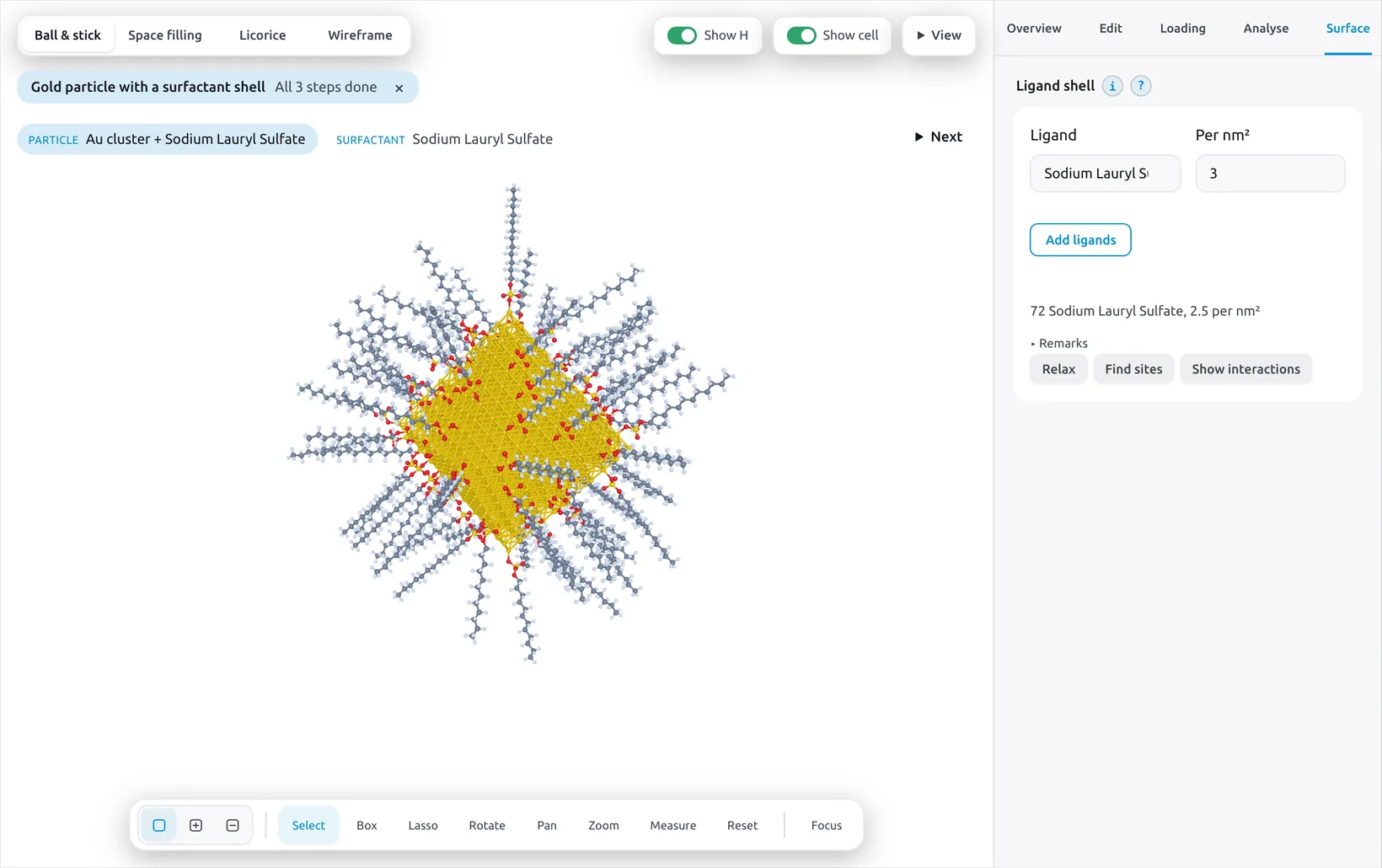
    The particle comes back capped, with the number of ligands placed and the coverage reached, and the bar says all steps are done. The buttons under the result...The particle comes back capped, with the number of ligands placed and the coverage reached, and the bar says all steps are done. The buttons under the result...