Skip to the content
WORKFLOWS

Place a protein on a gold particle

Lysozyme from the Protein Data Bank set against a 3 nm gold particle, then its binding energy.

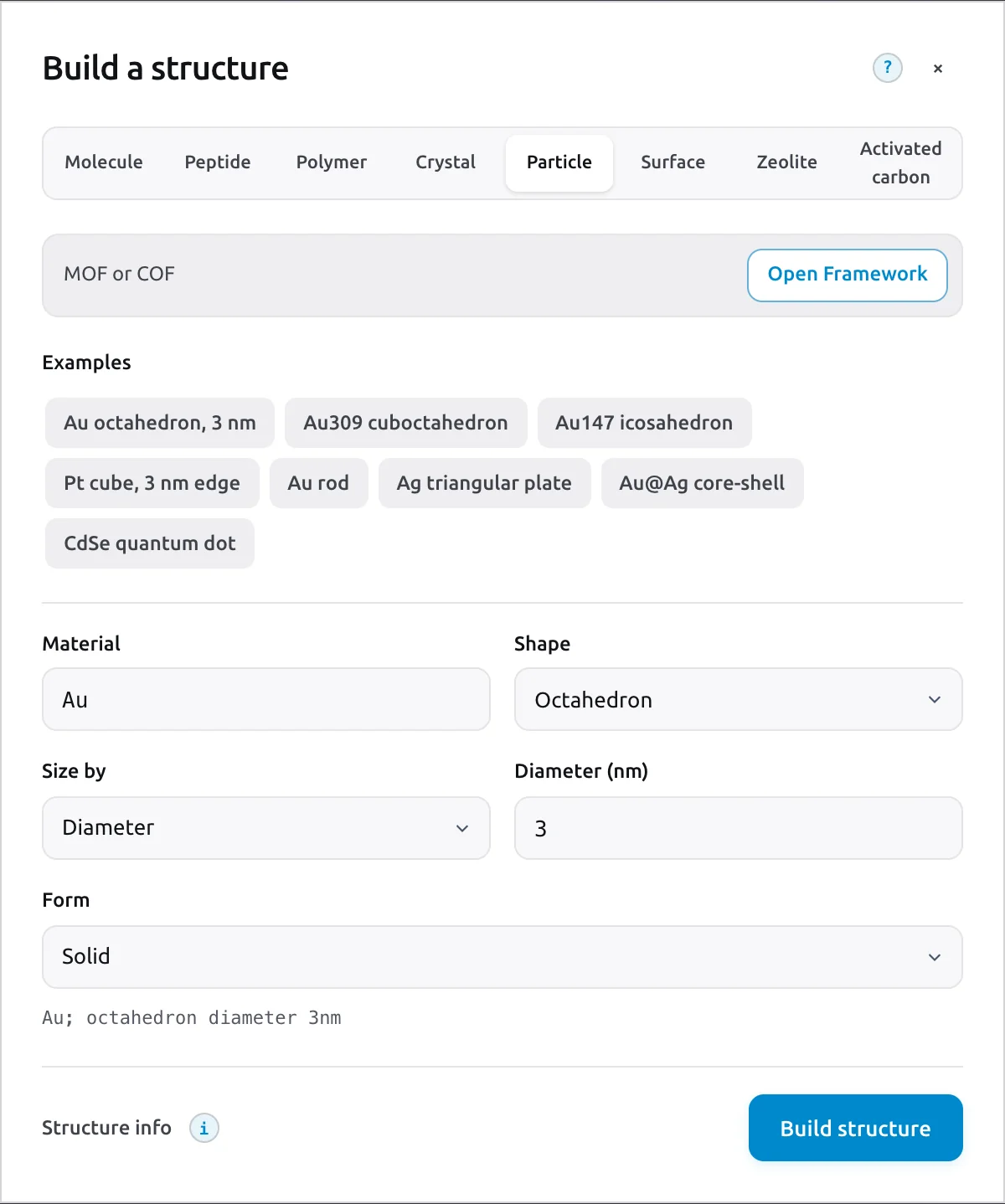
  1. Choose the workflow and press Build structure for the gold particle, as in the tutorial above.
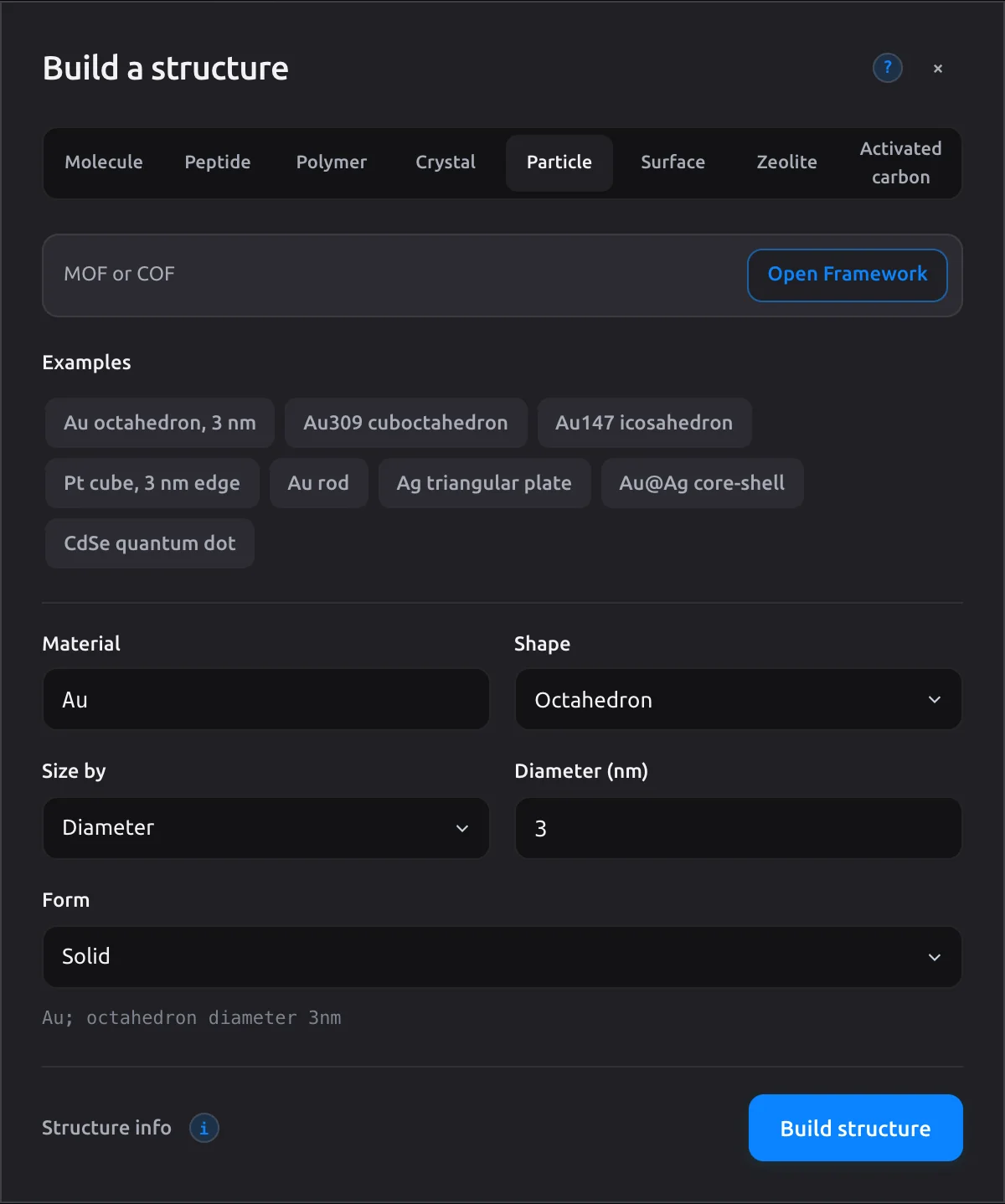
    Choose the workflow and press Build structure for the gold particle, as in the tutorial above.Choose the workflow and press Build structure for the gold particle, as in the tutorial above.
  2. Loading → Partner opens with lysozyme (PDB 1LYZ). Press Place against surface. The protein is fetched with its hydrogens added at pH 7, and brought in from every direction.
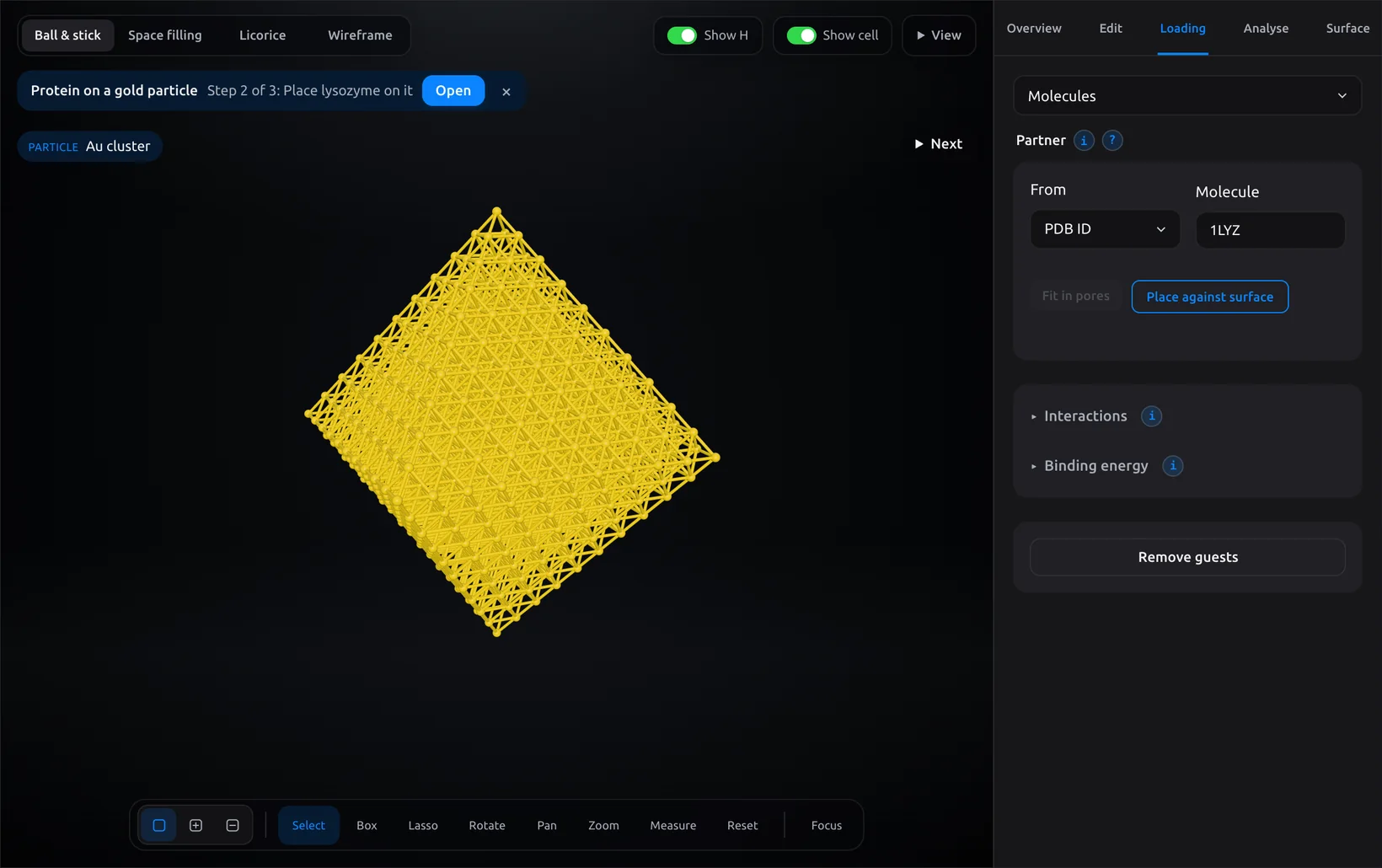
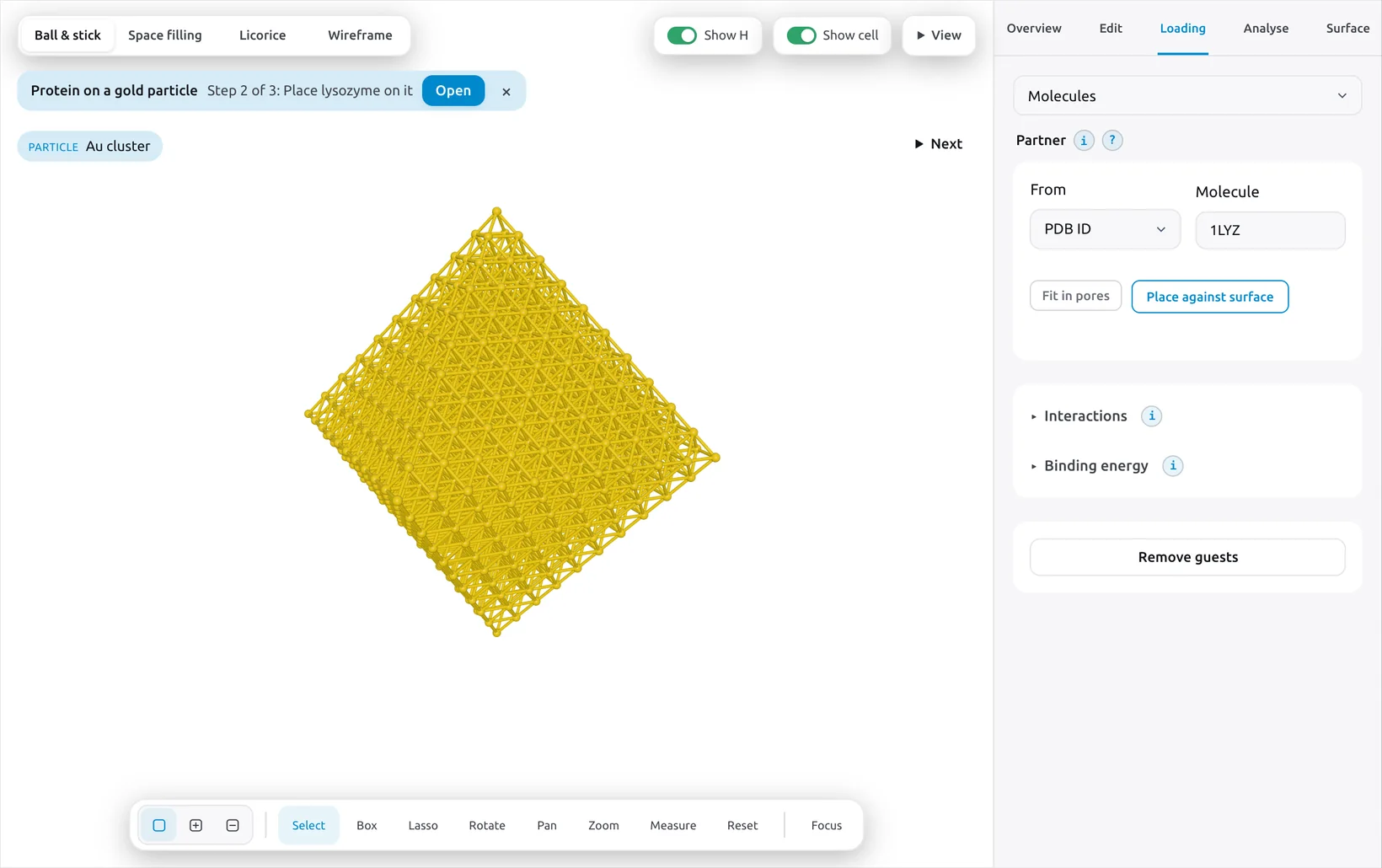
    Loading → Partner opens with lysozyme (PDB 1LYZ). Press Place against surface. The protein is fetched with its hydrogens added at pH 7, and brought in from...Loading → Partner opens with lysozyme (PDB 1LYZ). Press Place against surface. The protein is fetched with its hydrogens added at pH 7, and brought in from...
  3. The protein is placed at the pose with the lowest interaction energy and drawn as its fold, with the residues at the surface as atoms. The next step opens Binding energy under it.
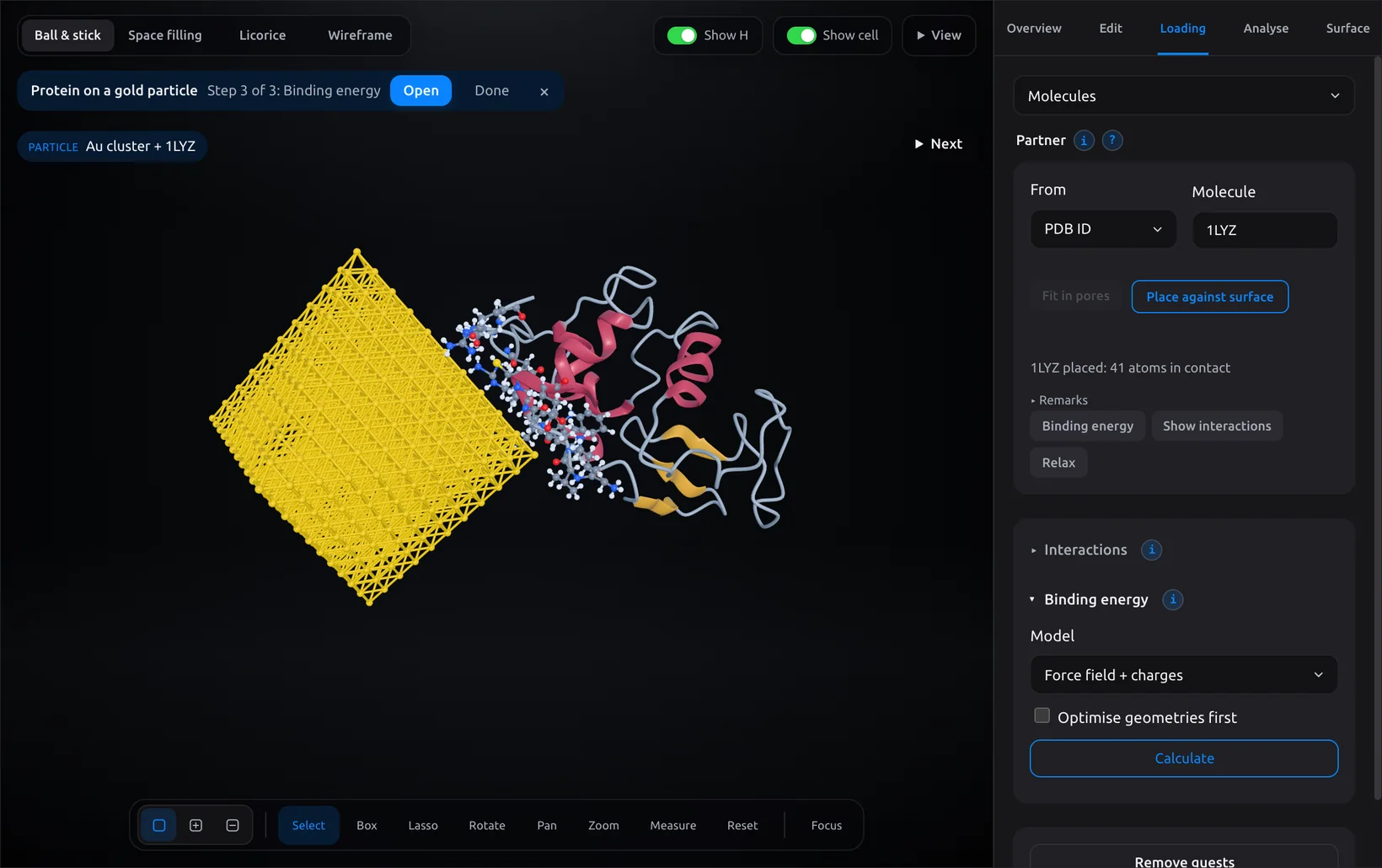
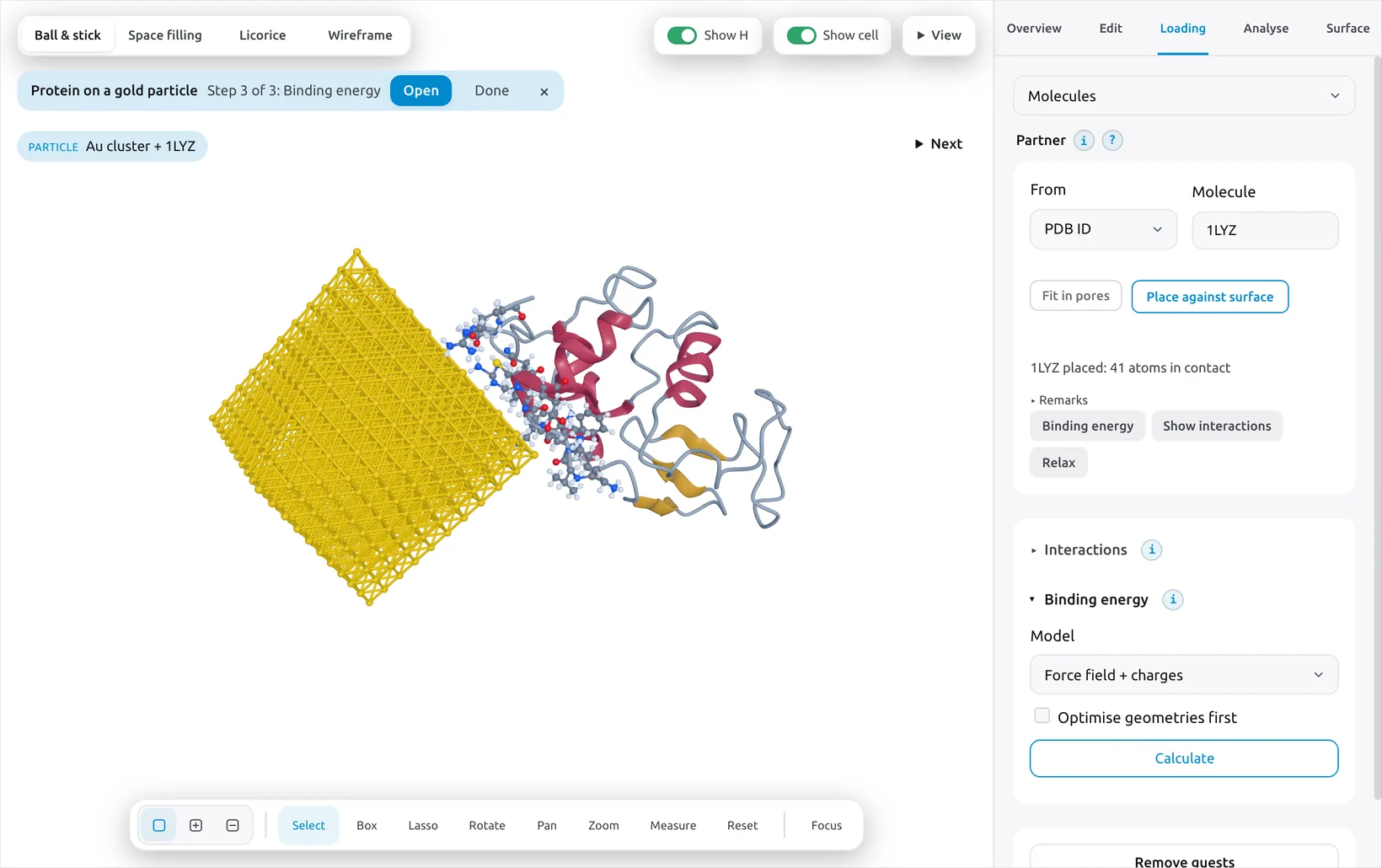
    The protein is placed at the pose with the lowest interaction energy and drawn as its fold, with the residues at the surface as atoms. The next step opens...The protein is placed at the pose with the lowest interaction energy and drawn as its fold, with the residues at the surface as atoms. The next step opens...
  4. Press Calculate for the binding energy between the protein and the particle, then Done in the bar.
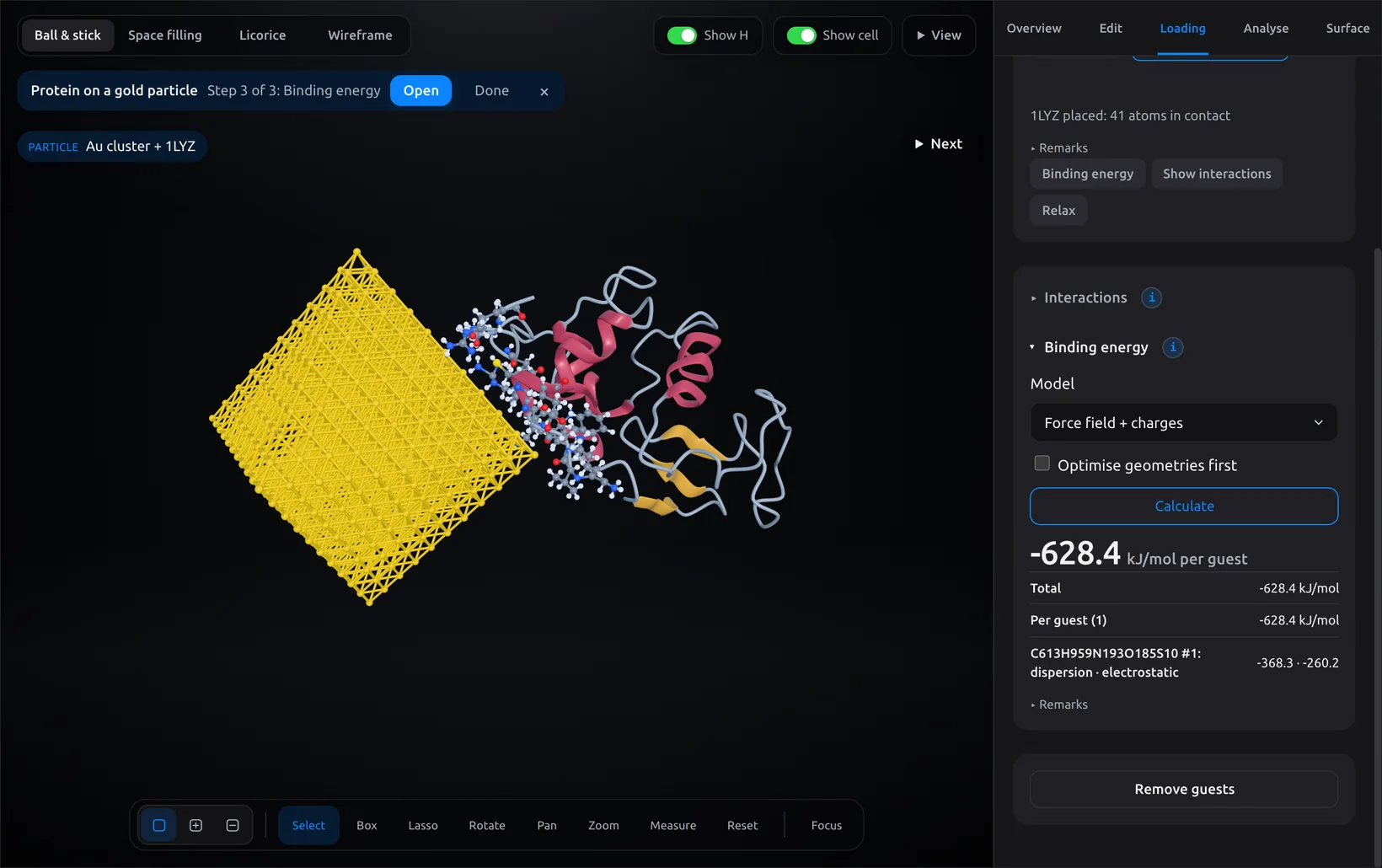
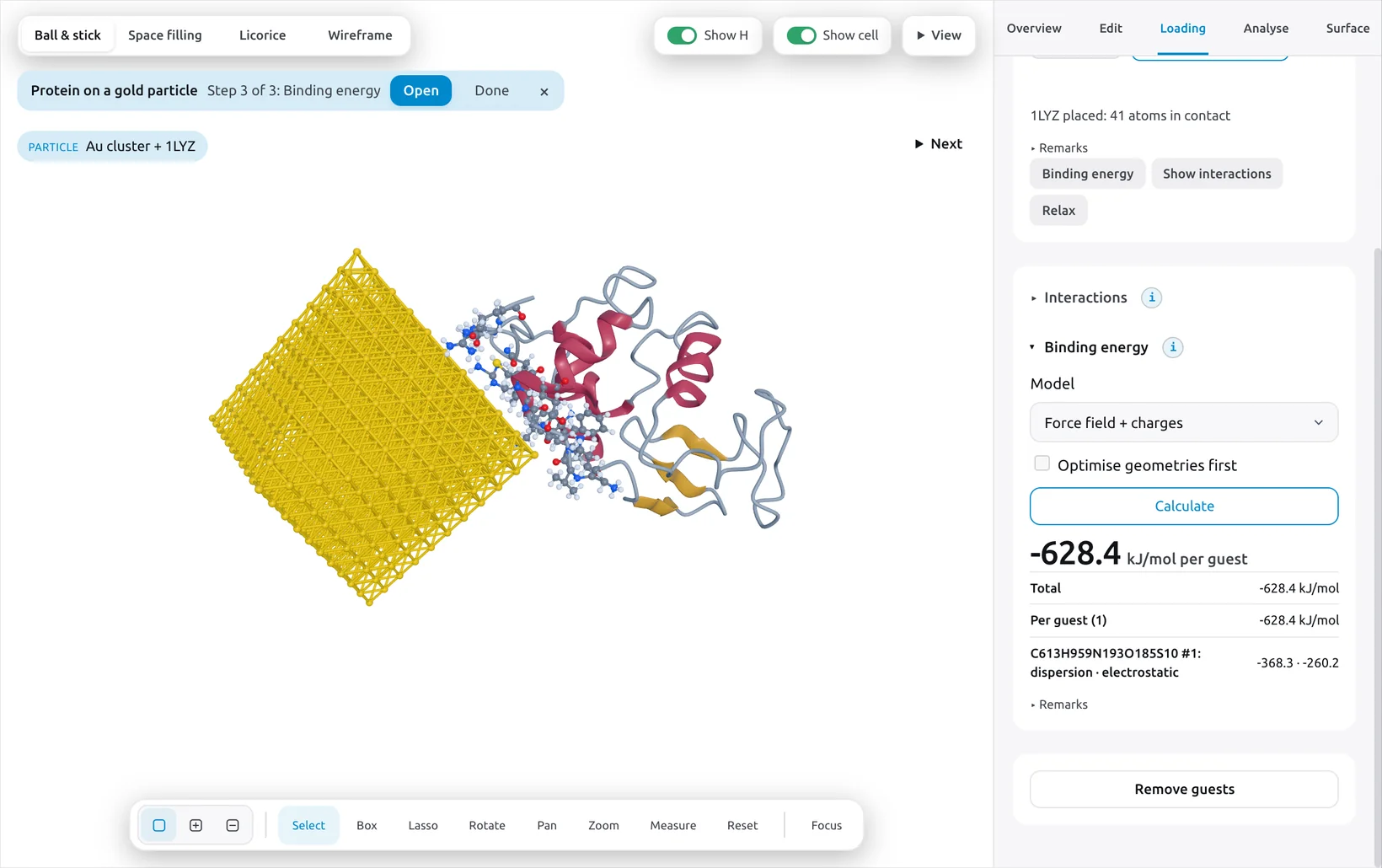
    Press Calculate for the binding energy between the protein and the particle, then Done in the bar.Press Calculate for the binding energy between the protein and the particle, then Done in the bar.