ANALYSE
Check a structure before you use it
Overlapping atoms, odd valences, missing hydrogens and solvent left in the pores, found before a calculation trips on them.
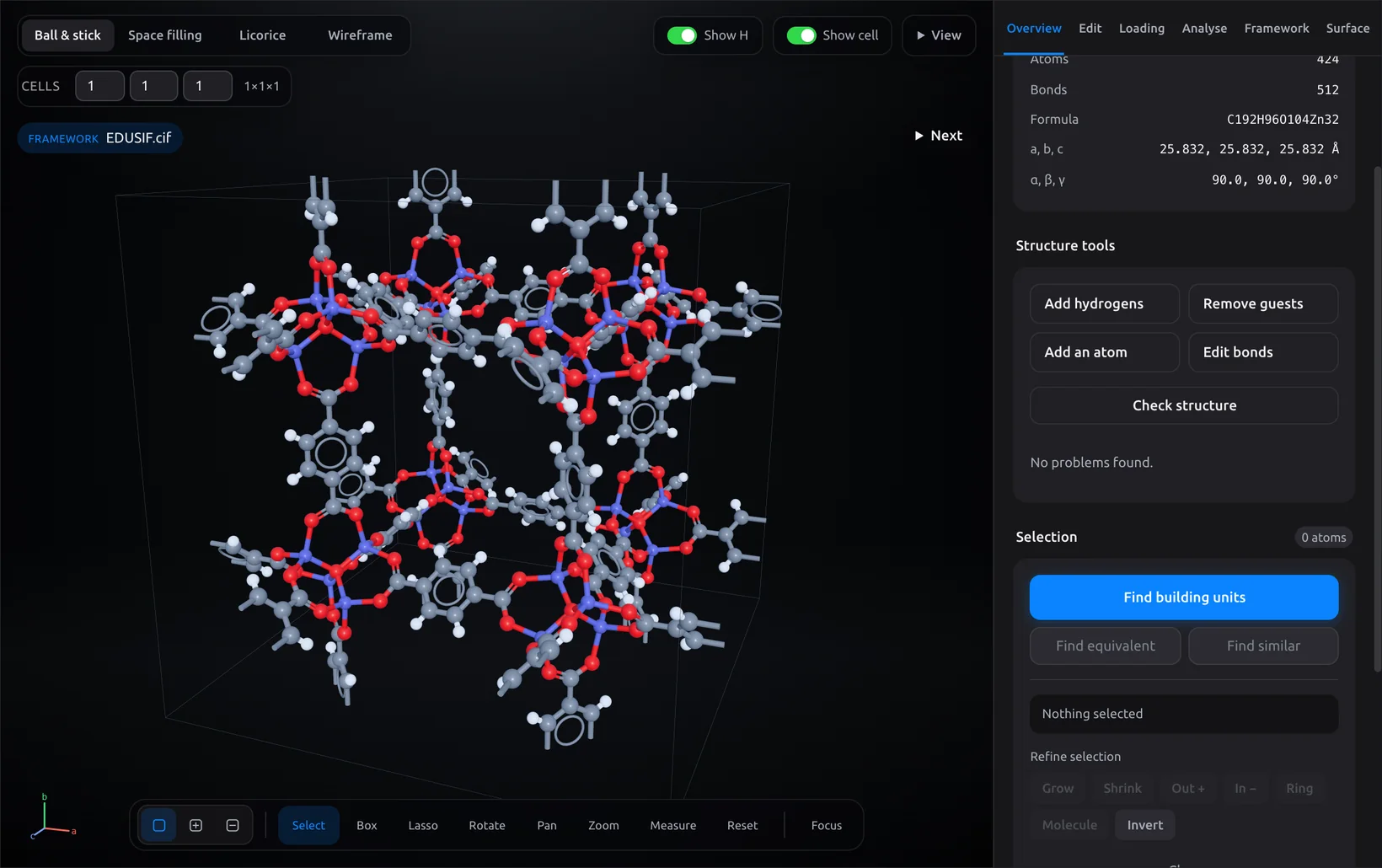
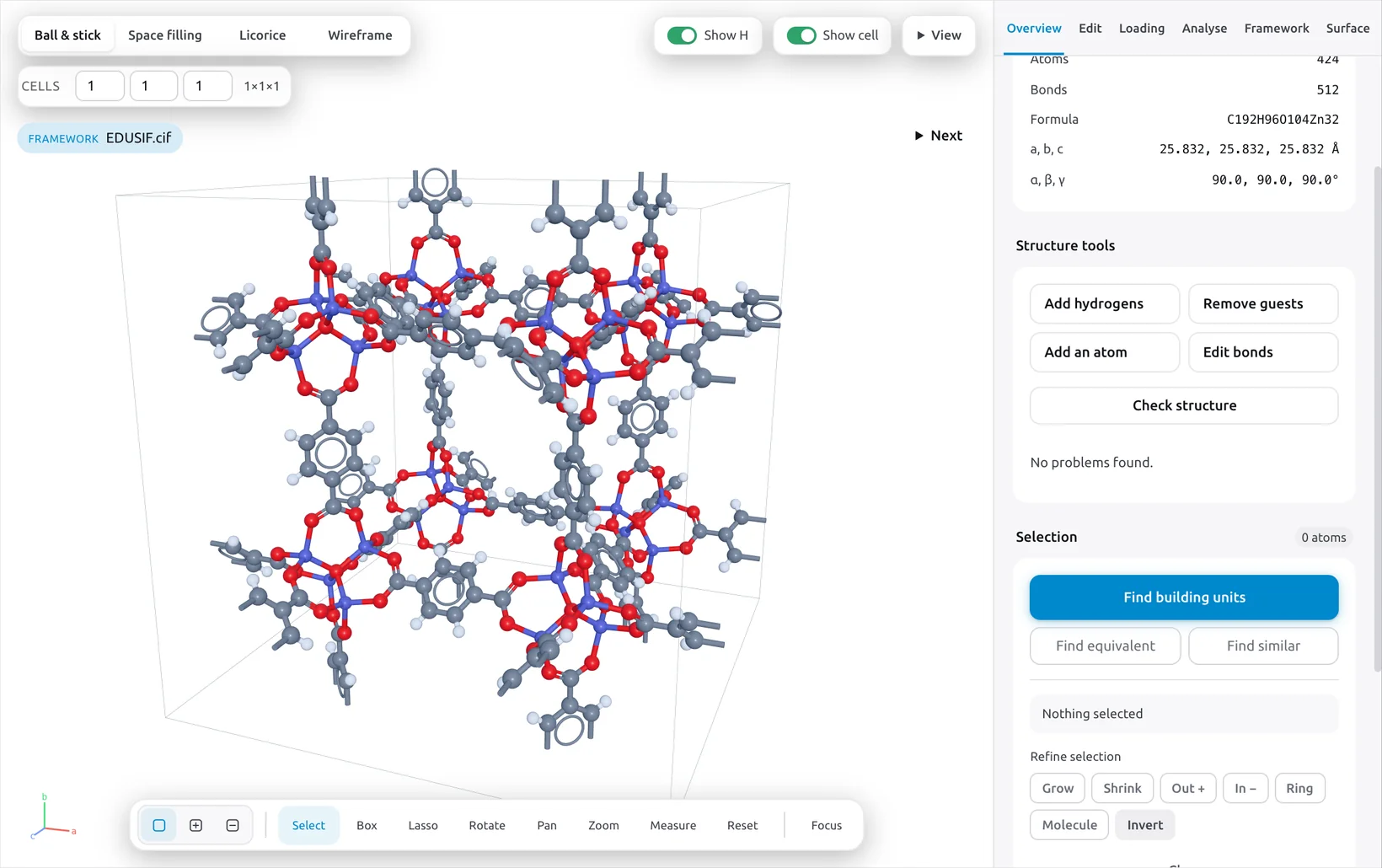
Open a structure and press Check structure in Overview. The check reads the bonds, charges and contacts and lists what looks wrong, each with the atoms involved; click one to select them. Edit → Clean up fixes the common cases: missing hydrogens, overlaps from a disordered CIF, unbound guests.