Skip to the content
EDIT

Add a functional group

An amine on one ring of UiO-66, chosen by clicking the atom it replaces.

  1. Click the atom to replace, here a hydrogen on a linker; Shift-click adds more, and Find equivalent picks every site the symmetry says is the same. The bar under the view offers what can be done to the selection: press Functionalise and choose the group.
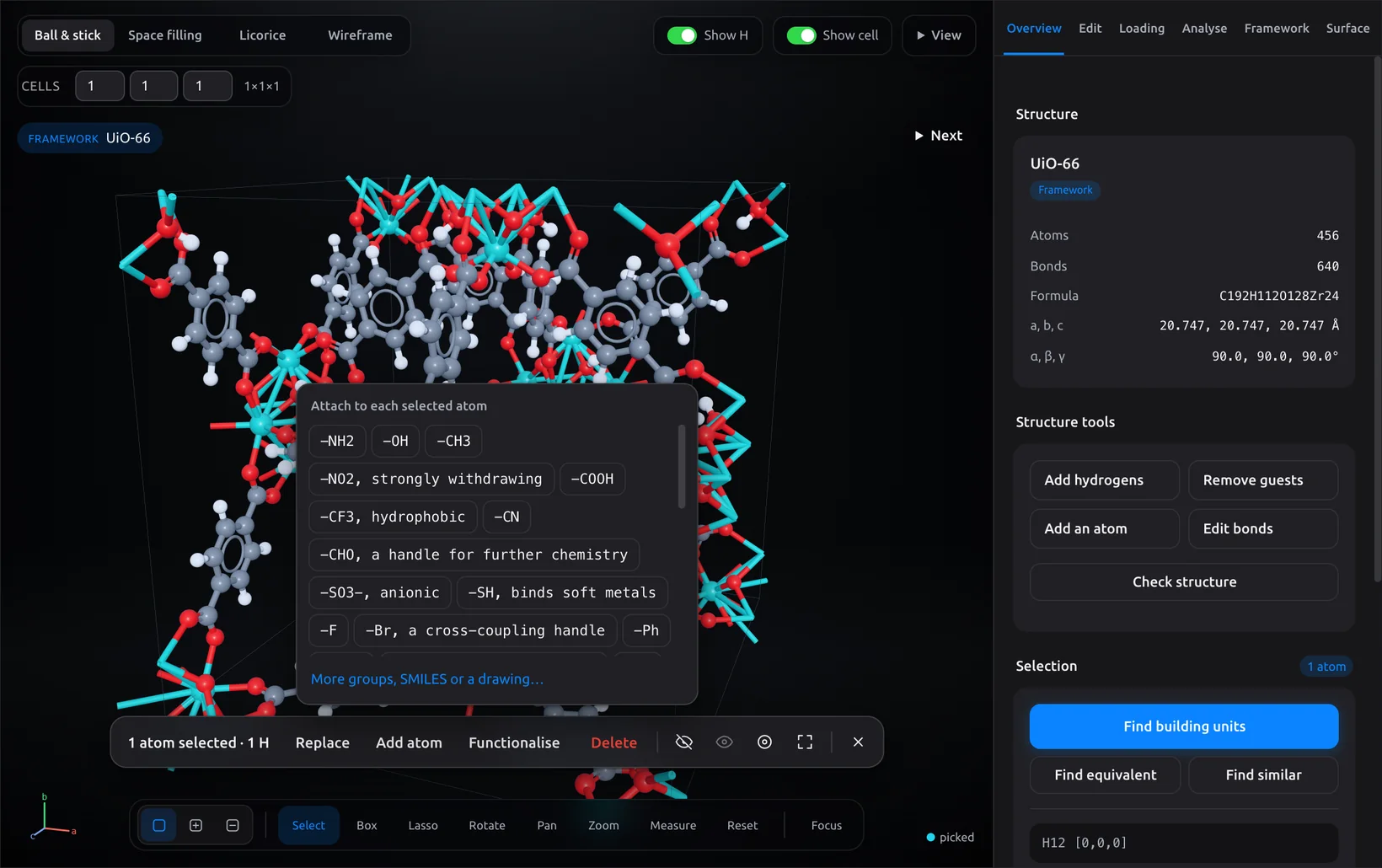
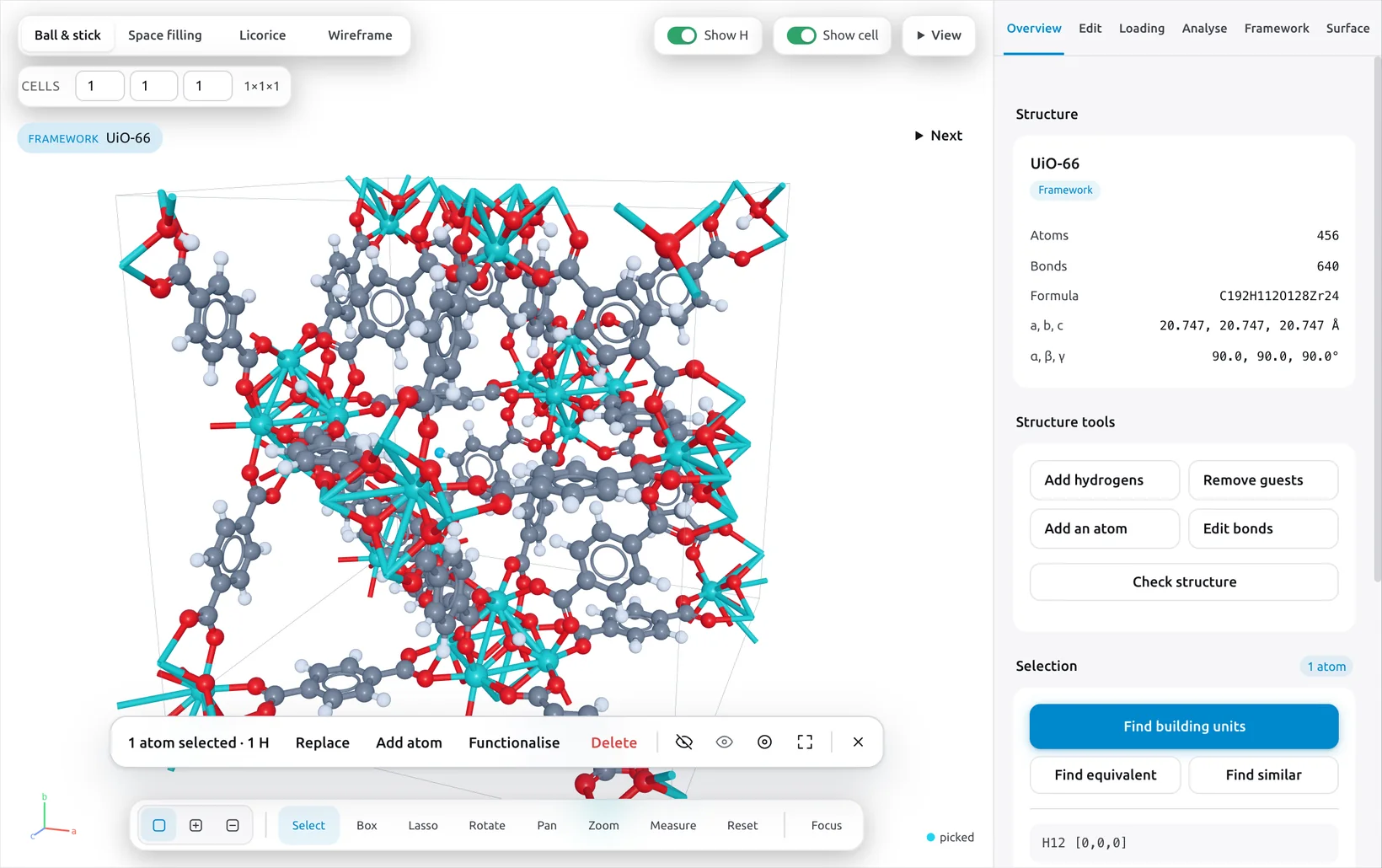
    Click the atom to replace, here a hydrogen on a linker; Shift-click adds more, and Find equivalent picks every site the symmetry says is the same. The bar...Click the atom to replace, here a hydrogen on a linker; Shift-click adds more, and Find equivalent picks every site the symmetry says is the same. The bar...
  2. The group is attached along the bond it replaces, here selected so it stands out, and the structure is relaxed around it unless you turn Relax after off. For a whole linker, use Edit → Substitution with a fragment from the library, SMILES or a drawing.
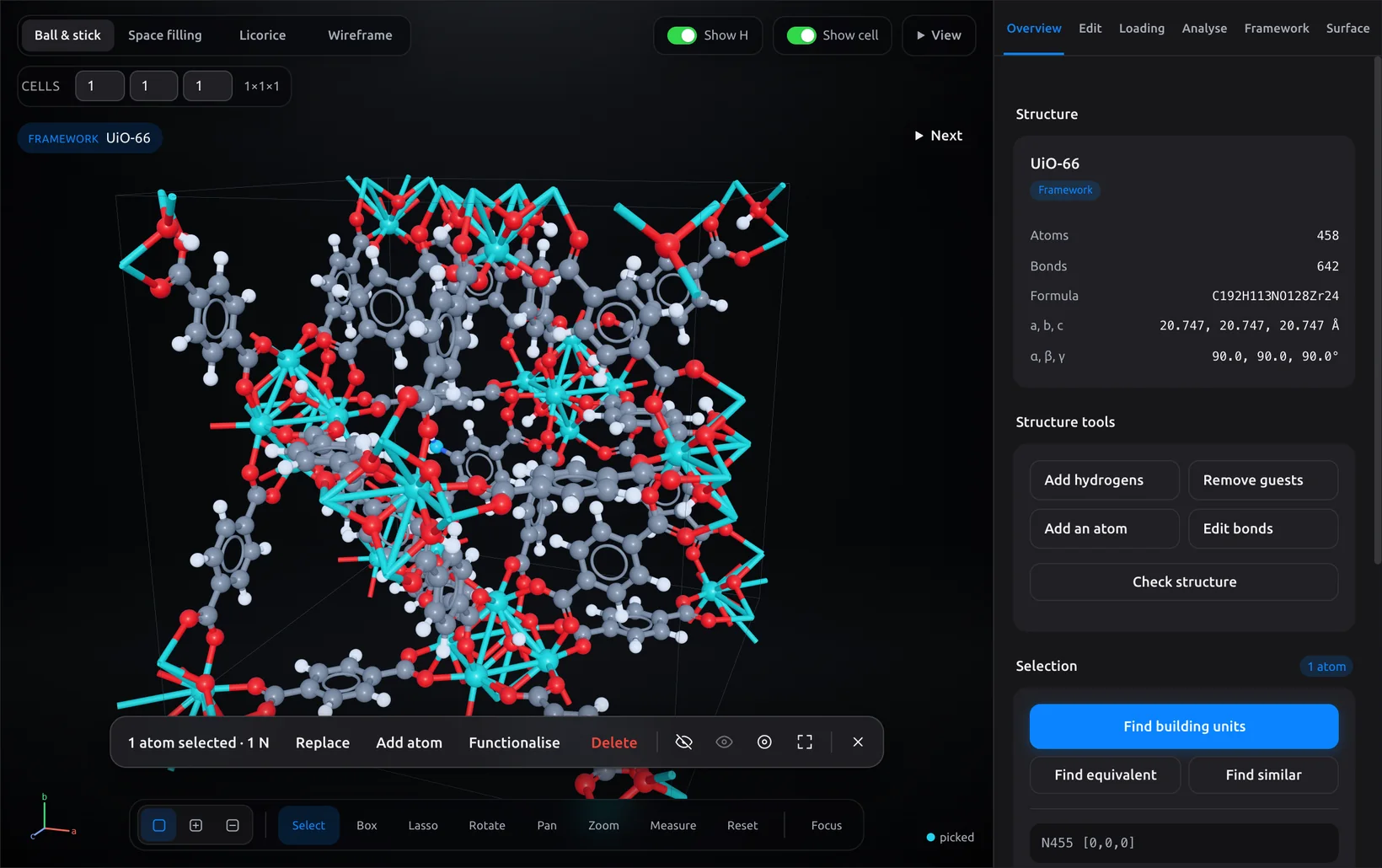
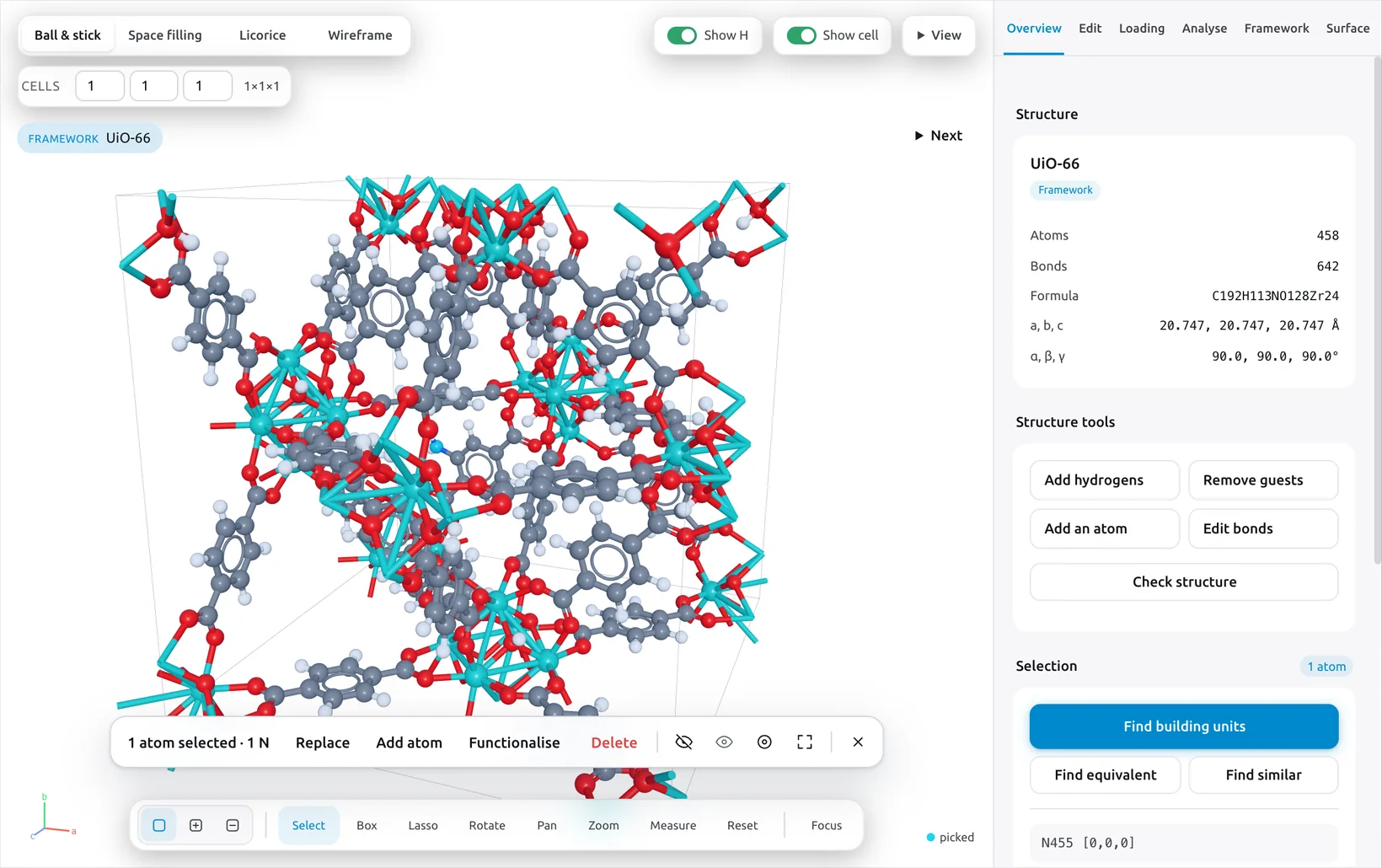
    The group is attached along the bond it replaces, here selected so it stands out, and the structure is relaxed around it unless you turn Relax after off. For a...The group is attached along the bond it replaces, here selected so it stands out, and the structure is relaxed around it unless you turn Relax after off. For a...