BUILD
An activated carbon model
A carbon annealed by molecular dynamics at the density you choose, with the surface groups your sample has.
In Build, choose Activated carbon. Set the density and the annealing temperature, or Match a datasheet by surface area or pore volume; the form shows what StructSub’s own models measured near those settings. Add surface groups, hydrogen and ash per gram, as a lab reports them, or start from a measured sample.
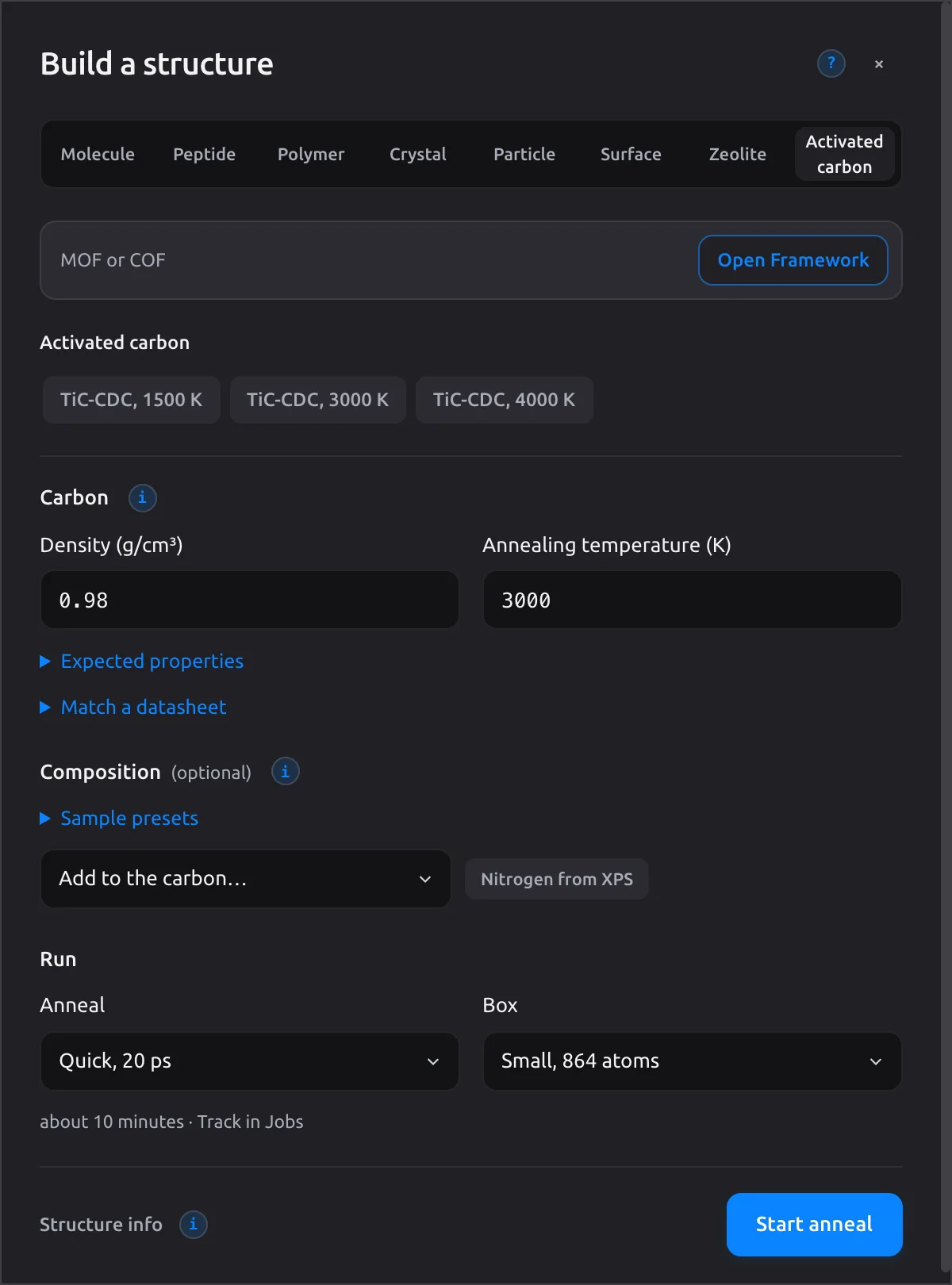
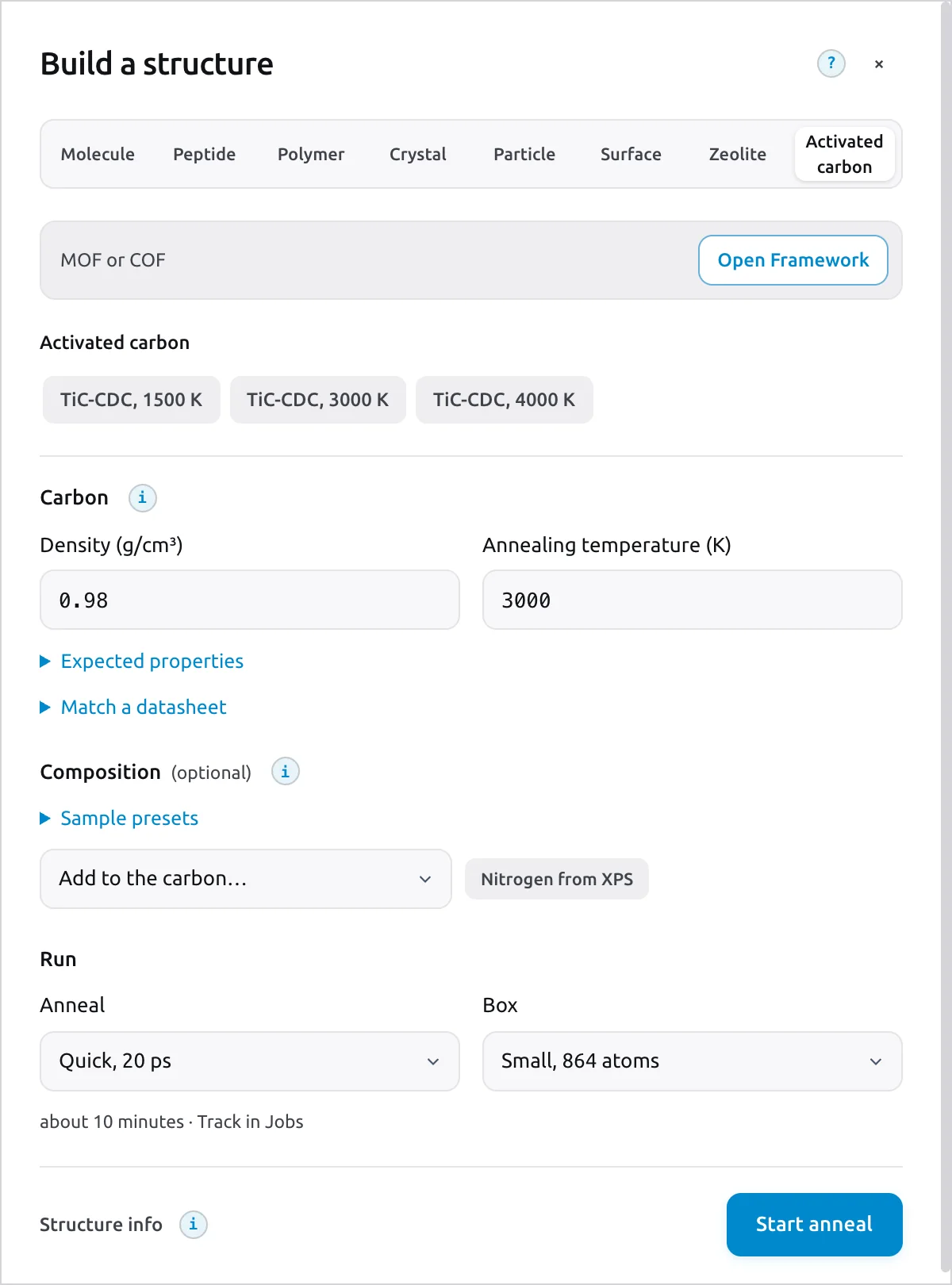
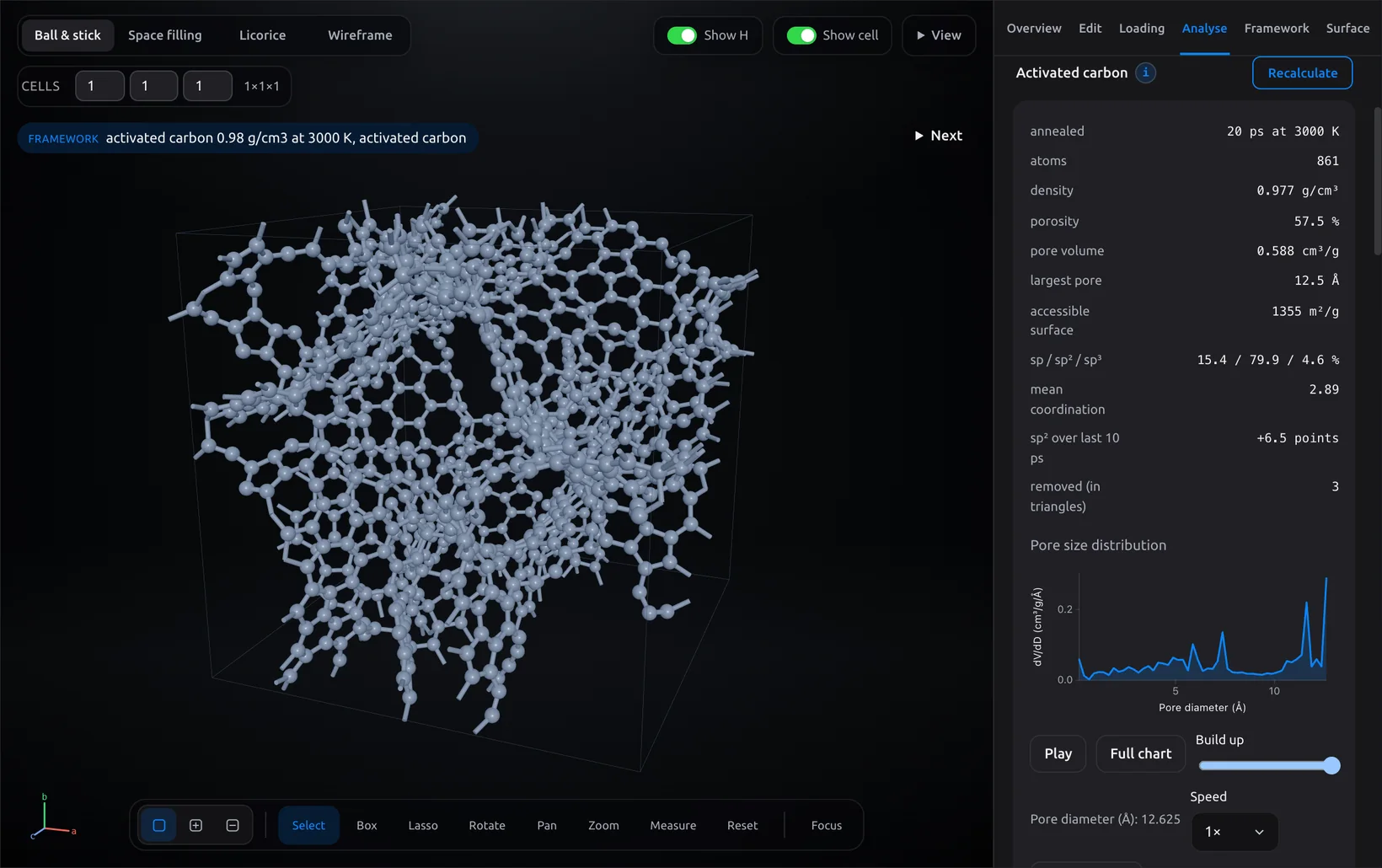
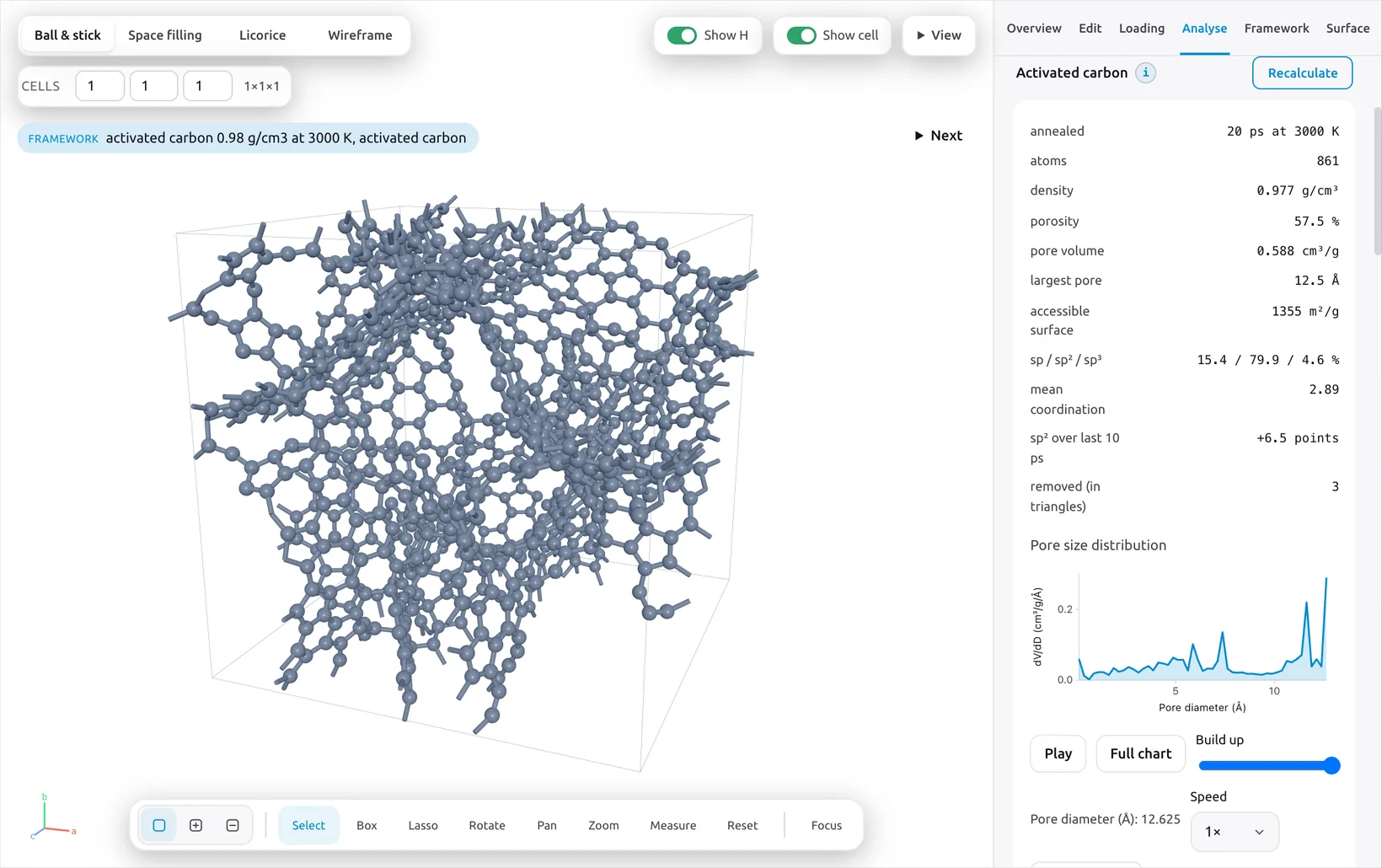
Press Start anneal; the form says how long it will take. The anneal runs in the background, listed under Jobs, so you can keep working. When it ends the model opens, and Analyse reports its hybridisation, rings, surface area and pore sizes. It is then a host like any framework.