Skip to the content
FRAMEWORKS

Design a MOF from its building units

MOF-5 from scratch: a Zn4O node from the library, terephthalic acid as SMILES, and the nets they fit.

  1. Open Framework → Framework builder. Open Metal SBU library, type a motif, a metal salt or a framework name (Zn4O) and click a node to add it. Type the linker’s SMILES and press Add: its connection points are found from the carboxylic acids.
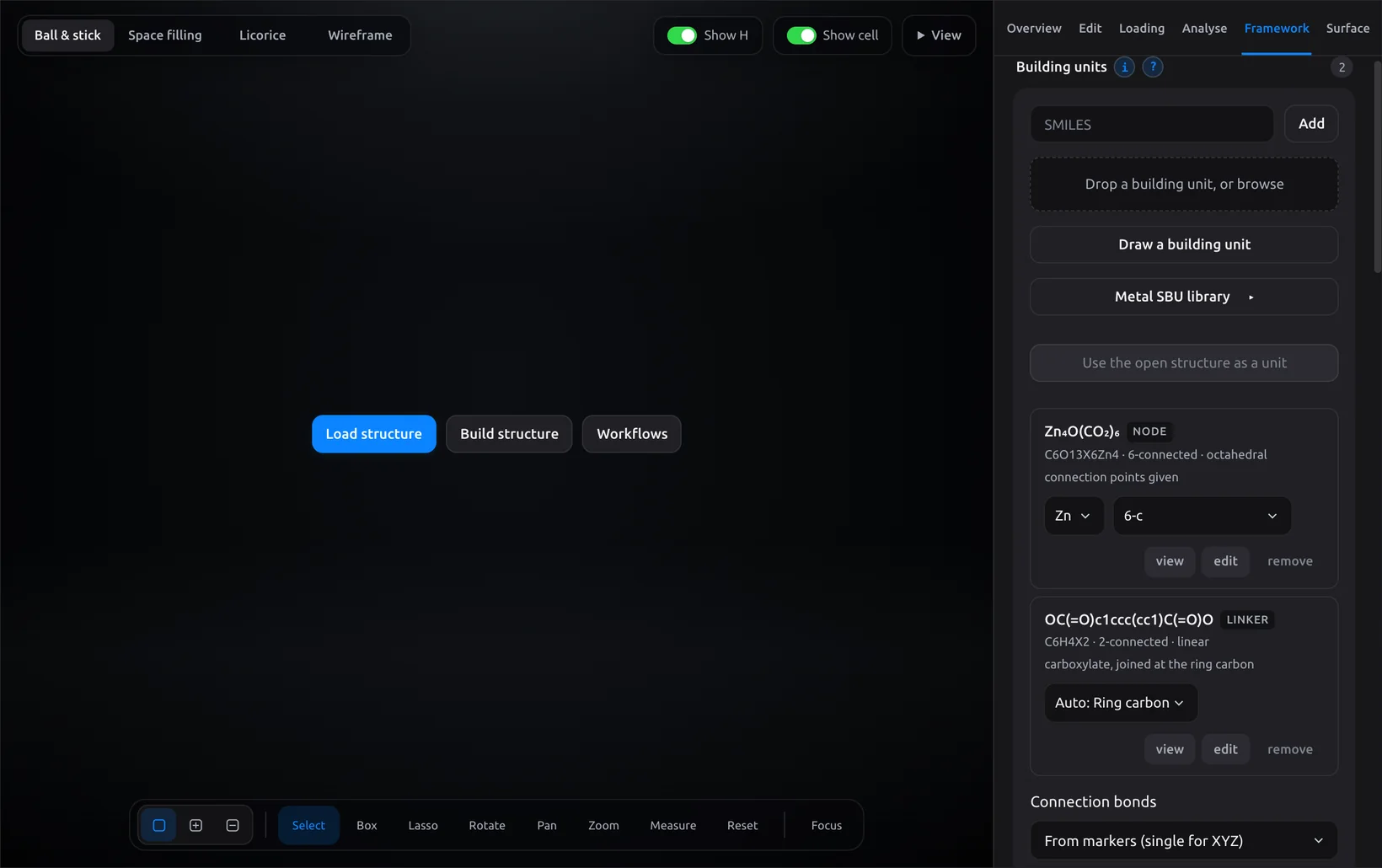
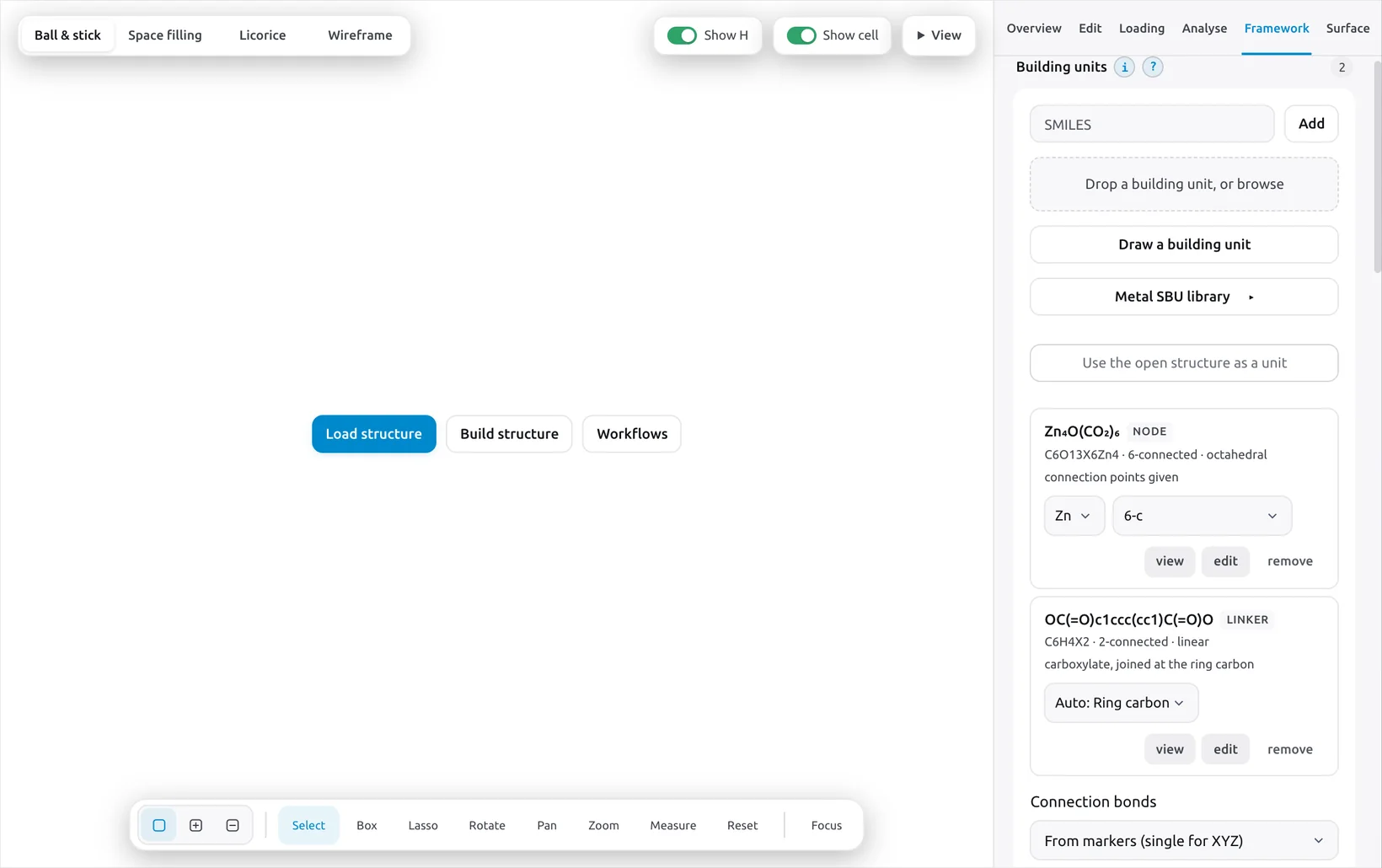
    Open Framework → Framework builder. Open Metal SBU library, type a motif, a metal salt or a framework name (Zn4O) and click a node to add it. Type the linker’s...Open Framework → Framework builder. Open Metal SBU library, type a motif, a metal salt or a framework name (Zn4O) and click a node to add it. Type the linker’s...
  2. Press Find compatible topologies. The nets from the RCSR library that fit the units’ connection counts are ranked by how well the angles match, and each is built in the background; its Build button turns on only if it built and checked out.
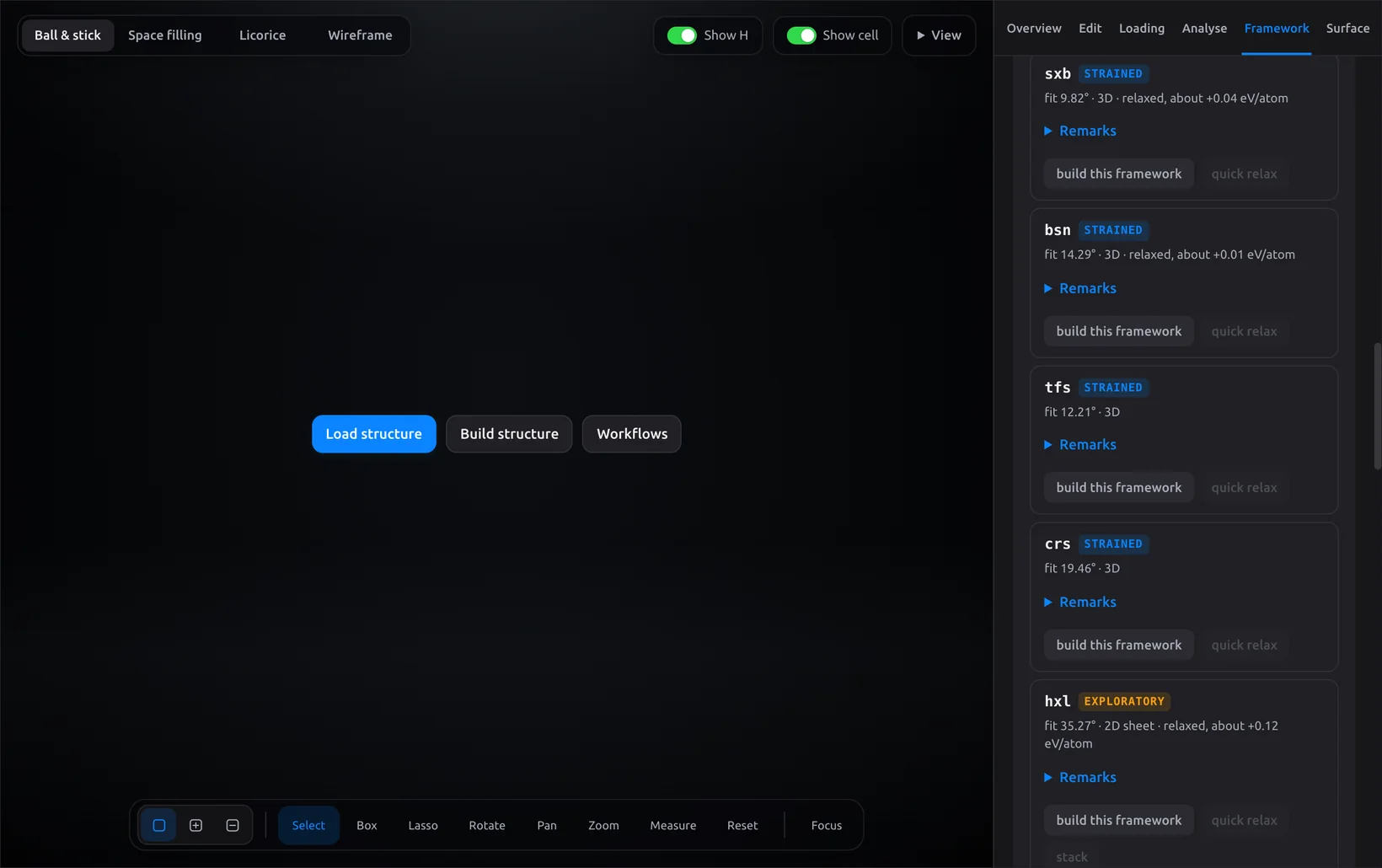
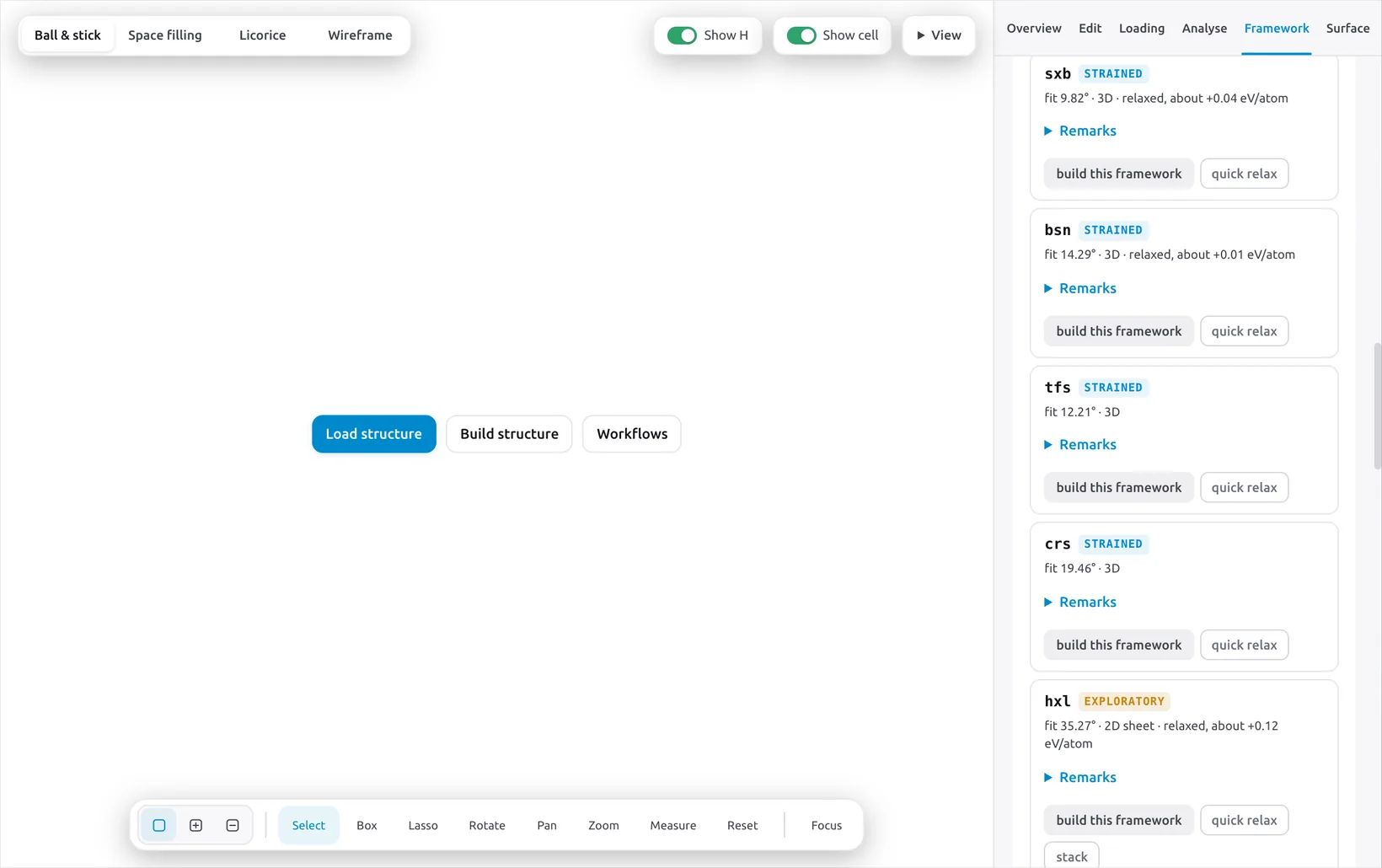
    Press Find compatible topologies. The nets from the RCSR library that fit the units’ connection counts are ranked by how well the angles match, and each is...Press Find compatible topologies. The nets from the RCSR library that fit the units’ connection counts are ranked by how well the angles match, and each is...
  3. Press Build on the best net, here pcu. The framework opens with a report: whether the net that came back is the one asked for, unused connection points, overlaps and joint lengths. Press Quick relax before using it.
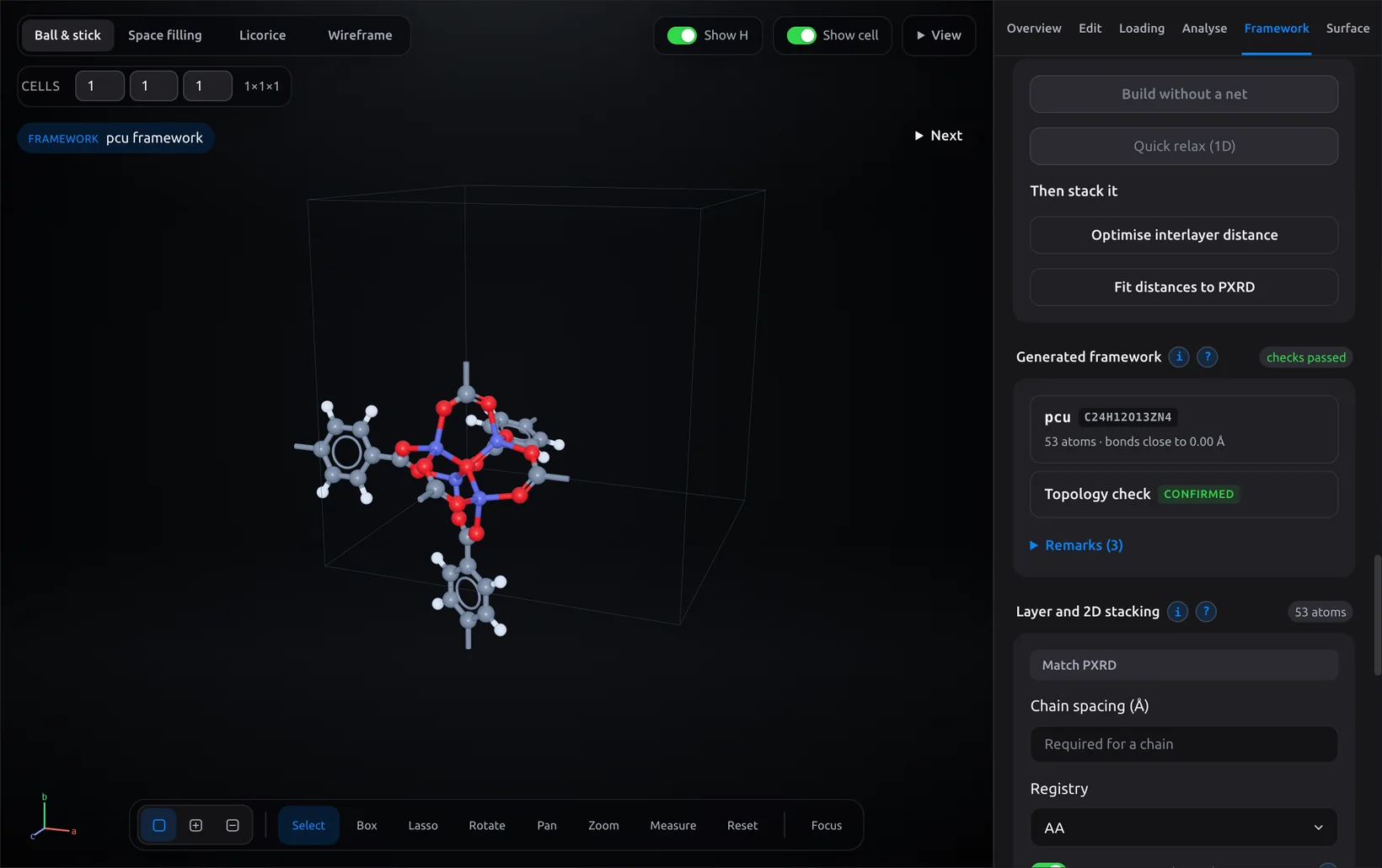
    Press Build on the best net, here pcu. The framework opens with a report: whether the net that came back is the one asked for, unused connection points...Press Build on the best net, here pcu. The framework opens with a report: whether the net that came back is the one asked for, unused connection points...