Skip to the content
KEEP YOUR RESULTS

Export a structure, a picture, a movie or a report

One Export for everything that leaves the workspace.

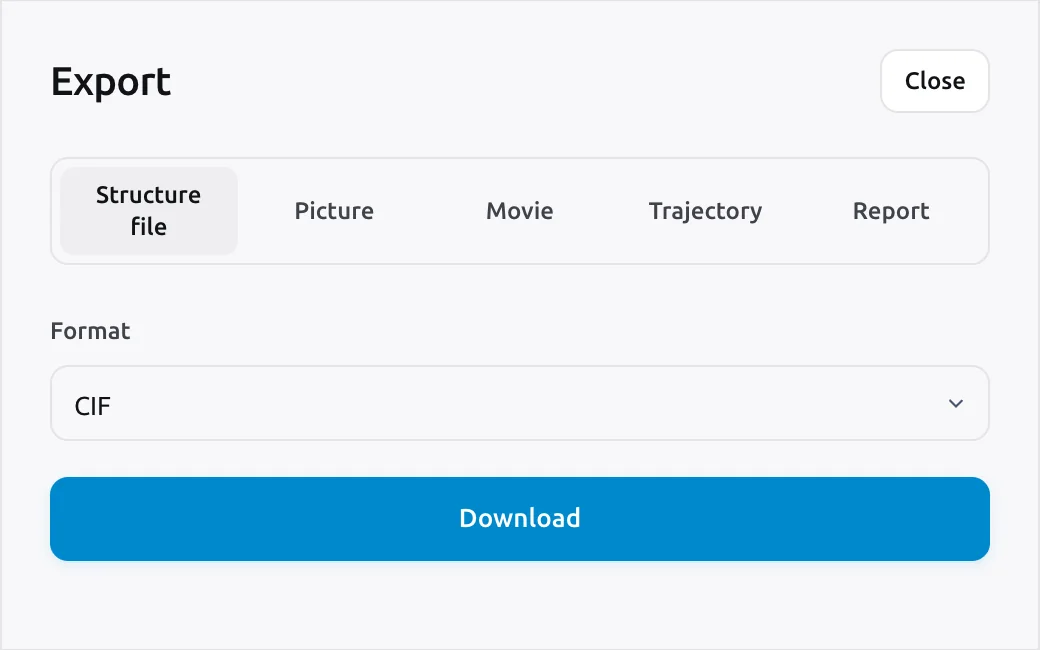
  1. Press Export. Structure writes the file in the format you choose: CIF, XYZ, extended XYZ, PDB, POSCAR, a force-field deck for GULP or LAMMPS, and more, with bonds and charges kept where the format can hold them.
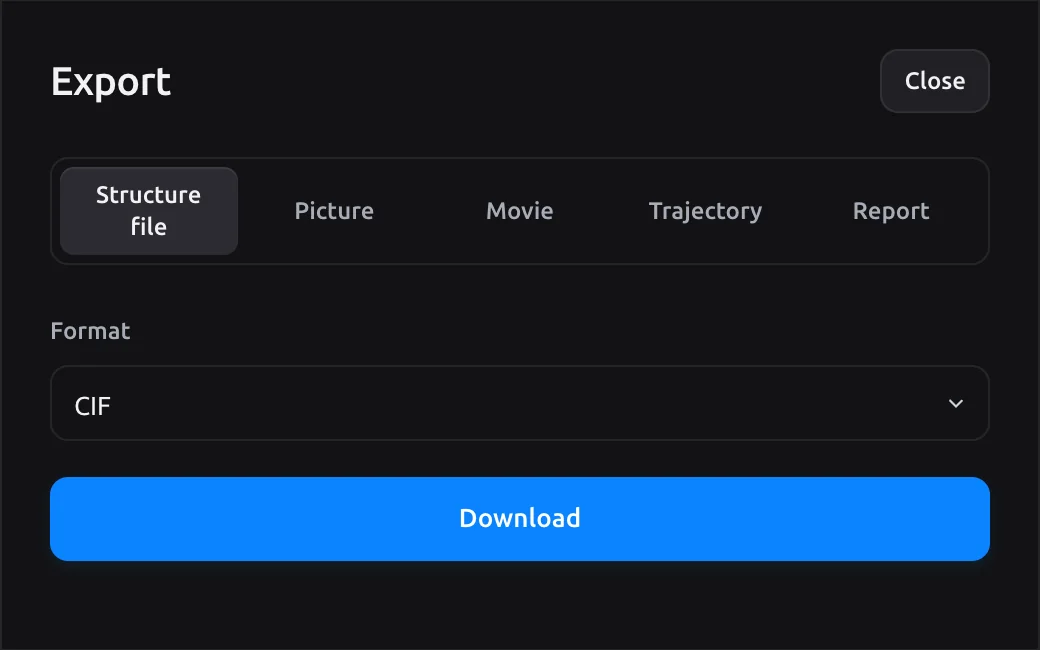
    Press Export. Structure writes the file in the format you choose: CIF, XYZ, extended XYZ, PDB, POSCAR, a force-field deck for GULP or LAMMPS, and more, with...Press Export. Structure writes the file in the format you choose: CIF, XYZ, extended XYZ, PDB, POSCAR, a force-field deck for GULP or LAMMPS, and more, with...
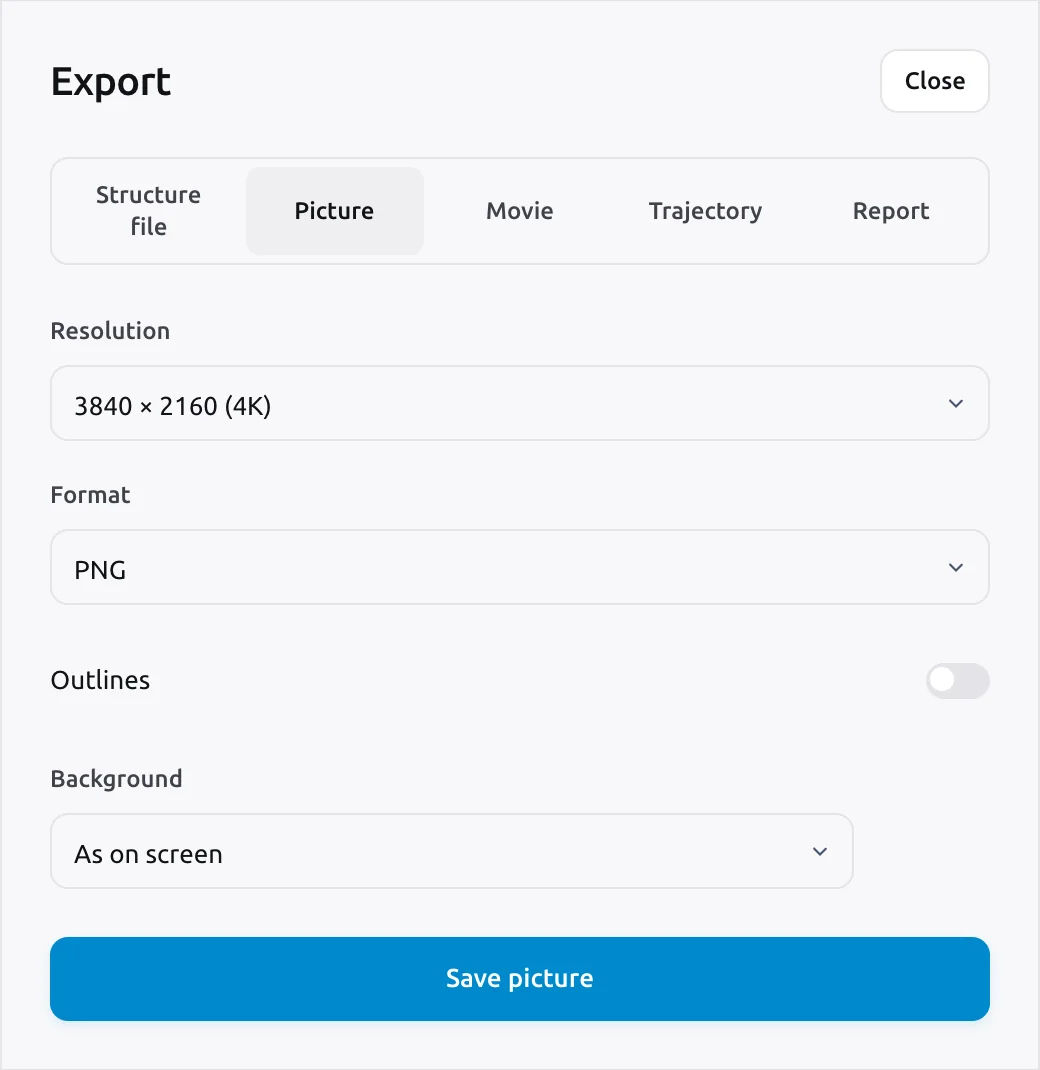
  2. Picture saves the view as PNG, JPEG or WebP at the size you set, on a transparent background if you like and with outlines for print.
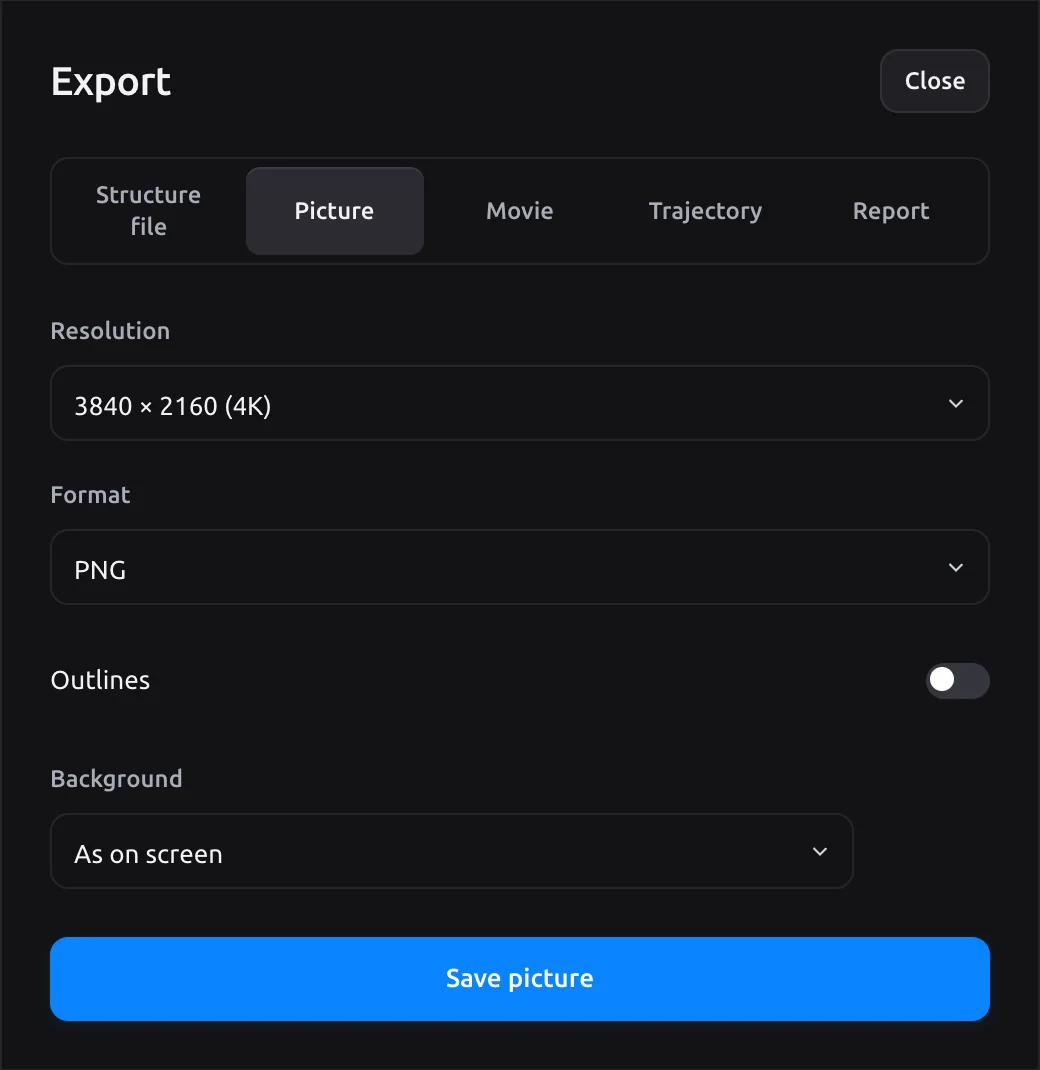
    Picture saves the view as PNG, JPEG or WebP at the size you set, on a transparent background if you like and with outlines for print.Picture saves the view as PNG, JPEG or WebP at the size you set, on a transparent background if you like and with outlines for print.
  3. Movie records the structure turning, or a result such as a powder pattern building up, as MP4 or animated WebP. Trajectory saves the frames of a run.
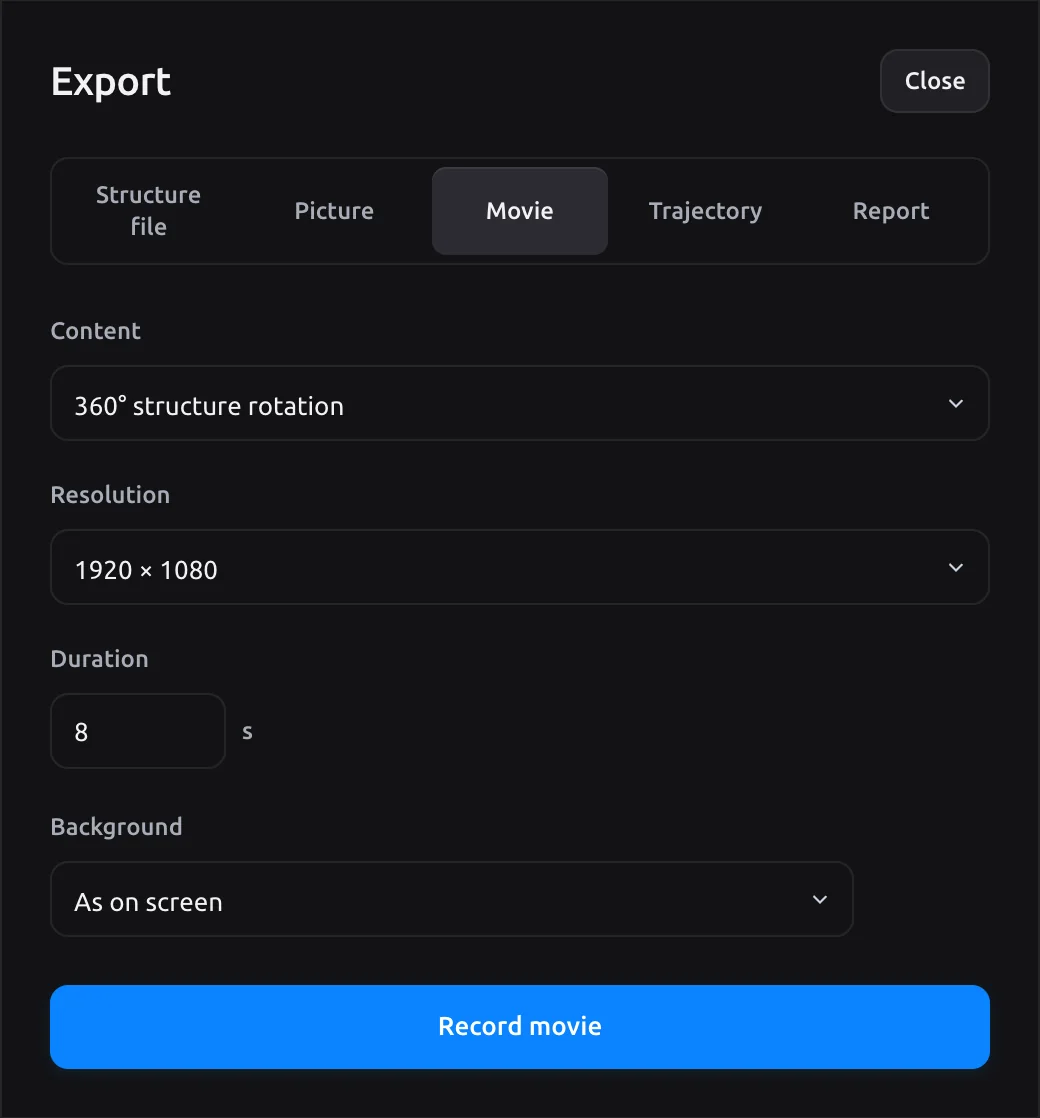
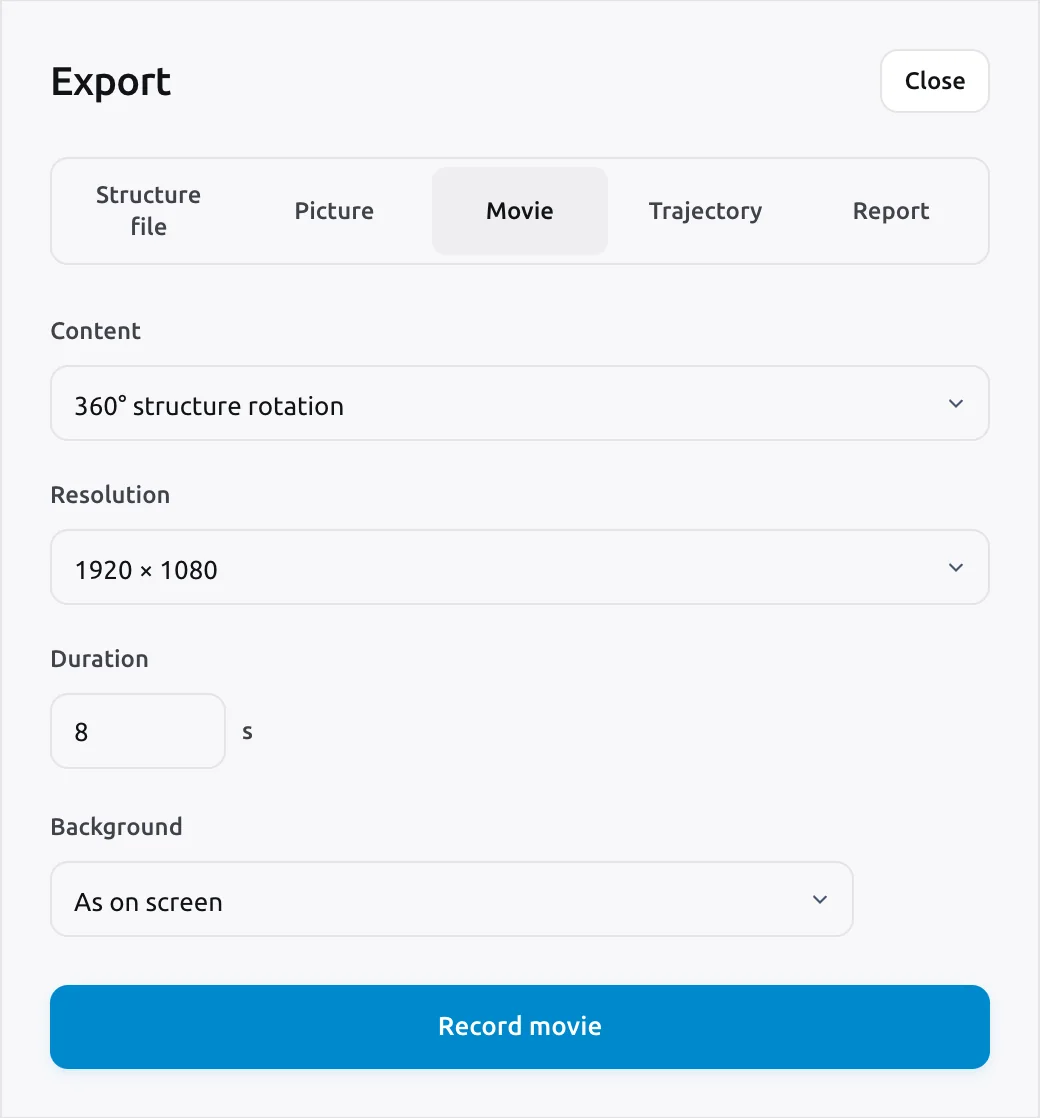
    Movie records the structure turning, or a result such as a powder pattern building up, as MP4 or animated WebP. Trajectory saves the frames of a run.Movie records the structure turning, or a result such as a powder pattern building up, as MP4 or animated WebP. Trajectory saves the frames of a run.
  4. Report writes up everything calculated in the window: where the structure came from, each step as a methods section with its models named and cited, the results and their limits, as Word, a LaTeX folder or text, with every reference checked.
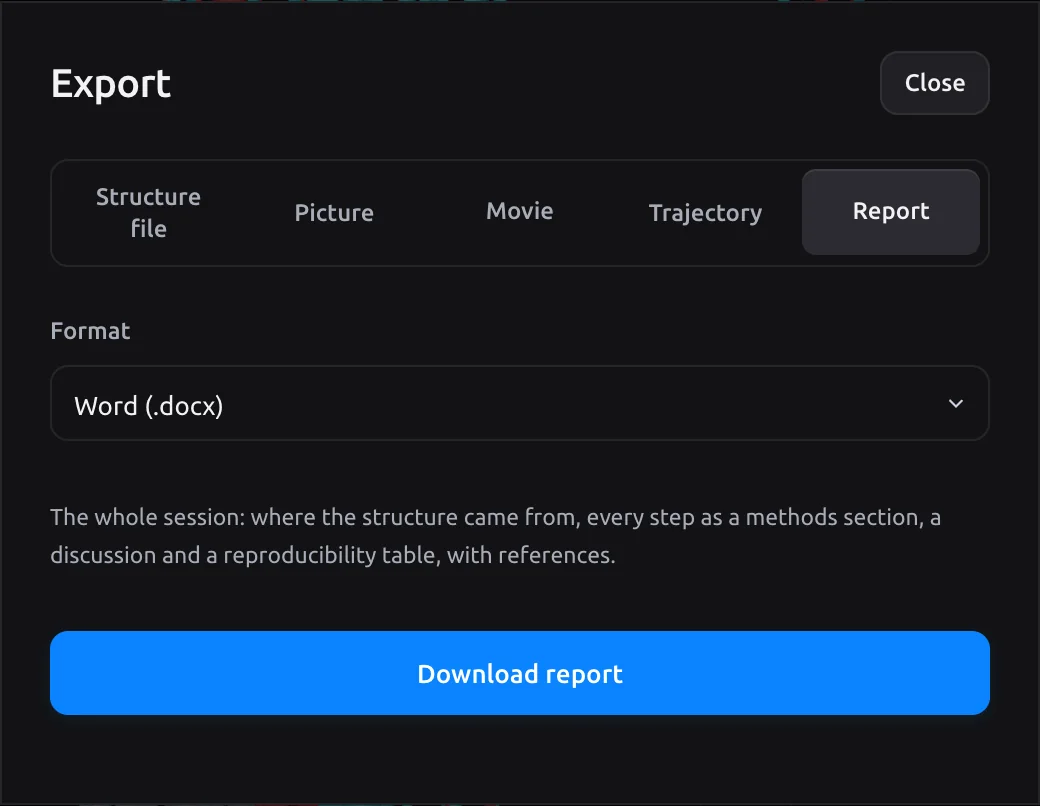
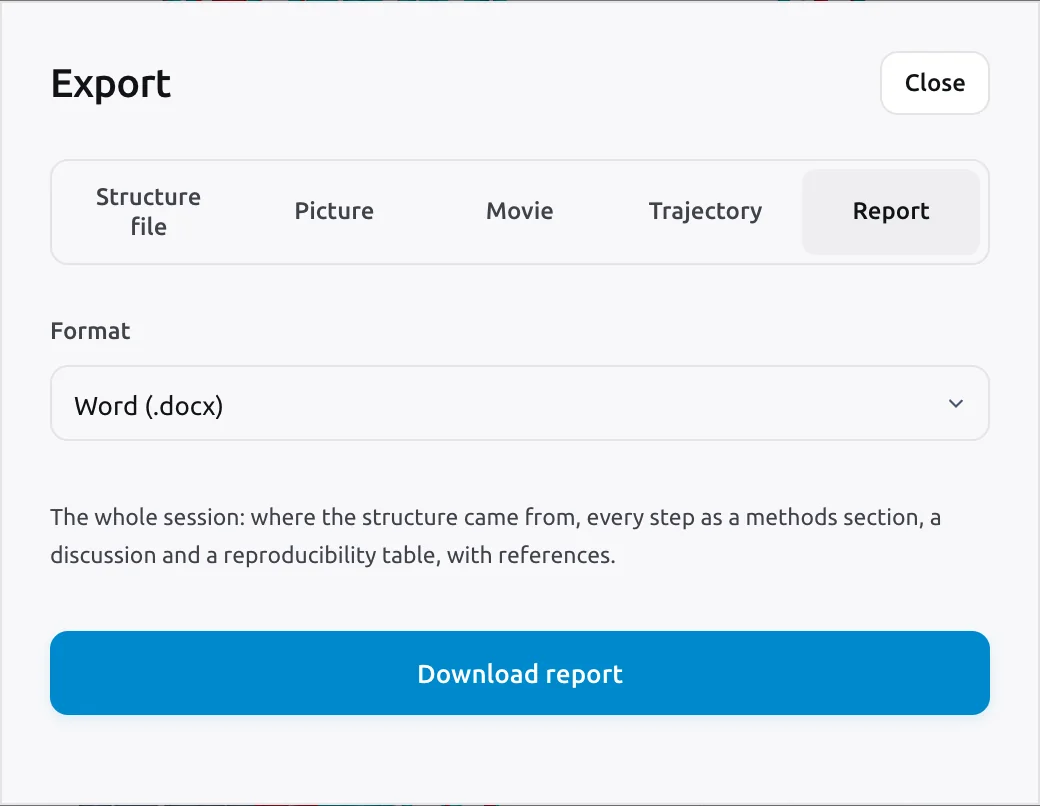
    Report writes up everything calculated in the window: where the structure came from, each step as a methods section with its models named and cited, the...Report writes up everything calculated in the window: where the structure came from, each step as a methods section with its models named and cited, the...