Skip to the content
EDIT

Optimise a geometry

Relax a structure with a force field or a machine-learned potential, and read whether it converged.

  1. Open Edit → Geometry optimisation. Automatic chooses the engine for the structure: UFF4MOF for a framework, MMFF or UFF for a molecule, AMBER for a protein. Tick Optimise lattice to let the cell change with the atoms, then press Optimise geometry.
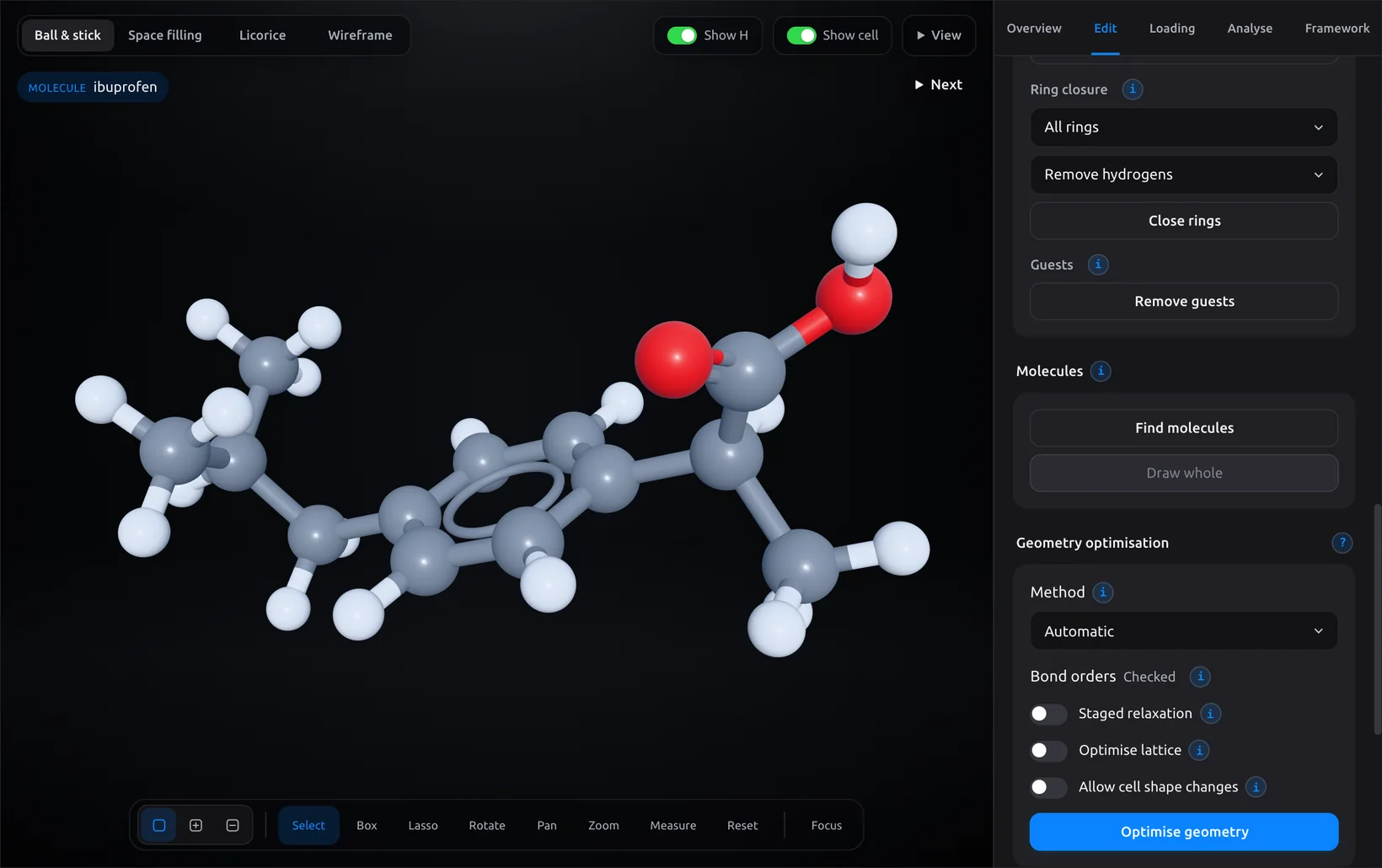
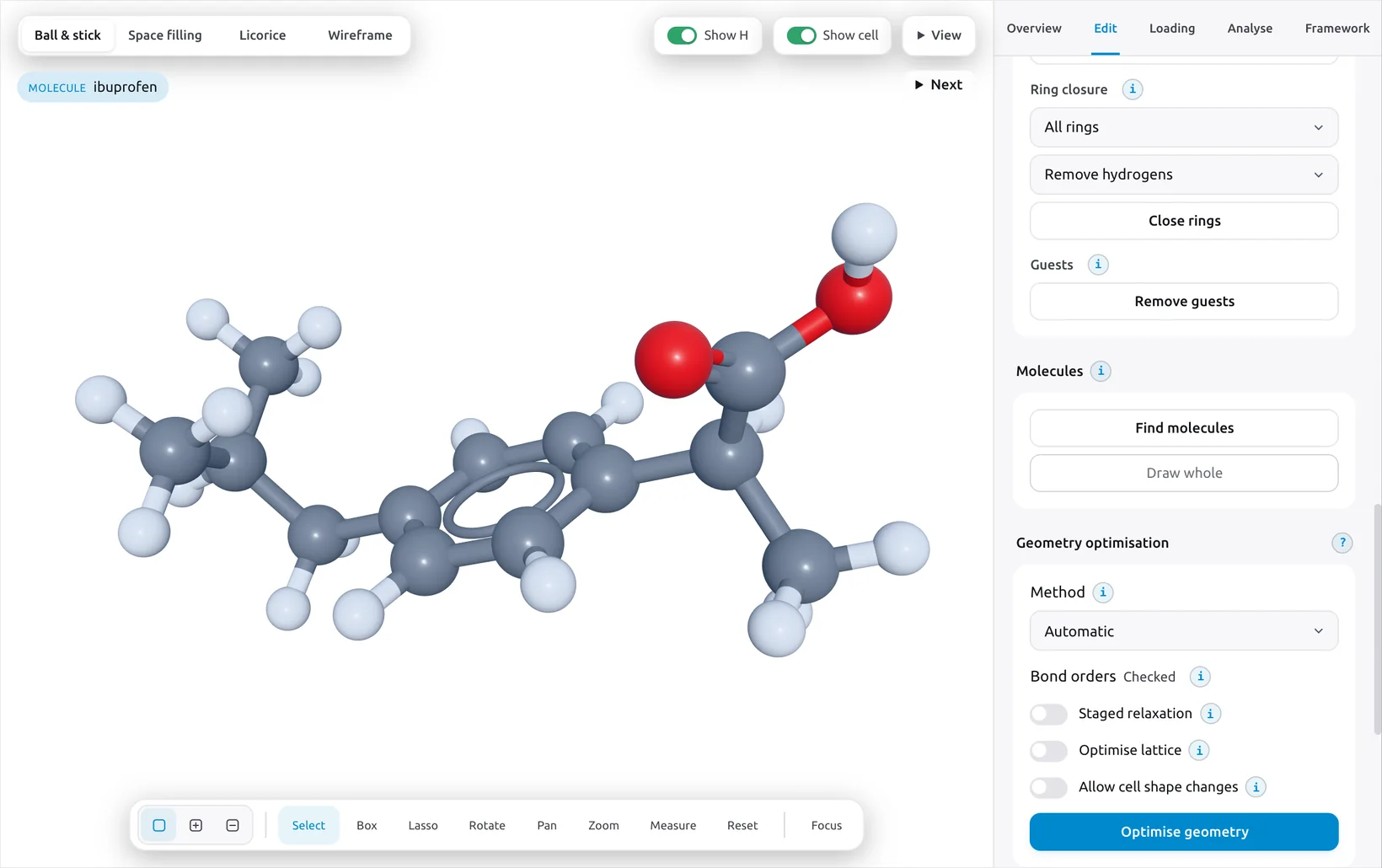
    Open Edit → Geometry optimisation. Automatic chooses the engine for the structure: UFF4MOF for a framework, MMFF or UFF for a molecule, AMBER for a protein....Open Edit → Geometry optimisation. Automatic chooses the engine for the structure: UFF4MOF for a framework, MMFF or UFF for a molecule, AMBER for a protein....
  2. The optimised structure replaces the one you had, as one step you can undo. The report gives the engine, the energy, the largest force left and whether it converged; read it before using the result, and export the steps and forces under Export data.
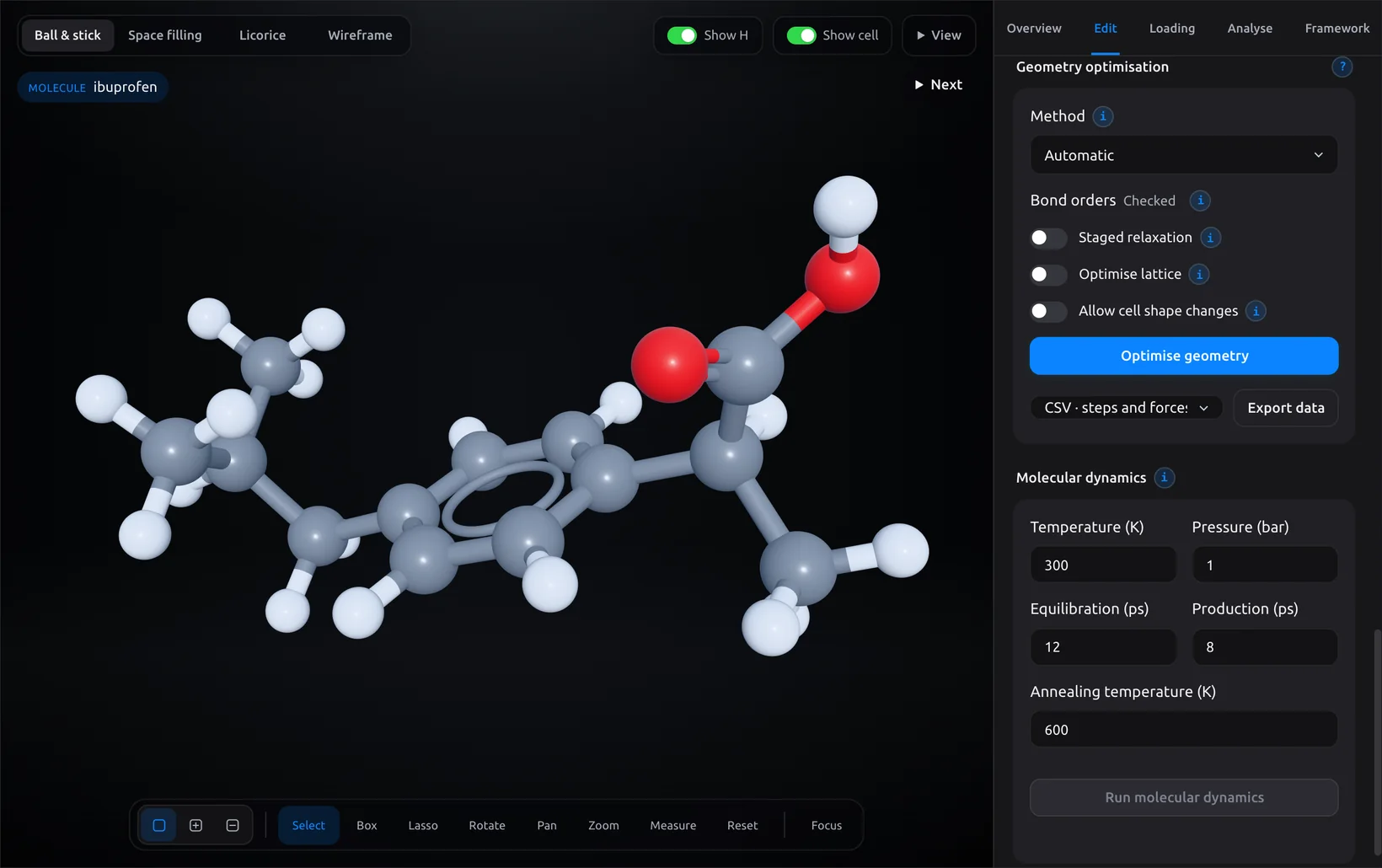
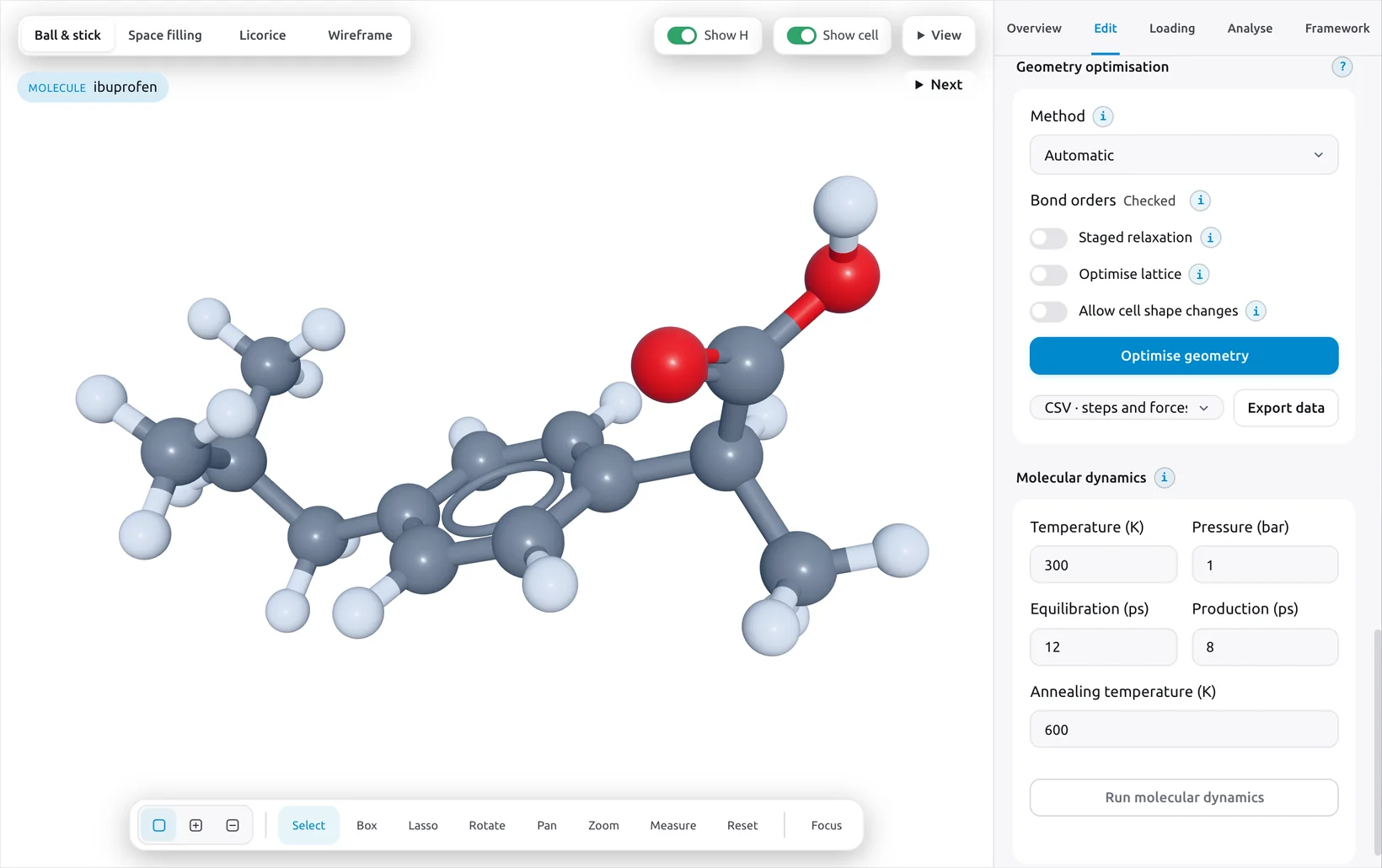
    The optimised structure replaces the one you had, as one step you can undo. The report gives the engine, the energy, the largest force left and whether it...The optimised structure replaces the one you had, as one step you can undo. The report gives the engine, the energy, the largest force left and whether it...