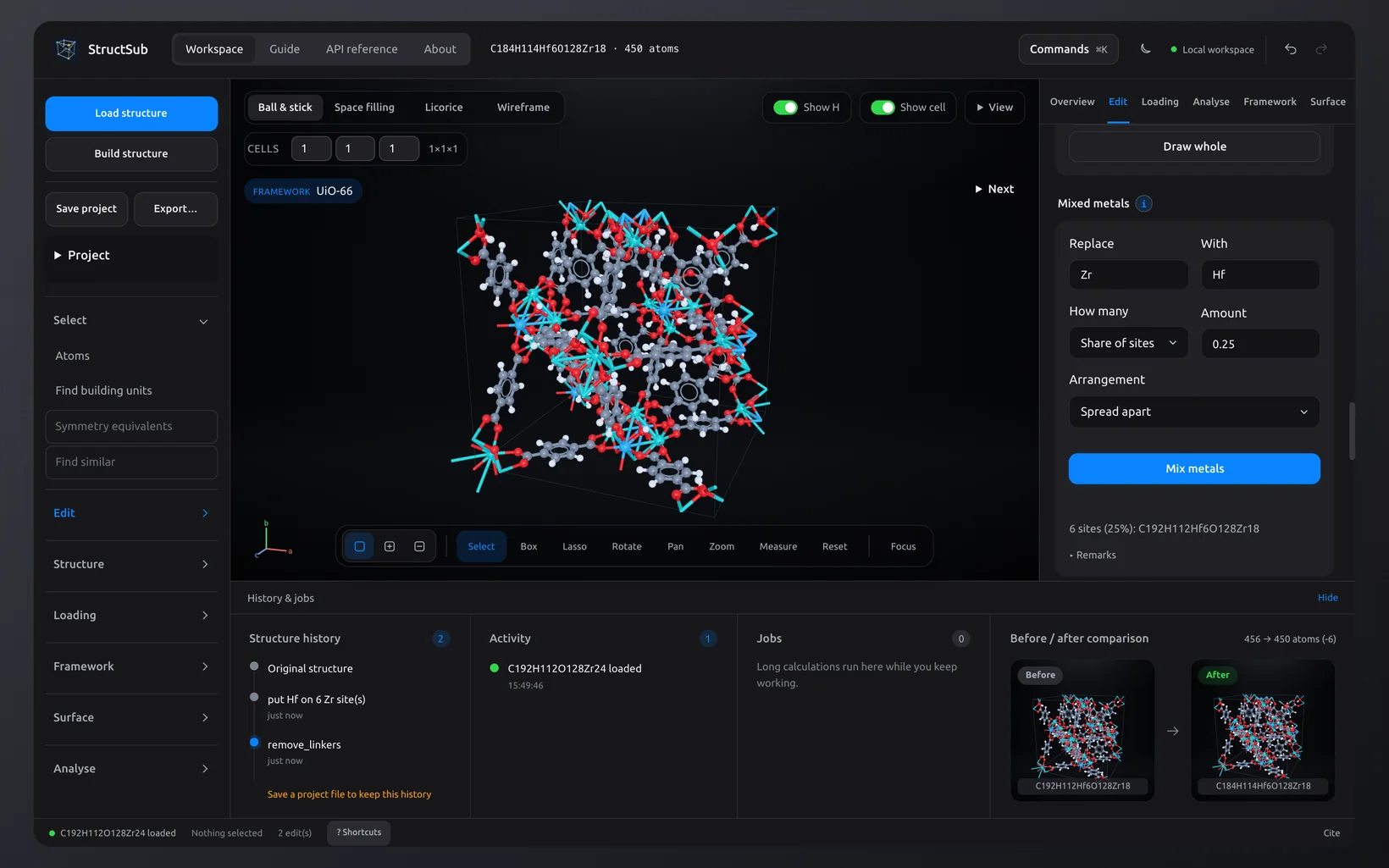
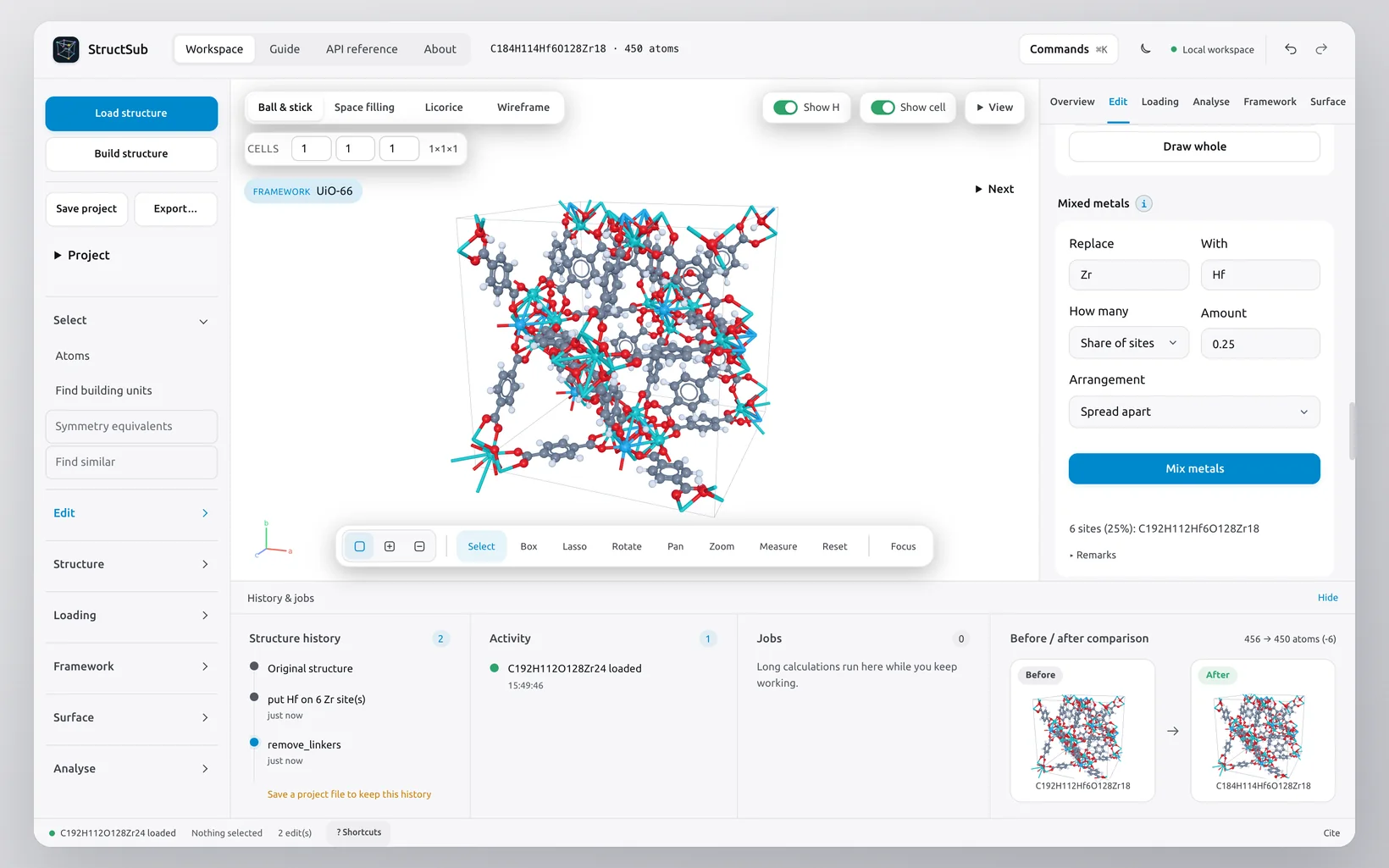
GETTING AROUND
Undo, redo and the history of edits
Every change is a step you can go back to, listed with what it did.
Each edit is one step: Undo and Redo beside Commands, or Ctrl/Cmd+Z and Ctrl/Cmd+Shift+Z. History & jobs, at the foot of the window, lists the steps with what each did; click one to go back to it. A saved project keeps the whole history.